
Ai1 app
Ai1 Tasks

Tasks from email, chat and meetings in one list, followed up until each one is done.
See it working
Follow one request from start to finish, for a fictional software company. The screens are from the app, filled with demo data, so you can see exactly what you would review.
Guided walkthrough
Six steps. Tap any screen to see it full size.
Step 1
The product owner at a fictional software company types one request: “The contact form isn’t sending on mobile.” They can ask in chat or post it in Slack.
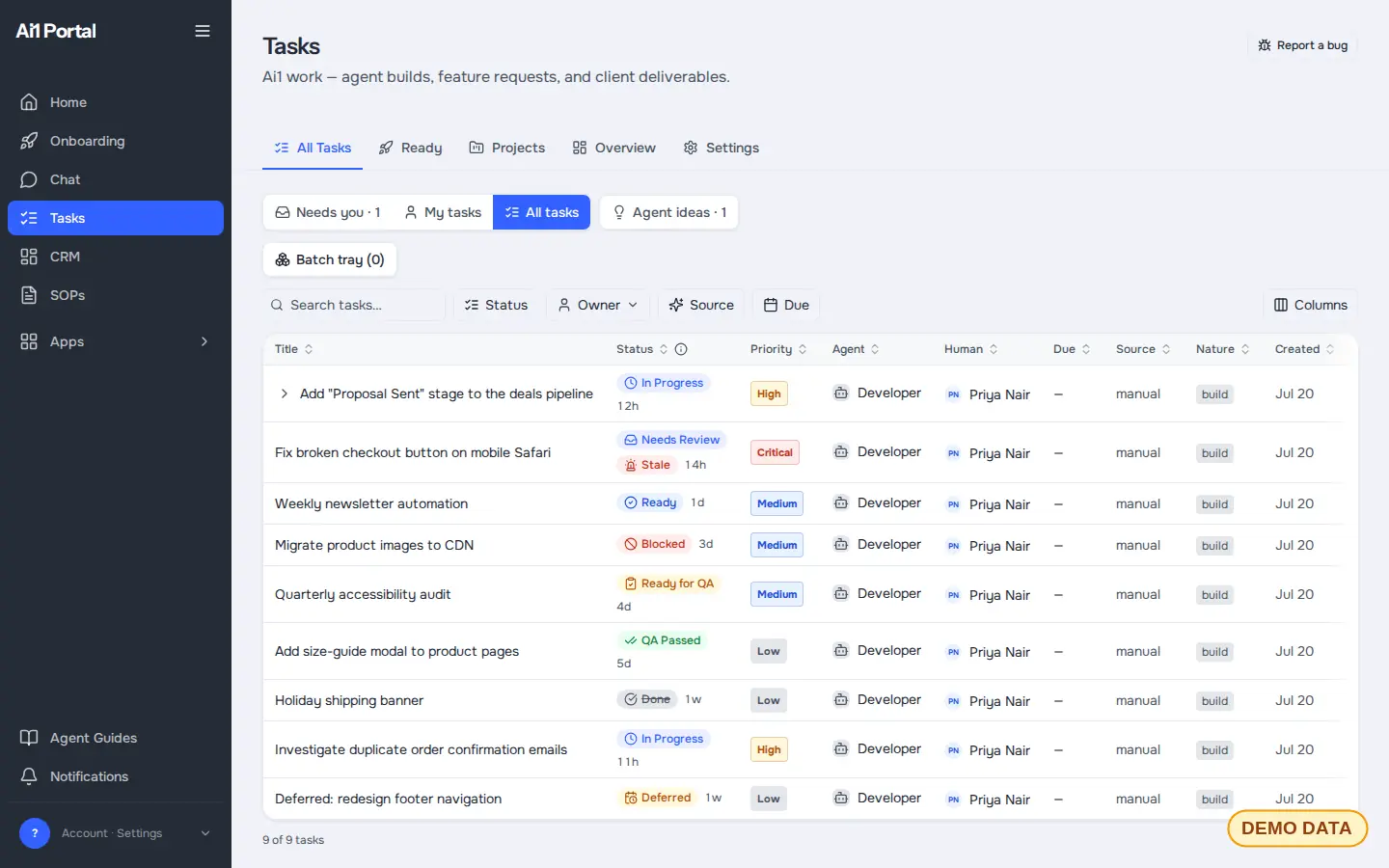
Step 2
The Project Manager breaks the request into steps and sends each piece to your developer agent with the page, screenshots and clear instructions, not a bare task title.
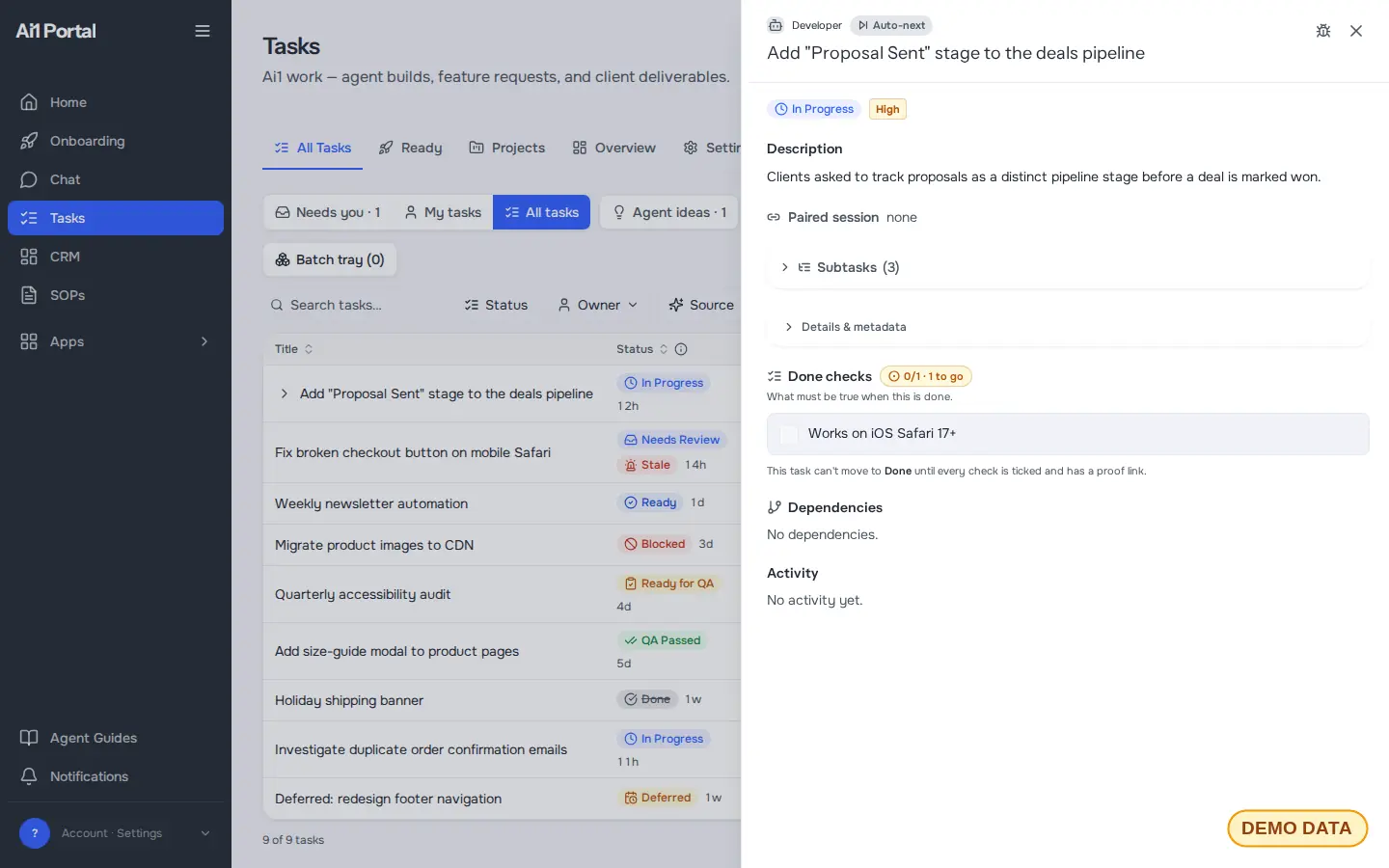
Step 3
The developer agent builds the fix and a tester agent checks it against the expected behaviour. Anything that fails goes straight back for another pass, then it is tested again.
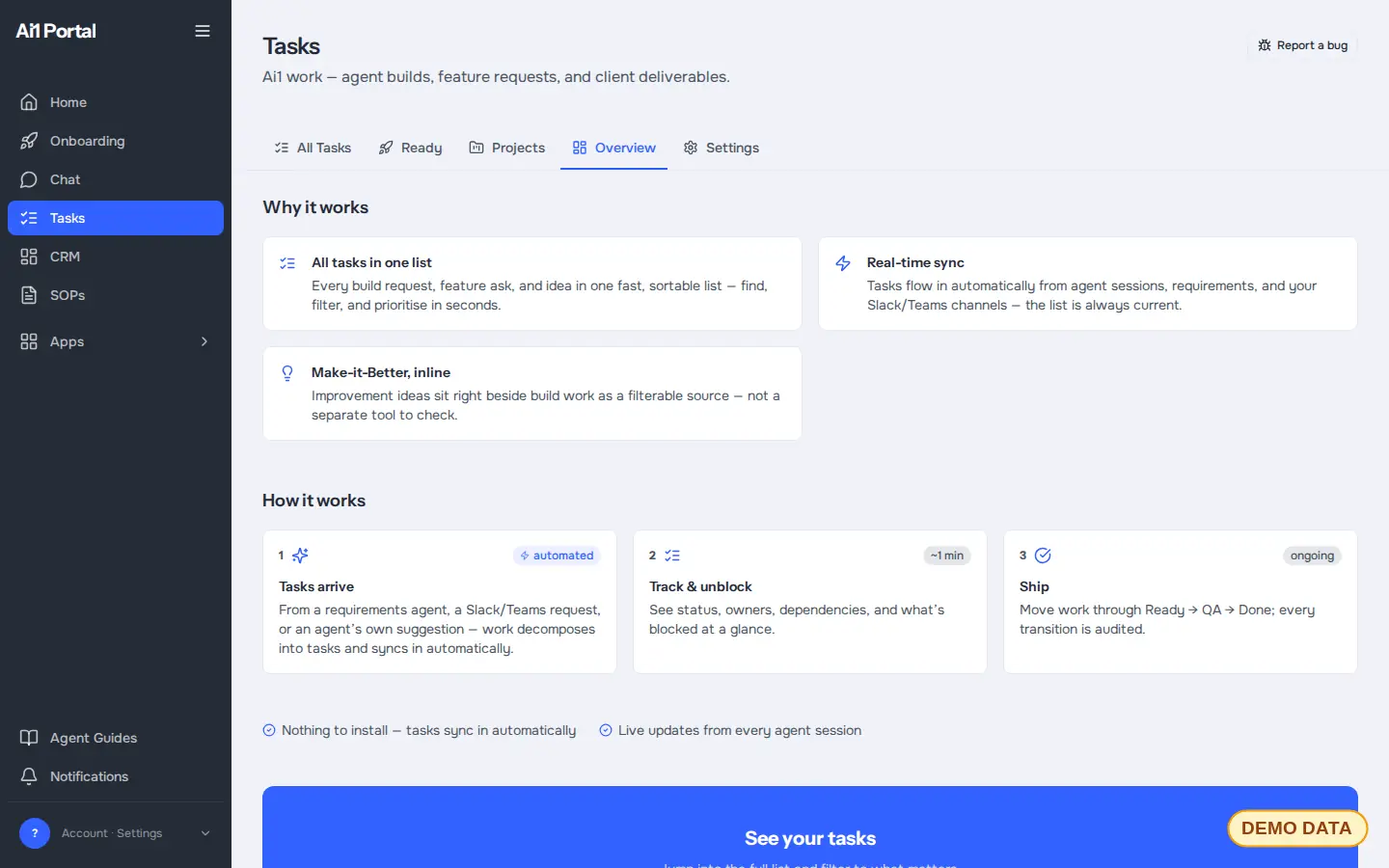
Step 4
Nothing is committed until the work is tested and you have seen the result. Questions that need you wait in one place, and a live deploy always waits for your go-ahead.
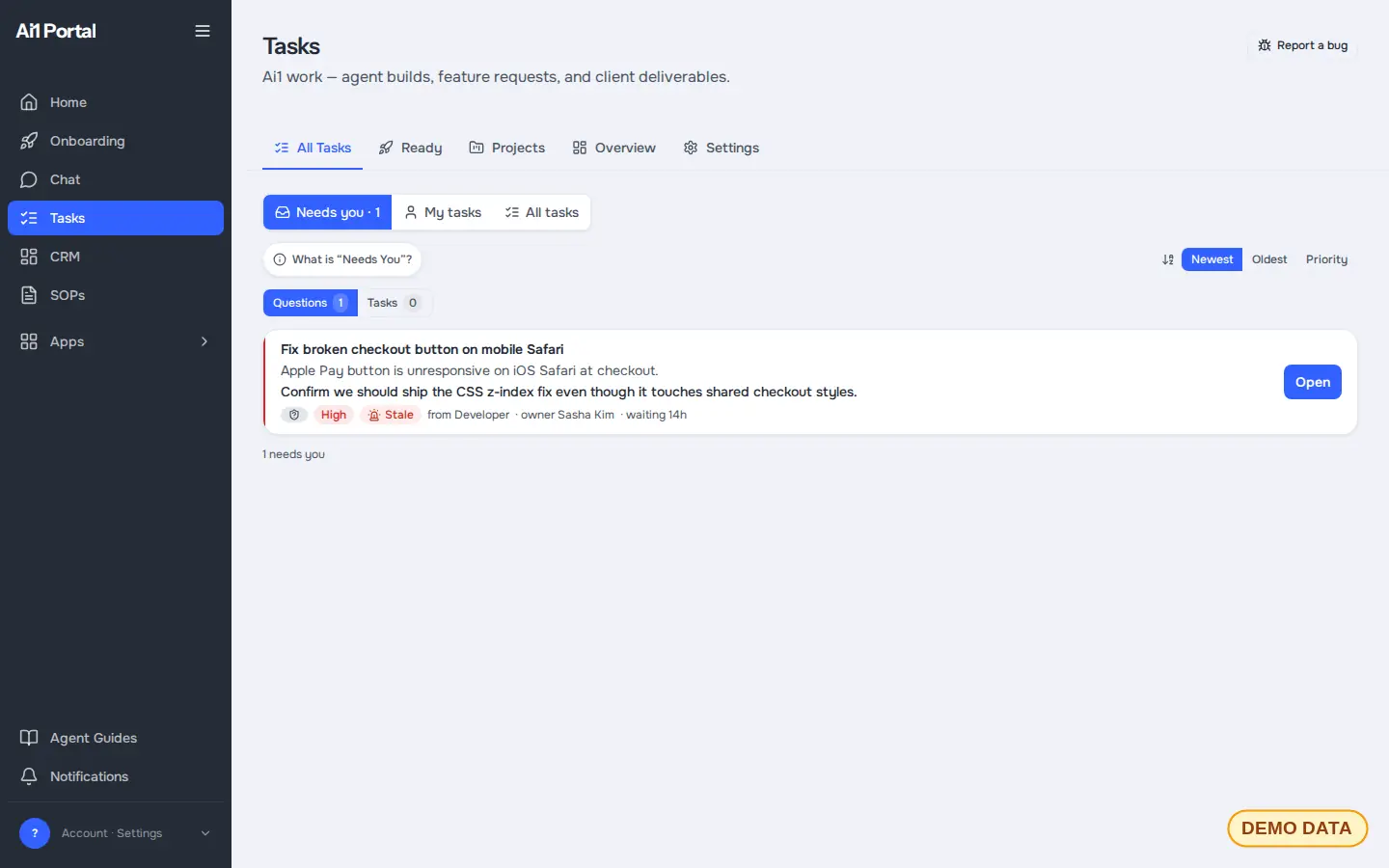
Step 5
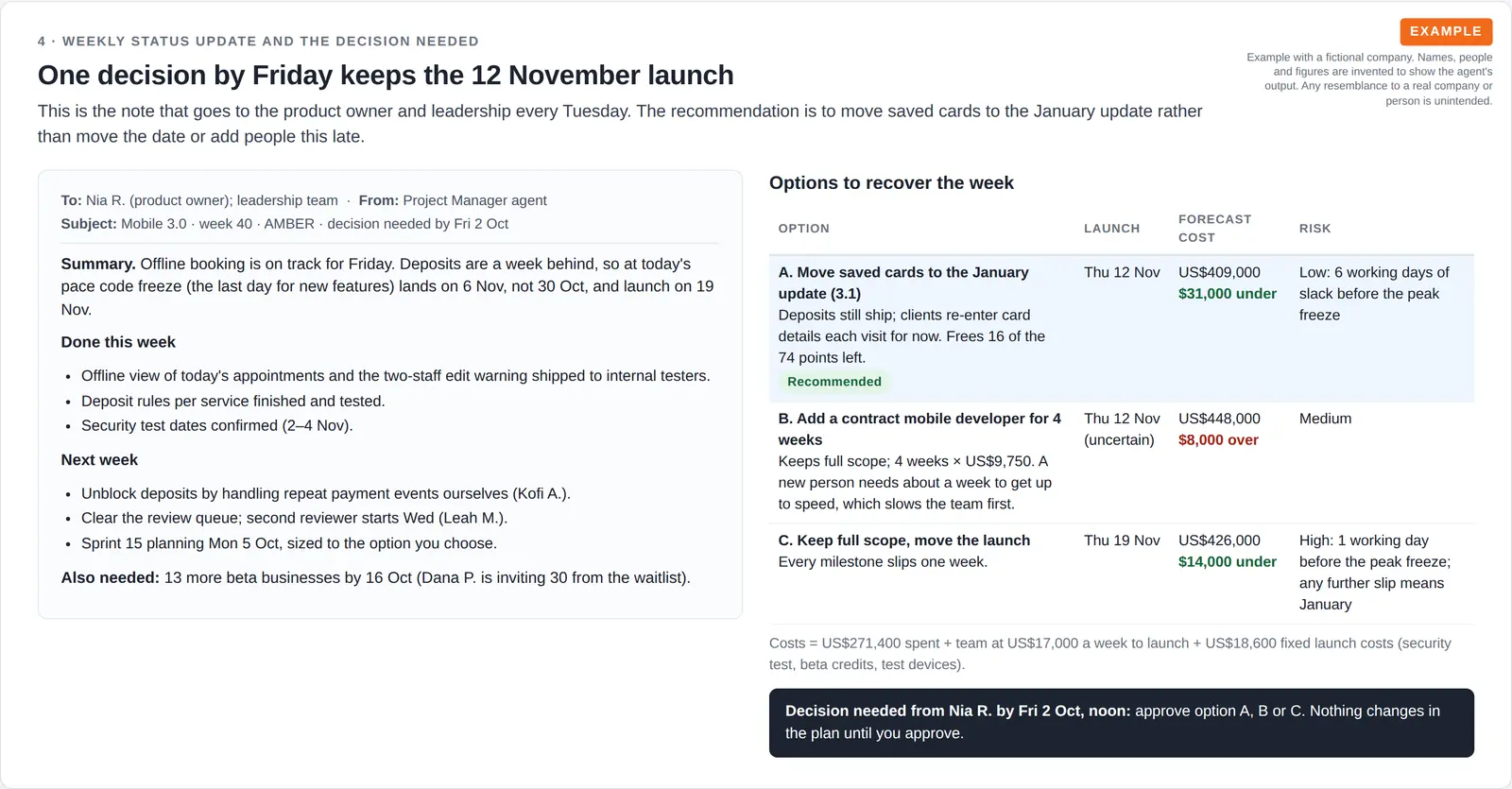
You get a live view of what is in progress, done and queued. In this example, a weekly status note sets out three ways to recover a one-week slip, with one recommended.
Step 6
The request and its follow-ups stay in Ai1 Tasks, the one list your staff and your agents work from, so nothing slips.
Start here
Each page shows one piece of work in detail: what goes in, what comes back and where you approve it.
Ai1 app
Tasks from email, chat and meetings in one list, followed up until each one is done.
Ai1 app
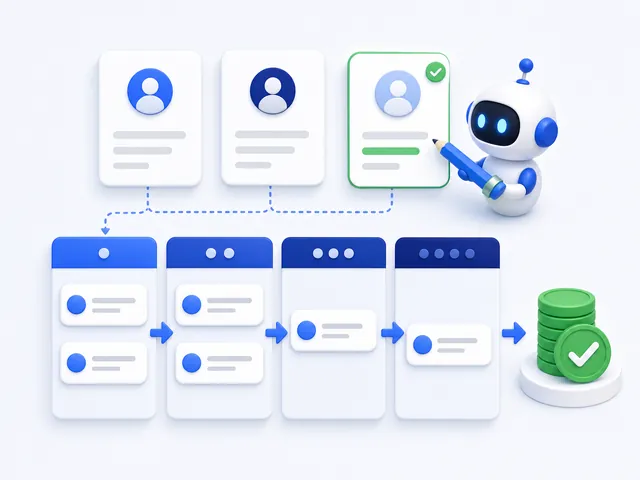
Your customers and deals on your own server, kept up to date by your agents.
Start each weekday with your priorities, blockers and the decisions waiting on you.
Find out each week whether AI answers are naming your business.
Go from one idea to finished ads, without starting from a blank page.
Recipe
See what your ad spend delivered last month, in plain numbers.
Skill
Catch the risky words in an ad before it runs.
Skill
Stop paying for searches that were never going to buy.
Browse everything: all apps · all jobs · all recipes · all skills
How we got here: the dated milestones behind Ai1
Getting started
Two ways to start. Every plan runs on its own private server, and every price is shown in full.
Fully Managed plans. Our team runs Ai1 end to end, and your server scales with you automatically. From $5,000 / month.
It's all included in the first month ($10,000 all-in), not a fee on top.
Developer plans for technical teams who run Ai1 in-house. From $500 / month, with a ~7-day setup. Setup is a genuine one-time fee.
Your private server is provisioned and the platform goes live, and we coach you and give you the support materials so you can do the setup work yourself. Your four training sessions are banked to use whenever you want.
| We build it for you (Fully Managed) | Build it yourself (Developer) | |
|---|---|---|
| Who does the setup work | Our team, end to end | You, with our coaching and support materials |
| Starting price | From $5,000 / month | From $500 / month |
| Setup cost | Included in the first month ($10,000 all-in), not a fee on top | A genuine one-time setup fee (Developer Core $2,500, Developer Pro $3,500) |
| Time to working agents | Starting agents set up and connected in week 2 | ~7-day setup |
| Training | Team onboarding and training in week 3 | Up to four training sessions, banked to use whenever you want |
| Server | Scales with you automatically | You pick your server size, and can change it any time |
Questions
No. The screens come from the Tasks app the Project Manager works in, filled with demo data, and the status report is for a fictional business. Names and figures are invented. Your own setup uses your projects, your tools and your team.
No. Nothing is committed until it is tested and you have seen the result, and nothing goes live without your go-ahead.
On Fully Managed, your starting agents are set up and connected in week 2 of your first month. On a developer plan, setup takes about 7 days, and you do it yourself with our coaching.
Developer plans start from $500 / month, and Fully Managed from $5,000 / month. Your AI provider is billed separately and paid by you directly, with no markup from us. Every price is shown in full on our pricing page.
Book a call, bring one task you want off your plate, and we will show you how Ai1 would handle it.