

Chief of Staff
Agent. Tracks every follow-up from your meetings.
Ai1 Tasks is the task app inside Ai1, the AI agent platform by MyZone AI. It runs on your own private server.
One list
Every task from email, chat and meetings, with an owner and a due date.
No chasing
Agents send the reminders and flag anything at risk early.
Approve on the go
Anything that needs your OK waits for one tap, from your phone.
Talk to the agent
Many clients never open Ai1 Tasks. They talk to the agent in chat or Slack, and the agent reads and updates the app for them. The app is there so your agents keep one tidy set of records and spend less on AI usage looking things up.
Agent. Tracks every follow-up from your meetings.

Agent. Breaks requests into tasks and routes them.
Ask in plain words: "What is overdue this week, and who owns it?" The agent reads the app and answers.
At a glance
| Captures from | Email, team chat, meeting notes and calendar events |
|---|---|
| Ranks by | Deadline, business impact and what depends on what |
| Works with | Asana, Monday.com, Slack, email and calendar |
| Your data | On your own private server. Export it any time |
What you get
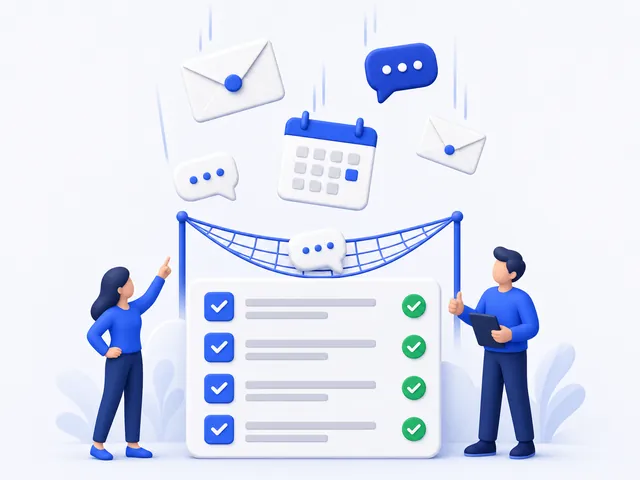
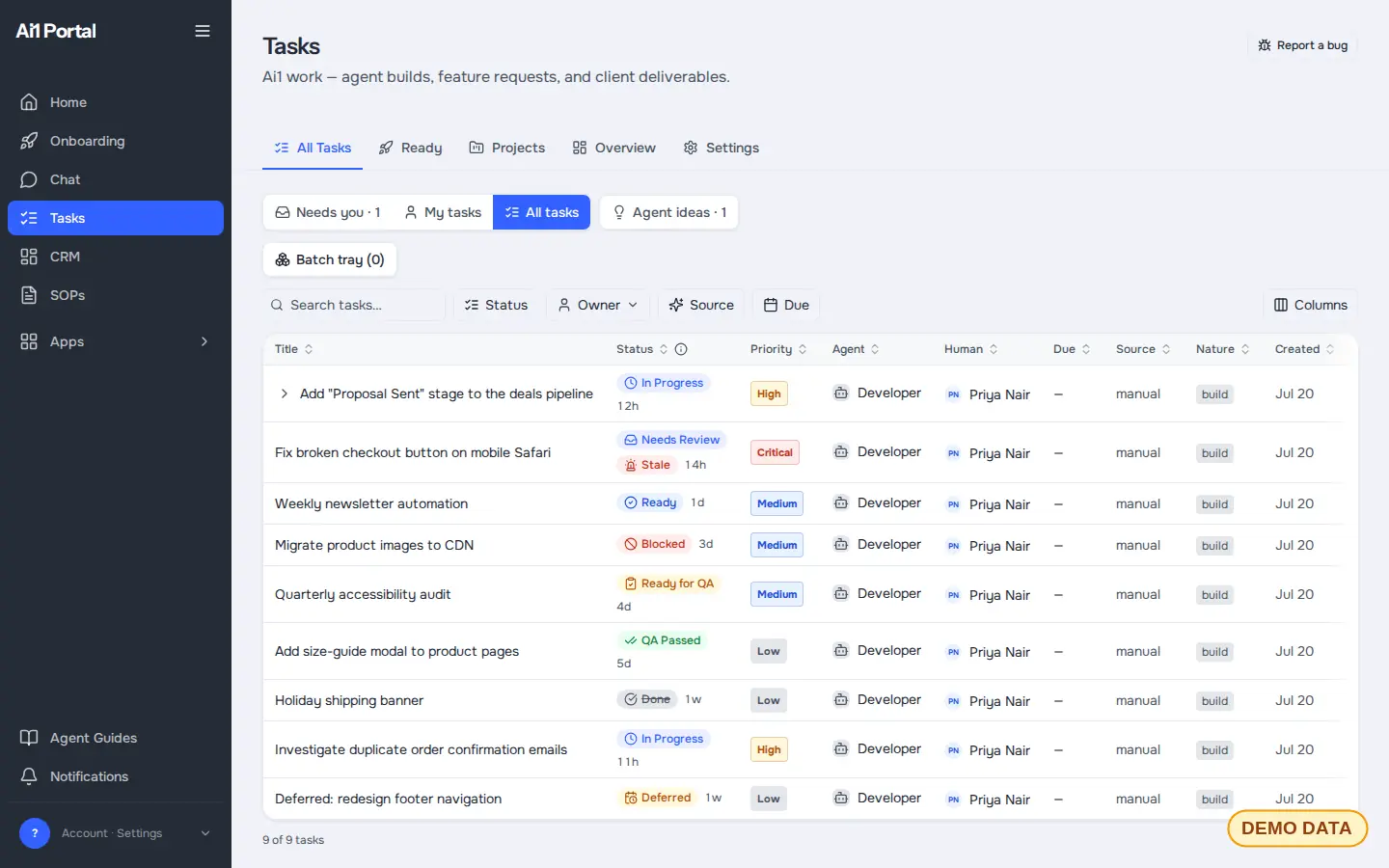
Every task from email, chat and meetings lands on one list, with an owner and a due date.
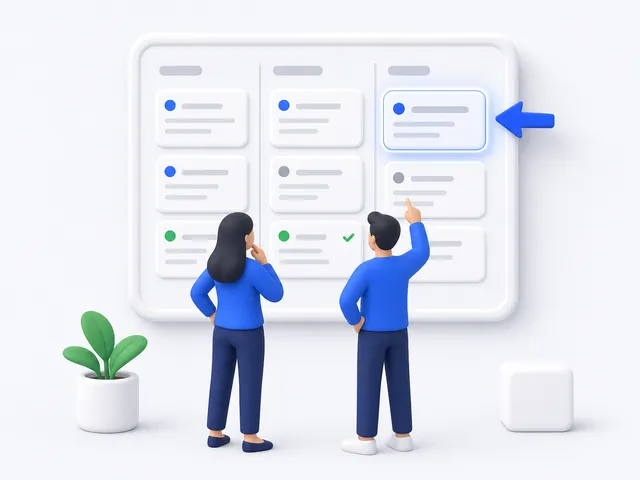
Work is ranked by what matters most, so everyone knows what to pick up next.
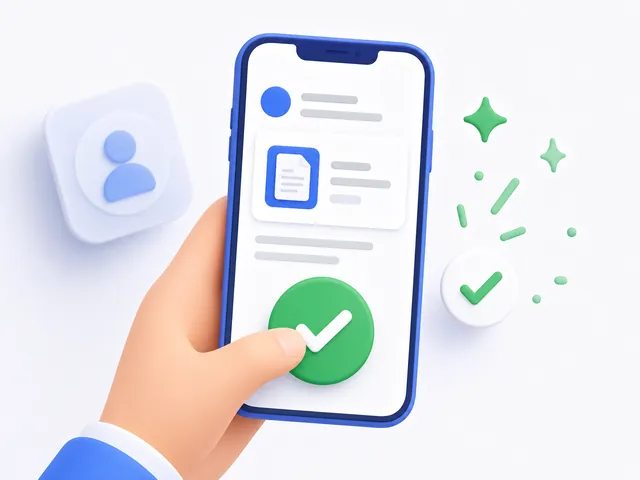
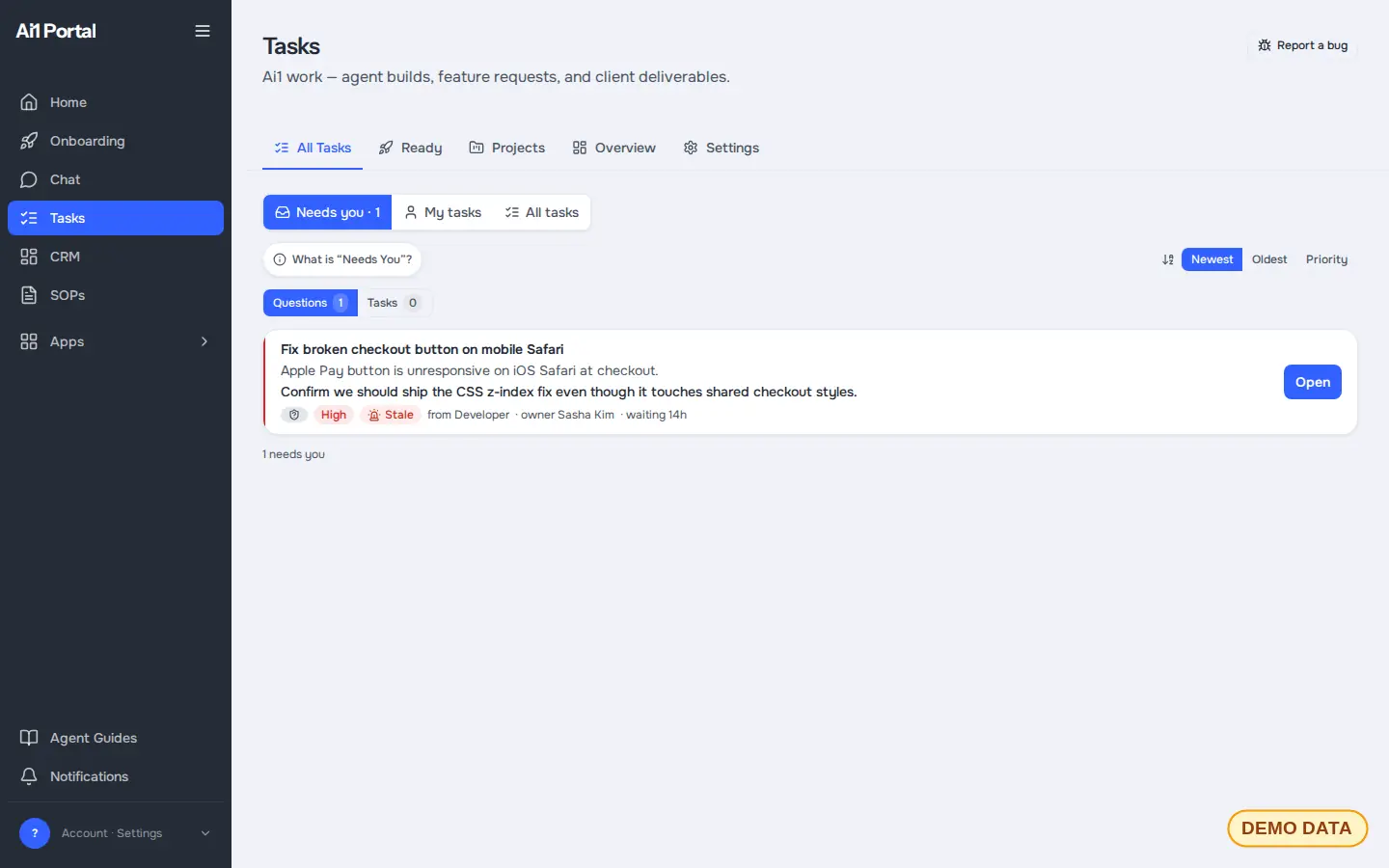
When something needs your OK, you approve it from your phone in one tap.
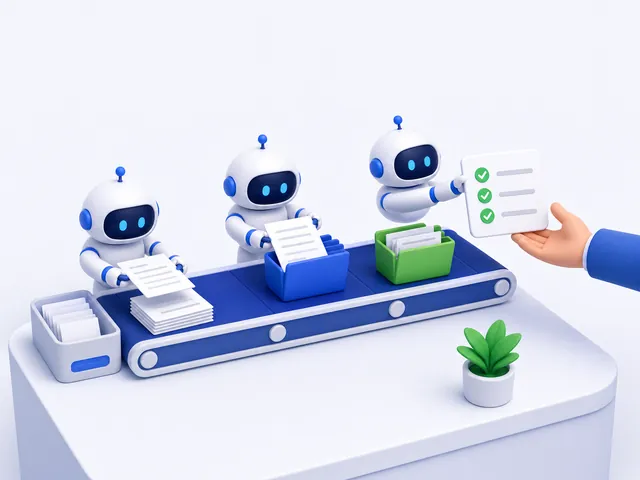
AI agents capture, sort and chase the tasks, then report back with what got done.
Before and after
Your week without Ai1 Tasks
Your week with Ai1 Tasks
Inside the app
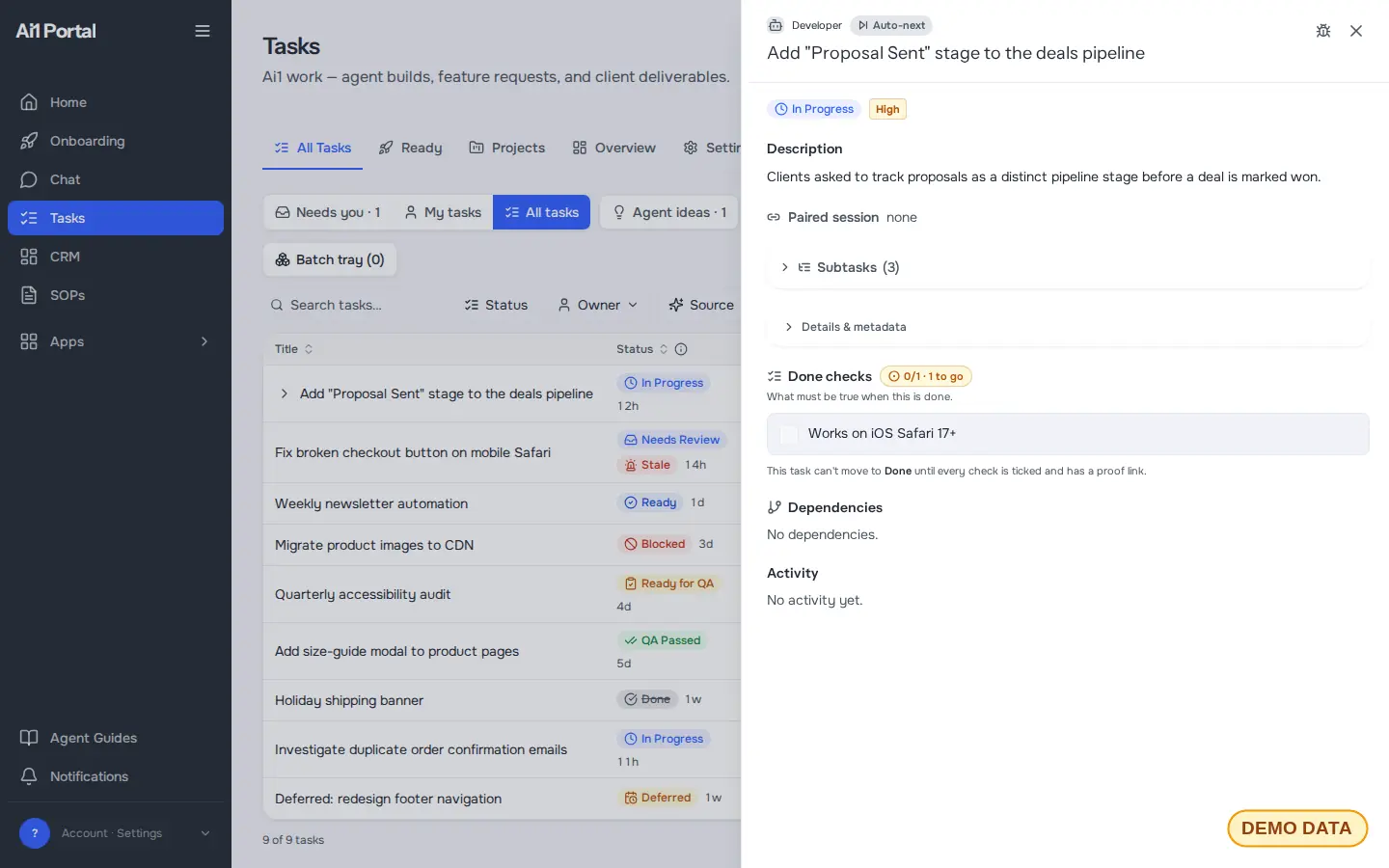
Real app screens, shown with a demo account. Every task, name and date in them is sample data.
How it works
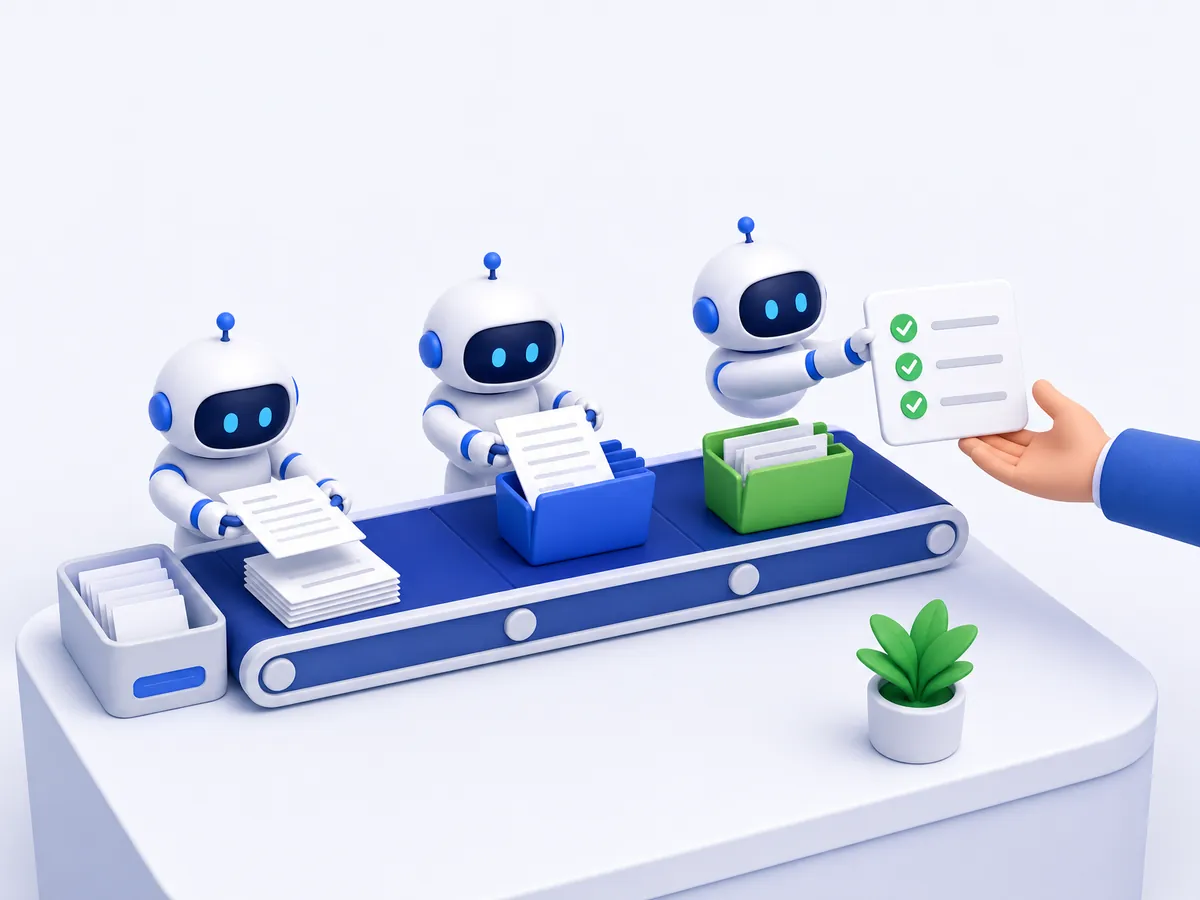
Ai1 Tasks works quietly alongside your team. You see the list; it does the chasing, and it stops for your OK where it matters.
All the time, from email, chat, meeting notes and your calendar, onto one list.
The most urgent work goes to the top, and each task gets an owner and a due date.
Messages to customers and other important steps wait for your OK, from your phone.
It sends the nudges, flags anything at risk and closes what is done.
Built-in guardrails
Ai1 Tasks runs inside Ai1, under the same rules as every agent.
Better together
The agents, recipes and apps that work inside Ai1 Tasks.
Agent. Tracks every follow-up from your meetings.
Agent. Breaks requests into tasks and routes them.
Recipe. Owners, deadlines and reminders from every meeting.
App. Contacts and deals your agents can read and update.
Common questions
No. Ai1 Tasks works with Asana, Monday.com, Slack, email and calendar, so your team keeps the tools it already uses.
The agents pull tasks from those places onto one list, so you get one view of everything that is open without asking anyone to move.
It assigns tasks based on workload, skills and deadlines, so everyone knows what to pick up next. You can change an owner or a date at any time.
Anything important, such as a message to a customer, still waits for a person to approve it before it goes out.
No. You can ask the Chief of Staff or the Project Manager in chat or Slack, for example what is overdue this week, and the agent reads the list and answers.
The app is there when you want to see the whole list, ranked, on one screen.
Yes. Anything waiting on you shows up with a short summary, and you approve it or send it back in one tap.
That means approvals no longer wait until you are back at your desk.
On your own private server, as part of Ai1. It is not shared with other clients.
You can export it at any time.
See your own email, chat and meetings turned into one ranked task list, on a private server that belongs to you.