
Agentic Development
Best Practices
Last updated
A working blueprint for building software with AI agents - drawn from inside MyZone AI's own practice. Two paths: a simple track for non-developers building agents and automations, and an advanced track for complex custom software builds. Pick your track below.
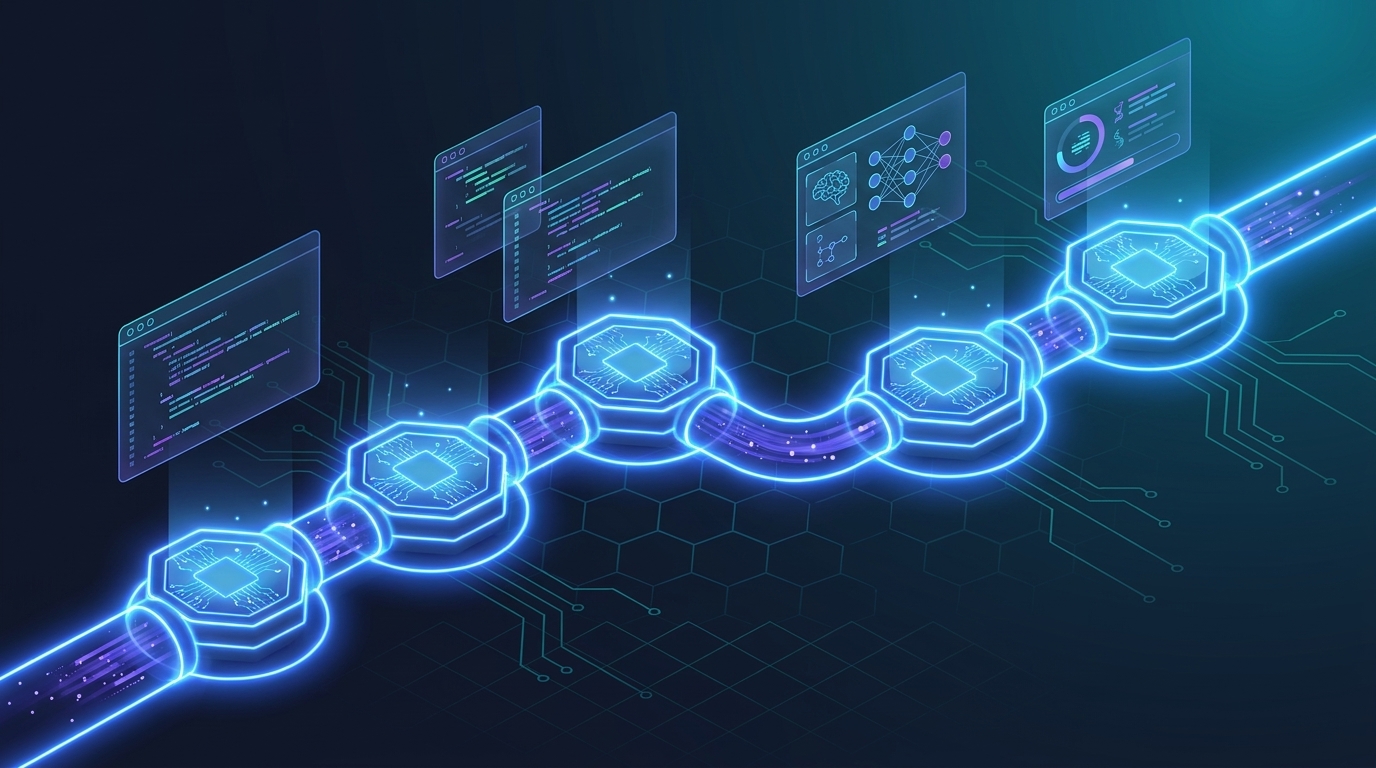
Table of contents
- Agentic dev vs. vibe coding
- The Software Development Pipeline recipe
- The mindset shift
- The 7-stage pipeline
- Requirements & PRDs
- Scoping & situational awareness
- Visual Blueprint (optional)
- Architecture document (custom software)
- Memory systems (the Memento problem)
- Avoiding drift & PM layers
- QA & testing
- Model selection: Opus, Sonnet, Haiku, GPT-5.5
- Right-sizing the pipeline
- Post-deploy: build your maintenance agent
- Your toolbox - what's already deployed
- Part II - Advanced patterns
- Verification loop
- AGENTS.md + skills tree
- Sub-agents inside a project (experimental)
- Evals as regression tests
- TL;DR - the rules
- Closing
Agentic development is not vibe coding
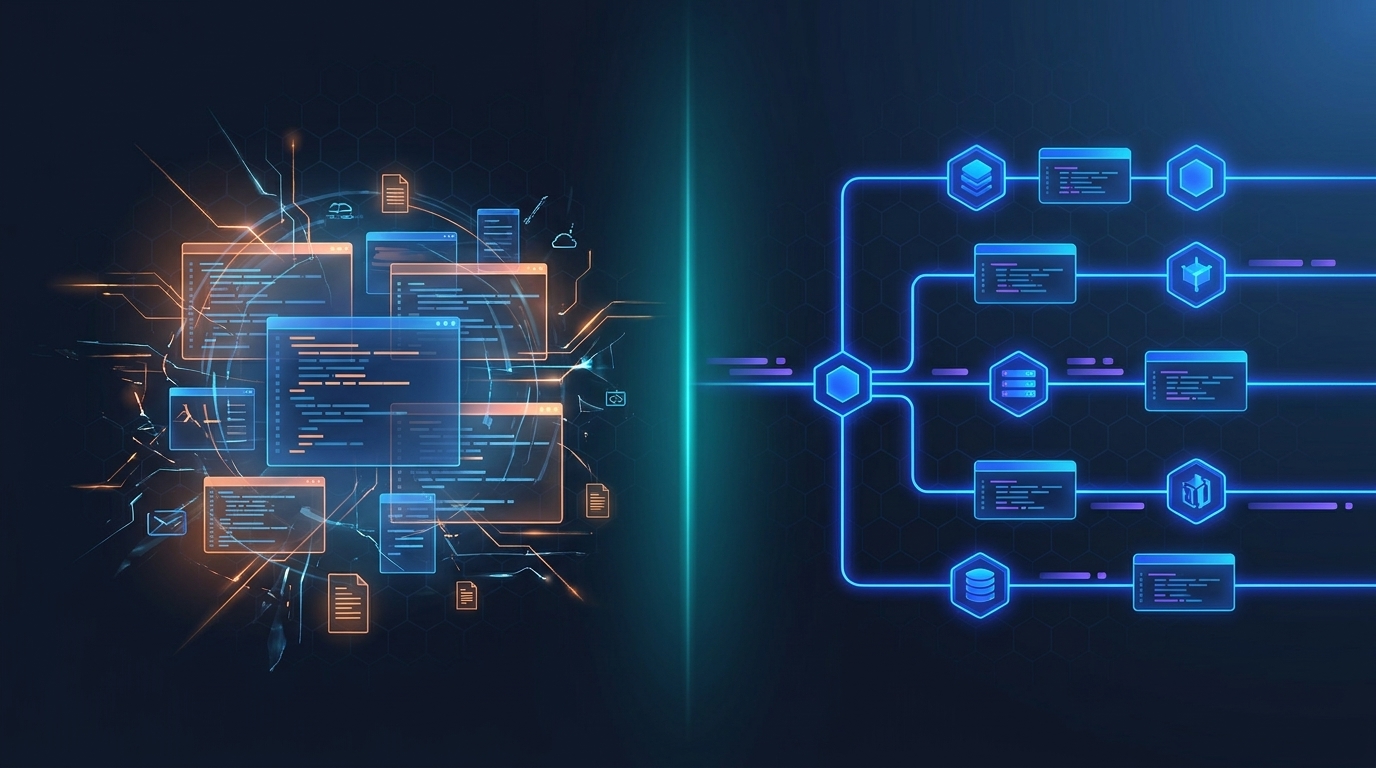
You'll hear both terms thrown around. They are not the same thing. Vibe coding is what most people mean when they say "I'm building with AI." Agentic development is what we do. The difference matters.
"Just tell the AI what to do."
Tools like Replit, Lovable, Windsurf, Cursor, or even plain Claude Code where you describe what you want and hope the output is good. It looks great. It often is great. But there's no enforced process, no human-in-the-loop checkpoints, no architectural discipline. You're trusting the vibes.
AI agents following strict protocols.
You combine the skills of traditional software development with the power of AI agents. You don't touch the code. But you follow strict protocols: requirements, scoping, human-in-the-loop gateways, QA, deploy. Each stage has discipline. The agent is your team - not your shortcut.
Vibe coding will build you something functional. Agentic development will build you something that's clean, secure, maintainable, recyclable, and won't blow up in production. The difference shows up at month three, when the vibe-coded thing breaks and nobody knows why.
The Software Development Pipeline recipe
Almost everything in this guide is already wired up as a single recipe in your AI1 system. If you remember one thing from this entire document, remember this: you don't have to memorize every step. You just have to know how to start.
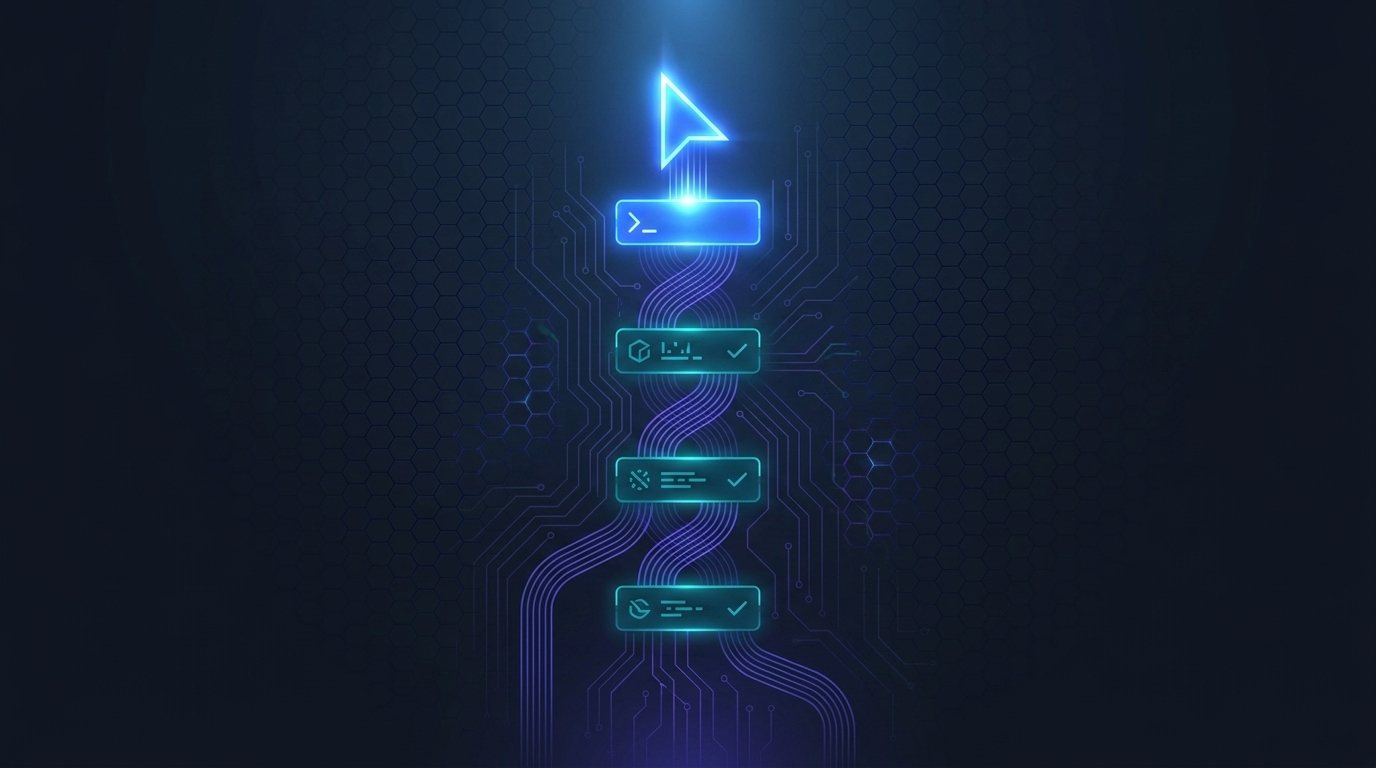
The one command that starts everything
Spin up a new session, grab a developer agent, and say:
That's it. The recipe takes over. It will introduce itself, summarize the stages, and prompt you for step 1 - requirements. When you're done, it asks if you're ready for scoping. After scoping, it asks if you want a human-in-the-loop expert to review. Then it moves to build, QA, deploy. It guides you through every step in the right order.
What the recipe does automatically
- Picks the right path based on complexity. Tiny build? It skips scoping and goes straight to build. Big project? It walks you through all 7 stages with checkpoints.
- Calls in the right specialist agents. Requirements agent, technical scoping agent, design agent (if needed), developer agent, tester agent - the recipe routes between them.
- Surfaces human-in-the-loop gates. Big scope? You'll be asked to sign off before build. Visual project? You'll be shown wireframes before code. You're never out of the loop on important decisions.
- Submits artifacts automatically. Requirements and scoping docs get filed to your project tracker (Asana, Trello, or your workspace kanban) without you having to copy-paste.
Agents are probabilistic - occasionally one will get distracted and start improvising. If that happens, just say: "Reminder - where are we in the software development pipeline? Are we following all the right steps in the right order?" 90%+ of the time the agent will course-correct immediately.
Whether you're building a 20-minute Friday automation or a multi-week custom dashboard, the recipe is the entry point. The depth of what it does scales with the complexity of what you're building. You don't have to choose a "lighter" version. Just start.
The mindset shift comes before the tooling
AI development is moving incredibly fast. What worked a month ago is already wrong today, and what we're doing today will look different in another 30 days. The single most important trait of operators who succeed with agents isn't a stack - it's flexibility.
The people winning at this aren't the great coders. They're the flexible thinkers who learn and test fast. The core skill for being a great agentic developer is flexibility and a willingness to keep learning. It is not experience with coding. - Mike Schwarz, MyZone AI
What's stable
- The shape of the pipeline. Requirements → scoping → tasks → build → QA → review → deploy. That hasn't changed.
- Modular API-first wins. Smaller pieces beat monoliths whenever memory and context matter.
- Plan more than you build. The 90/10 ratio is real.
What's moving
- How agents are wired together. Sub-agents, skills, recipes, memory - the plumbing is in flux.
- Which model is best for which step. Opus, Sonnet, GPT-5.5 - the leaderboard rotates monthly.
- How many stages a project needs. Pretty soon it'll be "here's my idea - go build it."
The seven stages - and when to skip them
Seven stages, the same shape since AI got serious about coding. Small projects skip stages. Big projects expand them with checkpoints and parallel reviews. Tap any step to expand.
The full seven-stage pipeline is for big, complex software projects. Simple agents and quick automations don't need all of this. For a 30-minute build of a small agent or a one-off automation, it's totally fine to go straight from a quick requirements chat to a developer agent - no scoping doc, no wireframes, no task decomposition, no formal QA. Skip steps proportional to the complexity of what you're building. The chapter on right-sizing is later in the guide.
Requirements
Scoping
Visual Blueprintopt
Task creation
Build
Review & QA
Pull request & deploy
Requirements - get the what right before anyone touches the how
The requirements stage is where most agentic builds quietly fail before they start. The agent's job here is to ask, not to plan. Your job is to load it up with everything you know.
Throughout this guide and in conversations with developers, you'll hear PRD a lot. It just means a requirements document. Same thing. Developers call it PRD; we just call it the requirements doc.
What to feed it
- Existing SOPs and artifacts - anything that describes the current state.
- Sample outputs - reports, screens, exports you want to mirror.
- URLs to crawl - competitor sites, reference apps, anything you want the agent to study.
- Developer docs for integrations - Stripe, Slack, Supabase, whatever the system touches.
- Voice answers via Whisper Flow - fastest way to keep momentum.
- External deep research - Claude, Perplexity, ChatGPT, Grok 4 for X intelligence. Reconcile.
The two failure modes
The agent declares it's done, generates the PRD, and you scroll to the bottom to find 14 unanswered questions. Always read the "outstanding questions" section before you advance.
The questions get progressively weaker and lower-relevance. When you hit three trivial ones in a row, the curve is exhausted. Just say: "I think you've got what you need. Is this critical?" The agent will usually agree and move on.
At the requirements stage, your job is to give us the WHAT - as much information as possible. Don't worry about scope, complexity, breaking things into pieces, or how it'll be built. If the agent says "this will take 6 months," ignore the estimate - it's almost always wrong. Just keep telling it what you want.
Our job as the human-in-the-loop experts is to take that big requirement and break it into 3, 4, or 5 separate agents during scoping. Don't pre-decompose. Just describe the outcome.
Default the requirements doc to HTML
Requirements docs are generated as Markdown by default, because they're typically passed from agent to agent (cheaper on tokens). But if you are going to read and iterate on the doc, ask for HTML output - it's much easier to scan, edit, and review. Just tell the agent: "Generate this as HTML so I can review it."
Iterate - v1, v1.1, v1.2
The first version of the requirements doc is rarely the final version. Read it, give the agent feedback, and ask for v1.1. Then read that, add more, ask for v1.2. The 90% planning rule means you should expect to do this 2–3 times for any non-trivial build.
The push-back pass advanced
For mission-critical or high-complexity projects, you can tighten the PRD one more notch. Hand it back to the same agent with a different lens. Two prompts we like:
Models do better work with more thinking time and more reflection passes. For simple agents, this is overkill - skip it. For complex custom software, do this 3–4 times before moving on.
Scoping - turning the what into a how
The scoping agent's job is to translate the PRD into a how - the technical plan for building it. Where most teams lose: they let the scoping agent reinvent components that already exist in their stack. The fix is forced situational awareness.
What the scoping agent already knows
- The AI1 platform architecture. How we build, what the stack looks like, the standard patterns.
- Existing skills, recipes, and automations. The over 200 pre-built LEGO pieces - so we don't reinvent them.
- Front-end shell, design system, subdomains, auth. The boring infrastructure decisions made once, referenced forever.
- Module wiring standards - how a new module plugs in without breaking neighbors.
Up until now, scoping has run on the MyZone AI side. The challenge: as your AI1 instance grows with custom skills built just for you, our scoping agent can't see what's on your server. So it might say "we need to build this" when you already have that piece.
We're transitioning soon so that requirements and scoping run on your server, with full situational awareness of every custom skill you've deployed. The scoped plan still comes to our team for human-in-the-loop sign-off before build - but the agent proposing the plan will know your full toolbox.
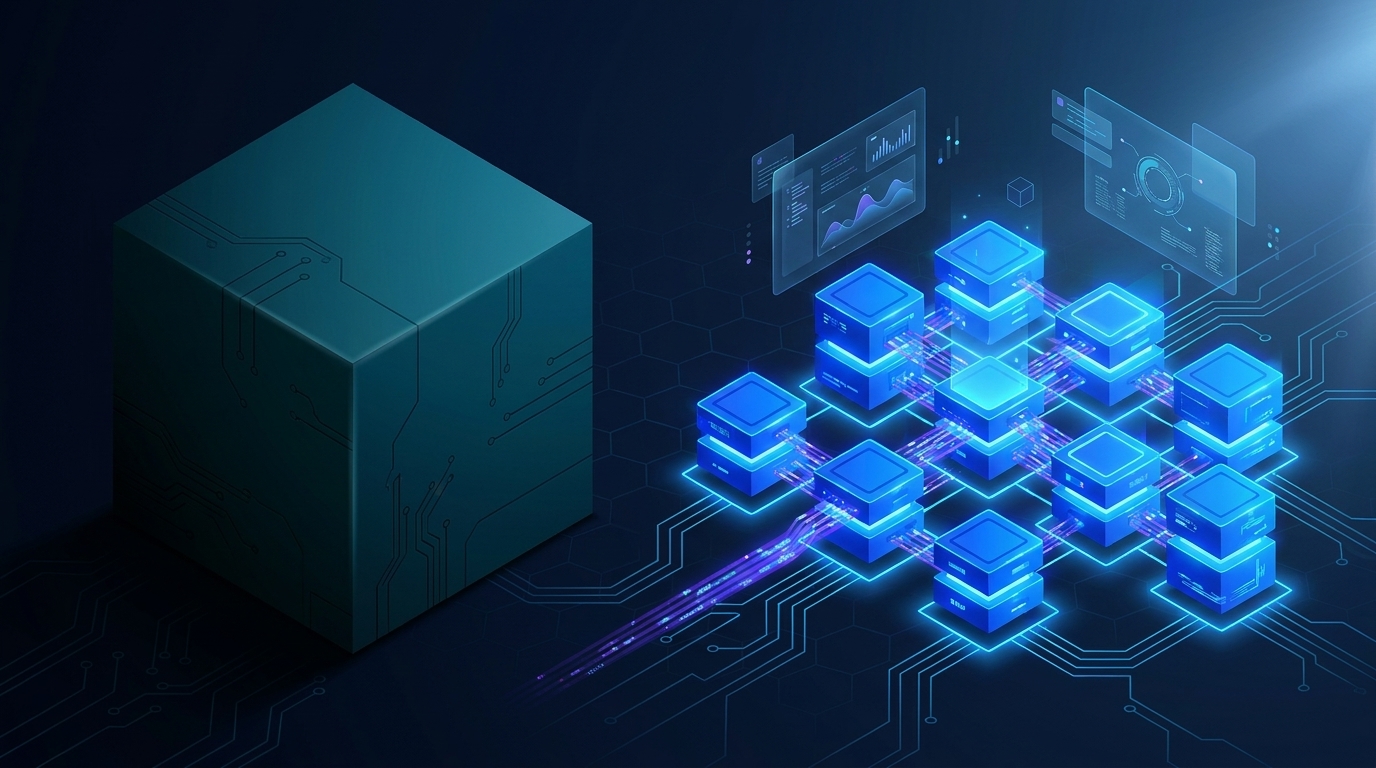
Modular > monolithic - little houses, not skyscrapers
AI thrives with smaller surface areas. Take a sales agent example: instead of building one mega "sales agent" that does lead enrichment, proposal generation, transcript analysis, and meeting prep all in one, we build each as a separate skill and compose them together at the agent level.
- Smaller context per build session.
- Less stepping on toes when multiple agents run in parallel.
- Cleaner reuse - the lead enrichment skill plugs into other agents too.
- Fewer hallucinations - the smaller the component, the less the agent can mix things up.
The Visual Blueprint - locking what good looks like before code
This step is only for projects with a visual component - dashboards, portals, web pages, anything with a user interface. For pure text automations or back-end agents, skip it. But for anything visual, the time you spend here pays back 10× during build and QA.
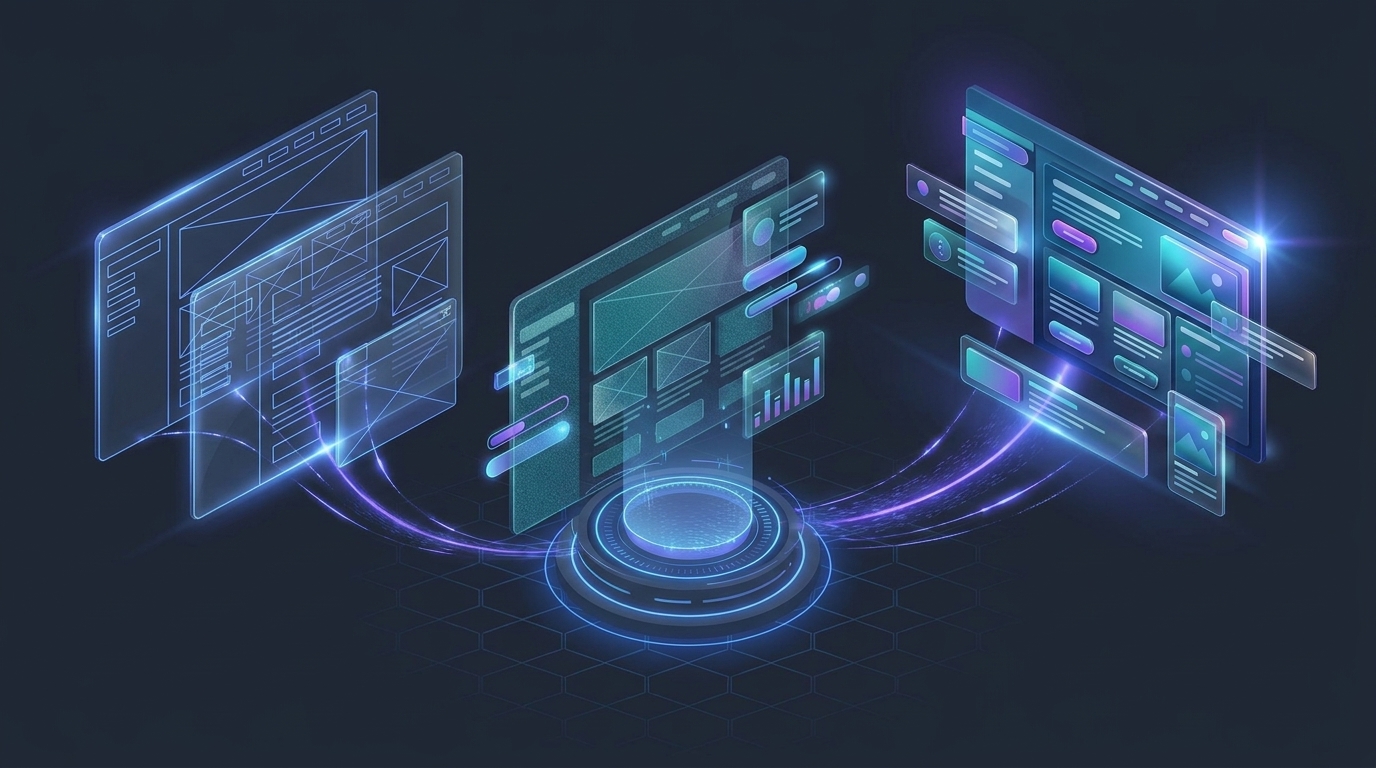
What it is
A non-functional, front-end-only version of the thing you're building. Could be a rough wireframe, a polished design, or a fully clickable static mock with dummy data. The point: you can play with it, validate the layout, get stakeholder buy-in - all before a single line of working code is written.
Why it matters
- Locks the definition of done. When the QA agent compares the built output to the Visual Blueprint, it has a clear visual goal. It loops until pixel-perfect.
- Catches design mistakes early. Move the button, change the chart type, rename the section - all cheap before code exists.
- Reduces hallucination. The developer agent has a concrete reference. It's not guessing what you wanted.
- Stakeholder sign-off without commitment. Get your team or client to approve the layout before you spend tokens on the build.
How to run it
The Software Development Pipeline recipe will route you to the design agent for this stage. It picks up context from your scoping document and generates a visual layout. You go back and forth - "move this, change that, add this" - until you love it. Then the build agent picks up the blueprint and starts implementing.
For text-only automations, back-end agents, scheduled jobs, data pipelines - anything without a UI - skip Visual Blueprint entirely. There's nothing to design. Go straight from scoping to build.
The architecture document - the agent's compass for big builds
For agents on the Ai1 platform, the scoping agent already carries architectural awareness - you don't need a separate doc. For custom software development (a CRM, ERP, portal, anything standalone) you create a dedicated architecture document that every agent reads on boot.
What goes in a custom-software architecture doc
- System diagram - modules, databases, message buses, edge functions.
- Front-end shell contract - what the shell provides, what each module supplies.
- Design system references - fonts, colors, CSS templates.
- Subdomain & canonicalization rules - for cookies, auth, and CORS.
- Standards for module wiring - how a new module plugs in without breaking neighbors.
The architecture doc can live at the GitHub repo level (an AGENTS.md at the top of the project)
or in the agent's own boot-up instructions. Best practice: keep the GitHub copy as the source of
truth, and reference it from every agent that touches the codebase. Synchronize, don't duplicate.
The Memento problem - agents forget everything overnight
Every time an agent boots, it's a clean slate. Like the protagonist in Memento, it has to piece its life together from post-it notes, tattoos, and Polaroids. Those notes are your memory system. Without them, the agent will quietly forget who you are and what you're building.

Default vs. ideal - depends on complexity
One AGENTS.md at the top of the project
Everything in one file: boot instructions, architecture, decisions, learnings, ideas. Perfectly workable for a small agent or simple automation. Just keep an eye on size - once that single file balloons past a few hundred lines, your tokens explode every boot.
A Wikipedia of small, interconnected MD files
Table of contents at the top. Each topic - architecture, ideas, learnings, considerations, features - lives in its own atomic file. Agents follow links to the chunks they need, like vector retrieval. Worth the setup cost once memory bloat becomes a real problem.
The three ways to revisit a build (worst to best)
- Reopen the original session where the build happened. Works, but the conversation has grown huge - every new message is expensive in tokens.
- Start a fresh developer session and ask it to research. It digs through your brain and files for 5–10 minutes to rebuild context. Token-heavy, and there's risk it misses something important.
- Have a dedicated agent for that specific automation, with all the boot instructions, architecture references, and prior learnings baked into its
AGENTS.md. Boots at ~6,000 tokens, not 50,000. Always warm. This is the best practice - covered in Chapter 13.
Drift - the Jenga tower of stacked layers
Every layer between you and the developer agent introduces a small percentage of drift. Stack enough layers - PM agent, then sub-PMs, then sub-developers - and the tower wobbles. Eventually it suggests something silly, like "I'll just connect directly to the production database."
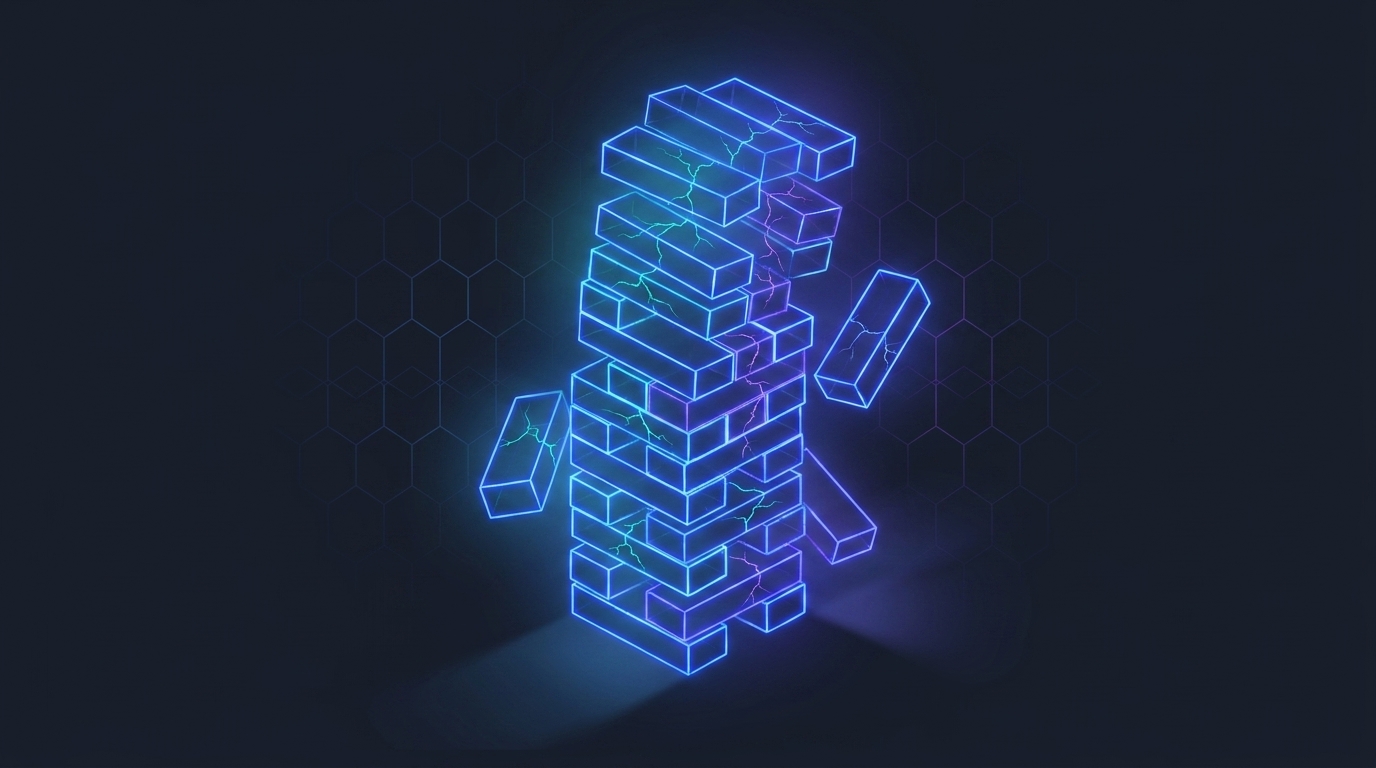
It's better to have one agent and one developer working on a project for a longer period of time than it is to have a PM that spins up five developers and then reassembles the code. - Mike Schwarz, on measuring drift
- PM layers are fine for simple, well-bounded tasks. Use them deliberately.
- For complex projects, remove the PM layer. Talk directly to the developer agent.
- Don't stack PMs. Multiple PMs orchestrating each other compounds drift exponentially.
- Patience beats parallelism. Slower but coherent > faster and inconsistent.
QA & testing
Every build gets a quality assurance pass. For simple agents, that's a single tester agent at the end. For complex custom software, QA gets woven through every milestone with multiple specialized agents.

The generic tester agent - your default
The Software Development Pipeline recipe automatically invokes a generic tester agent at the end of every build. It runs a quality sweep, loops until errors are zero, and only then declares the build complete. For most simple agents and quick automations, this is all you need.
Specialized QA recipes for different needs
We also have dedicated recipes for specific QA workflows - quality assurance runs differently depending on what you're building:
- QA Sweep - standard code + behavior pass for most builds.
- Deploy QA - runs after deploy to verify production behavior.
- Full Site Quality (MyZone) - comprehensive visual + content + SEO sweep across an entire website.
- Brand-aligned QA - for web pages, compares output against your style guide, page templates, and brand identity.
Over time we'll customize QA recipes specifically for your environment and the kinds of things you build most often.
The full QA stack - for complex custom software
- Code-review agent with sub-skills for cleanliness, performance, and refactoring.
- Security review agent dedicated to vulnerability scanning, secrets handling, auth flows, and injection vectors.
- Token Trimmer agent auditing for probabilistic→deterministic conversions and prompt bloat.
- BrowserStack (~$270/month) for real iPhone/Android visual testing across actual devices.
- Playwright for desktop end-to-end and visual diffs.
- Visual goal anchor: the Visual Blueprint from Chapter 04.5. The QA agent compares output to goal.
- Architectural-consistency agent scanning for drift against the architecture doc.
Token efficiency - probabilistic vs deterministic
Ask the agent: "Is there anything in this codebase that's currently done with probabilistic logic (an LLM call) that could be moved to deterministic code? That would reduce per-run token cost and produce more consistent outputs." Repeated structured work is almost always cheaper and more reliable as deterministic code.
Our dedicated Token Trimmer agent does this analysis across software agents, skills, recipes, and scheduled jobs.
For multi-week builds, don't wait until the end for QA. Bake checkpoints into every milestone - if there are 5 milestones, the QA agent comes in 5 times, cleaning up as you go. This is how you keep the Jenga tower from leaning.
Model selection - per agent, deployed per stage
Each agent is locked to a specific model. As you work through a recipe, it routes between different agents at different stages - and each agent already knows which model it should use.
Best for
- Complex, long-horizon coding sessions
- Refactors that touch many files
- Architecture decisions and PRDs
Best for
- Code review & QA - accuracy-bound work
- Precise, narrowly-scoped tasks
- A/B-able second opinions on complex code
Best for
- Most general-purpose agent work - the everyday workhorse
- Mid-complexity coding, scoping, and PM tasks
- Cost-efficient long sessions where Opus is overkill
Best for
- Fast, high-volume classification & routing
- Light retrieval, summarization, and parsing
- Background sub-agents inside larger pipelines
Right-sizing - you don't need all seven stages
The framework above is the maximum. The minimum is "here's my idea - go build it" with a single developer agent. Most projects sit somewhere between. Use intuition.
Tiny project - under 30 minutes
Example: "Every Friday I have to go to HubSpot and download a file, then import it into Google Sheets, make a few changes, and write an email. I want to automate that."
Skip scoping. Skip QA recipe. Talk directly to a developer agent (sometimes you can even skip the requirements agent - just say what you want). State the idea, answer a few clarifying questions, approve, build. 99% of the time it's fine. Total: 20–30 minutes.
Light project - a few hours
Light requirements pass (single agent, voice answers). Skip scoping or do a 5-minute version. Build. Generic tester agent at the end.
Big project - weeks of work
Full pipeline. Multi-day PRD. Architecture doc (or built-in Ai1 platform awareness, depending on what you're building). Visual Blueprint. Task decomposition into milestones. Mid-milestone QA. BrowserStack + Playwright. Code review on every milestone. GitHub for code repository and backups - every commit traceable, every state recoverable.
Mission-critical - weeks, public-facing
Everything above, plus: deep research from three engines reconciled. Multiple persona reviews on the PRD. A dedicated agent per module. Memory consistency agent on cron. Cross-model QA comparison. GitHub with strict branch protection, code-owner reviews, and CI/CD gates - nothing reaches main without passing the full QA pipeline.
Stick to requirements → scoping → build → QA as your default mental model. Skip scoping or QA for the smallest projects. Expand into wireframes, GitHub, milestone QA, and Part II patterns as complexity warrants. You'll develop the intuition fast - usually within your first 5–10 builds.
| Project size | Typical time | What to run |
|---|---|---|
| Tiny | Under 30 minutes | Skip scoping and the QA recipe. Talk directly to a developer agent: state the idea, answer a few clarifying questions, approve, build. |
| Light | A few hours | Light requirements pass (single agent, voice answers). Skip scoping or do a 5-minute version. Build. Generic tester agent at the end. |
| Big | Weeks of work | Full pipeline: multi-day PRD, architecture doc, Visual Blueprint, milestone tasks, mid-milestone QA, code review on every milestone, GitHub for code and backups. |
| Mission-critical | Weeks, public-facing | Everything above, plus deep research from three engines, multiple persona reviews on the PRD, an agent per module, cross-model QA and GitHub with strict branch protection and CI/CD gates. |
Post-deploy - build your maintenance agent
Here's the step most people miss. After you've shipped a build that you'll come back to - to edit, debug, query, or extend - create a dedicated agent for it. This is the difference between future-you booting cold for 10 minutes versus warm in 10 seconds.
When to create a maintenance agent
- Yes - for any complex automation, module, or project you plan to iterate on. Brain manager, CRM agent, sales-proposal agent, podcast-outreach agent, billing-reconciliation agent, blog-writer agent. Granular and specific beats generic.
- No - for one-shot automations you'll never touch again ("scrape this list once and email me"). The overhead isn't worth it.
What the maintenance agent gets
An AGENTS.md file at the agent level containing:
- Boot-up instructions and architecture overview
- Links to the requirements doc and scoping doc from the original build
- Key decisions made during build, with reasoning
- Known gotchas and learnings
- The skills it has access to (lead enrichment, web search, etc.)
The payoff
When you come back next week with three new ideas, you don't have to dig through chat history or have a fresh agent spend 10 minutes re-discovering the codebase. You just open the maintenance agent and say "here are my three new ideas." It's already warm. It already knows everything. Boot cost: ~6,000 tokens instead of ~50,000.
For complex builds, we (the MyZone team) will create the maintenance agent as part of the deploy process. Over time, as you get comfortable, you'll create them yourself. You don't need to worry about this step in your first few builds.
Your toolbox - what's already deployed
You don't have to build from scratch. We've pre-built over 200 automations across the MyZone platform, and a healthy chunk of them are already deployed on your AI1 instance. Before you scope anything new, check what you already have.
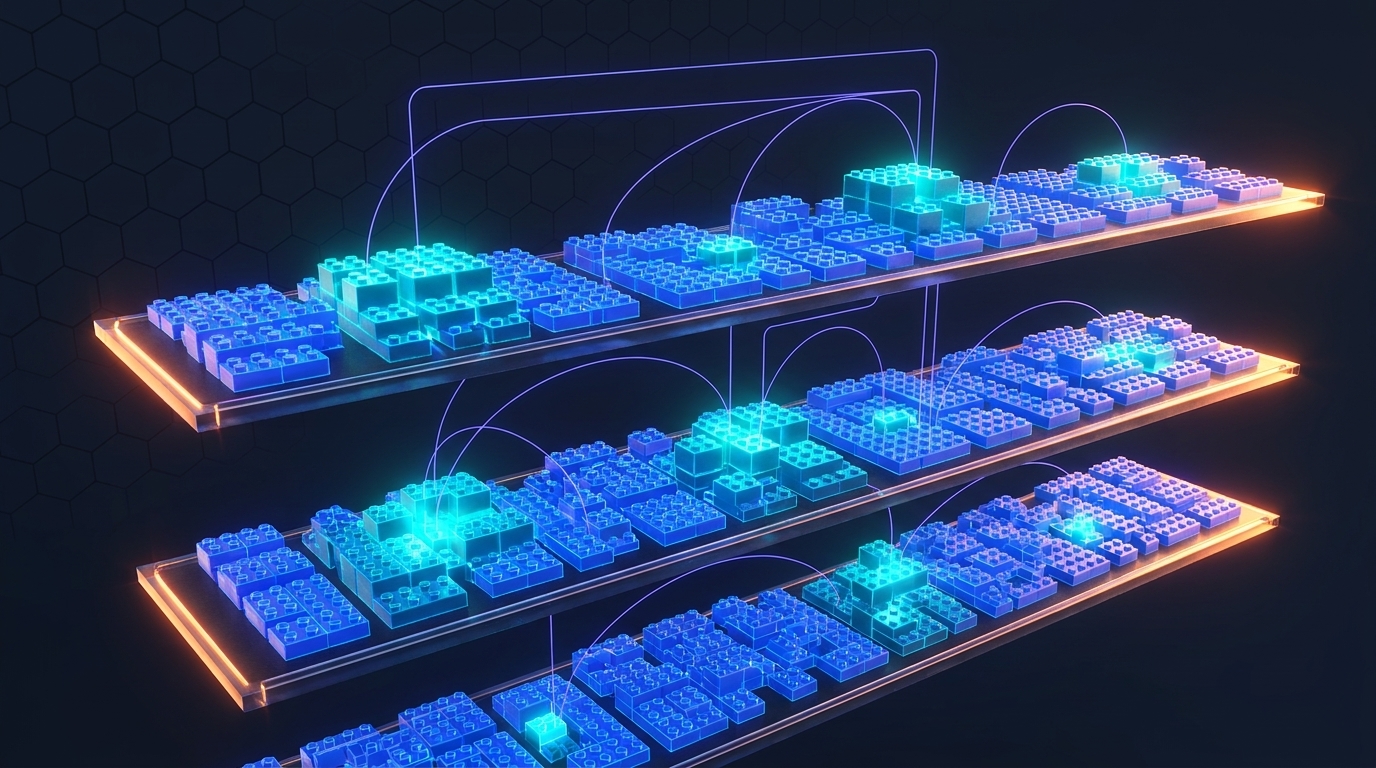
What's already on your server
- Core agents - developer, requirements, scoping, designer, tester, brand-book, web designer, SEO, CRO, more.
- Core skills - brand identity extractor, wireframing, image generation (nano-banana, OpenAI), web research, deep research, transcript analysis, and many more.
- Recipes - including the Software Development Pipeline (your starting point), QA sweeps, deploy flows.
What's behind the curtain
Roughly 60–70% of our over 200 pre-built automations are deployed on your instance by default. The other 30–40% are either client-specific (built for someone else), still being polished, or waiting for a use case. Many are 10 minutes of work for us to clean up and push to your server.
When you're scoping something new, the scoping agent will surface existing skills it knows about. But it's always worth asking us: "Hey, before I build X - do you have any pre-built pieces for this?" Quite often the answer is yes, and we can deploy them in minutes. Recycling existing LEGO pieces is always faster than building from scratch.
Advanced patterns for complex custom software
Everything above gets you a clean, well-built project. The chapters that follow are advanced patterns we're applying to complex custom software development - multi-week builds, large codebases, production systems with real stakes. For simple agents and quick automations, these patterns add overhead without much payoff. Read them as the next layer of sophistication when your build complexity warrants it.
The verification loop - the inner heartbeat of every stage
In the basic pipeline above, verification looks like a single stage near the end (QA). The 2026 best practice - Anthropic calls it "the single highest-leverage thing you can do" - is to make verification the inner loop of every stage, not a stage of its own.
The concept
Anthropic's official Claude Code agent loop is four words: gather context → take action → verify work → repeat. The mistake most teams make is treating verification as something that happens "at QA time." By then the drift has already accumulated. Instead, every stage gets its own verifier that runs before the agent says "done."
What it looks like at each stage
- Requirements → persona-swap reviewer. Agent re-reads its own PRD as a senior PM.
- Scoping → architecture-doc diff check. Does the scope conform?
- Task creation → dependency-graph sanity. Does the task order compile?
- Build → tests + linters + screenshots run by the agent before "done."
- Code review → independent reviewer with fresh context (sub-agent).
- UX/UI → Playwright + BrowserStack visual diff against the Visual Blueprint.
- Security → dedicated security agent, runs after every meaningful change.
- Memory writeback → consistency agent scans before commit.
The pattern
Without a verifier baked into the stage, the agent will claim work is done without actually testing it. Anthropic's published data is blunt: agents mark features complete without running them unless given explicit verification tools and prompted to use them.
From single architecture doc to AGENTS.md + skills tree
The basic version of architecture is "one canonical doc that every agent reads on boot." The 2026 evolution is the same family of idea as Karpathy's wiki memory - applied specifically to codebases. A thin root file at the top points to small, on-demand pieces.
The pattern
AGENTS.md is now an open standard stewarded by the Linux Foundation, supported across
18+ tools (Claude Code, Cursor, Codex, Cline, Windsurf, Devin) and living in 60,000+ public repos.
The premise: a single thin AGENTS.md at the root tells any agentic tool how
to navigate your project. It doesn't contain the architecture - it links to a
tree of small skills, each loaded only when needed.
Structure in practice
Why this beats a single doc
- Lean context every boot. ~50 lines, not 2,000.
- On-demand depth. Working on auth? Load the auth skill, not the design-system skill.
- Cross-tool portability. Cursor, Codex, Claude Code, Devin all read the same root file.
- Easier to maintain. Update auth without touching architecture.
Sub-agents inside a project - parallelism without drift
This chapter covers patterns we're actively testing internally. The shape is settling but the details are still moving. Read as where the field is going, not locked best practice.
The concept
In Chapter 11 we covered one agent per complex iterative automation. The newer pattern goes one level deeper: inside that one agent's session, delegate heavy sub-tasks to sub-agents with their own isolated context windows. The sub-agent does the work, then returns a summary. The main agent's context stays lean.
Read-heavy investigation
"Read this entire codebase and tell me where the session timeout is configured." The main agent shouldn't ingest 50 files - spawn a sub-agent that reads, finds the answer, returns two lines.
Writer / Reviewer split
Main agent writes a feature. Fresh-context sub-agent reviews it. The reviewer has no bias toward code it just produced - clean second pair of eyes.
Parallel sub-agents via git worktrees
The main agent gets five independent results, reviewed in parallel, ready to merge. One human operator running the equivalent of a 5-developer team.
Evals as regression tests - making agent drift falsifiable
Traditional QA catches code bugs. Evals catch agent-behavior bugs - the kind that show up when an agent that worked perfectly yesterday hallucinates today.
The concept
Every time an agent ships a bug, you capture the conversation trace. You convert it into a tiny test case: input → expected good output. You drop it into an eval suite. On every future PR, CI runs the suite. If the agent reproduces the old bug, CI blocks the merge.
A lightweight eval file
The discipline
- Every shipped bug becomes an eval. No exceptions.
- Run evals as a CI gate, not as a manual step.
- Keep the eval file in the repo. Version-controlled behavior documentation.
- Periodically prune obsolete evals. Rock-solid for 6+ months → retire.
The rules - in one page
A checklist to print, tape near the screen, and re-read when an agent loses its mind at 11pm.
For everyone
Use the recipe
"Kick off the software development pipeline" is your entry point. Always.
Agentic ≠ vibe coding
You don't touch code, but you follow a discipline. Big difference.
Be flexible
The stack you used last month is already wrong.
Plan 90, build 10
Days of scoping save weeks of debugging.
Modular & API-first
Little houses with pathways, not skyscrapers.
Your job: the what
Don't pre-decompose. Just describe the outcome.
HTML for humans, MD for agents
Ask for HTML when you're going to read the doc.
Visual Blueprint first
For anything visual: wireframes & mock-ups before code.
Right-size the pipeline
Skip stages for tiny builds. Expand for big ones.
Build a maintenance agent
For anything you'll come back to.
Recycle, don't rebuild
Check the toolbox before scoping new pieces.
Push the agent
Re-evaluate, swap personas, run another pass.
For complex custom software - Part II additions
Verification loop
Every stage produces an artifact and a verifier.
AGENTS.md + skills
Thin root file pointing to on-demand skill files.
Sub-agents in-project
Experimental. Delegate heavy reads. Worktrees for parallelism.
Evals as CI gates
Every shipped bug becomes a regression test.
Architecture doc
For standalone software (not Ai1 agents) - one canonical reference.
Model per agent
Opus, Sonnet, Haiku, GPT-5.5 - pick per agent. Re-test quarterly.
How to actually learn this
This guide gets you maybe 15–20% of the way there. The other 80% comes from picking up the fishing rod and using it.
We don't want to be dumb builders for you, throwing fish over a fence while you eat them. We want to give you the fishing rod. - Mike Schwarz, MyZone AI
Your homework
- Start tiny. Find one Friday-morning task you do manually and automate it.
- Spin up a developer agent. Say "kick off the software development pipeline."
- Iterate on something we built. Take an existing agent or automation and improve it.
- Ask lots of questions. Slack us, message your account manager, surface the weird stuff.
Group training sessions
We're running regular group training sessions for clients who want to go deeper. Different topics, live builds, Q&A, real examples from the community.
Ask your account manager to add you to the next one.
15–20% of your learning will come from reading this guide. The other 80–85% will come from getting your hands dirty - trying things, breaking things, asking questions. The fastest path to being good at this is to start, fail a few times, and ask why.