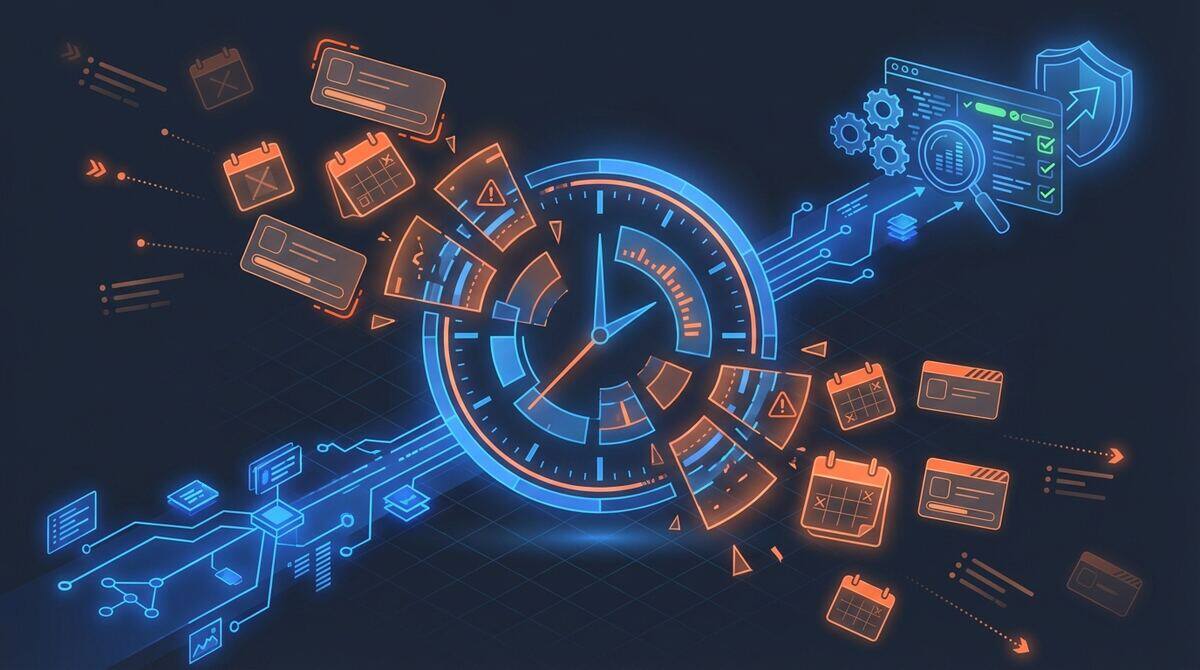
Here’s a question that makes every business owner squirm: if your best employee quit tomorrow, how much of what they know is written down?
Not the stuff in their job description. The real stuff. The way they handle that one difficult client. The workaround they use when the CRM glitches during invoicing. The seven-step process they follow to onboard a new vendor that they built over three years of trial and error.
If you’re honest, the answer is: almost none of it. That knowledge lives in their head, in scattered Slack threads, in half-finished Google Docs that haven’t been updated since 2023. And the day they walk out the door, it walks out with them.
That’s the SOP problem. And it’s worse than you think.
The Tribal Knowledge Time Bomb
Every small business runs on tribal knowledge. It’s the unwritten rules, the unofficial processes, the “ask Sarah, she knows how to do that” shortcuts that keep operations moving. And for a while, it works. When you’re five people in a room, everyone knows how everything works because they watched it happen.
Then you hit 10 people. Then 20. And suddenly nobody knows the full picture anymore. New hires take three months to become productive because nobody can explain the actual process — just their slice of it. Mistakes multiply because there’s no reference document to check against. Two people do the same task differently and get different results. Quality becomes inconsistent, clients notice, and you can’t figure out why.
The conventional fix is to sit everyone down and document everything. Create a standard operating procedures manual. The problem is that this project is so boring, so time-consuming, and so far from anyone’s actual job that it never gets done. Or it gets half-done. Or it gets done once and never updated.
I’ve seen companies spend $20,000 on consultants to produce SOP manuals that were outdated within six months. I’ve seen internal “documentation sprints” that produced 40 pages of procedures that no one ever read again. The traditional approach to SOPs is fundamentally broken because it treats documentation as a project. It’s not a project. It’s a living system.
Why Traditional SOP Projects Fail
I want to be specific about why the old way doesn’t work, because understanding the failure mode matters.
Traditional SOP creation goes like this: you hire a consultant or assign an internal champion. They schedule interviews with every team member. They sit in a conference room for an hour per person, taking notes while people try to remember exactly what they do. Then the consultant writes it up in a template, sends it for review, waits three weeks for feedback that never comes, and delivers a binder that collects dust on a shelf.
The first problem is completeness. People can’t accurately describe their own processes during an interview. They skip steps they consider obvious. They forget edge cases they handle automatically. They describe what they think they do, not what they actually do. Studies on process documentation consistently show that interview-based methods capture only 60 to 70 percent of actual steps.
The second problem is currency. The moment you finish writing an SOP, it starts decaying. Someone changes a tool. A client changes their requirements. A team member discovers a better way and starts doing it differently. Within six months, a quarter of your SOPs are inaccurate. Within a year, half of them are. Nobody updates them because nobody owns them, and even if someone did, they’d have to re-interview everyone to figure out what changed.
The third problem is consistency. Different people write differently. When ten people contribute to an SOP library, you get ten different formats, ten different levels of detail, and ten different assumptions about who the reader is. One SOP is a page-long paragraph. Another is a 30-step checklist with screenshots. A third is a flowchart that nobody can follow. The result is a library that’s technically complete but practically useless.
The fourth problem is cost. A competent operations consultant charges $150 to $250 per hour. Documenting 30 to 50 processes across a 20-person company takes 100 to 200 hours of consulting time. That’s $15,000 to $50,000 — for a snapshot that starts degrading immediately. Most small businesses can’t justify that spend, so they don’t do it at all.

What If the SOPs Wrote Themselves?
Here’s the insight that changed how I think about this problem: the processes are already documented. Just not in a way anyone can use.
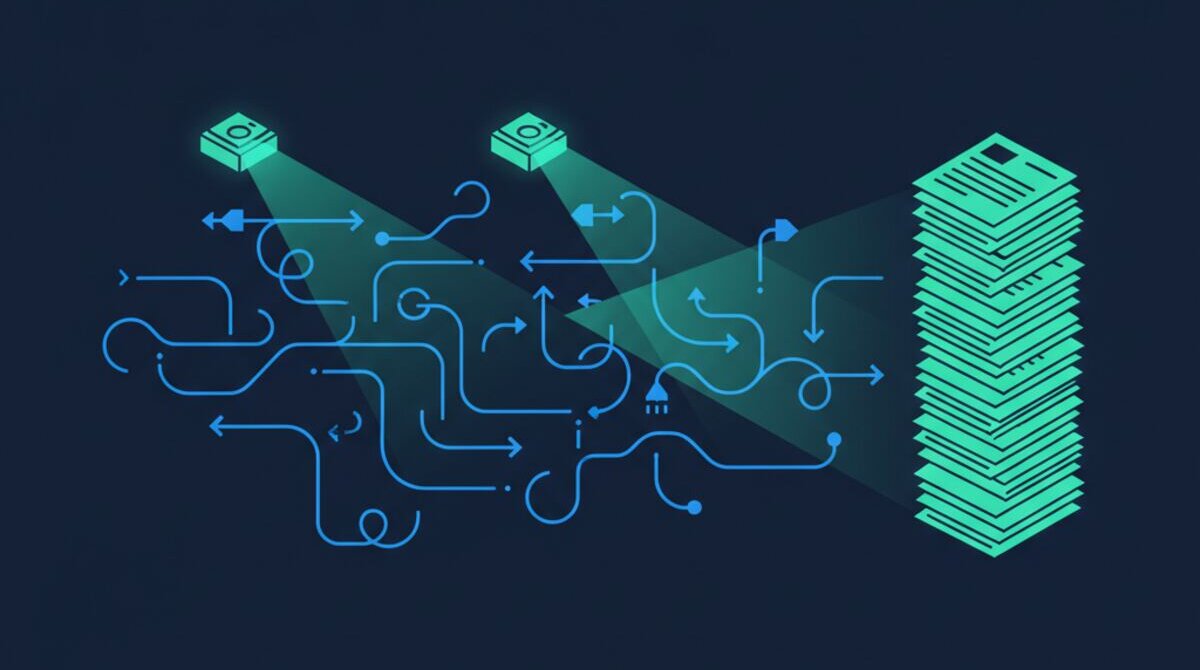
Think about it. Every time someone completes a task, they leave digital traces. They send Slack messages explaining what they’re doing. They create and modify documents in Google Drive. They move cards in Asana or Trello. They log calls in HubSpot. They write emails, fill out forms, update spreadsheets. The raw material for every SOP in your business already exists — scattered across a dozen tools, buried in message histories and activity logs.
What was missing was something smart enough to gather all of that, understand it, and turn it into structured documentation. That’s exactly what AI can now do.
How AI-Powered SOP Generation Works
The system we’ve built connects to the tools your team already uses — Google Docs, Google Drive, Slack, Asana, Google Sheets, HubSpot — and scans them for process signals. It’s not reading your messages for gossip. It’s looking for patterns: repeated sequences of actions, handoff points between people, decision branches, tool transitions.
When someone in your team processes a new client onboarding, for example, the AI sees the sequence: a HubSpot deal moves to “Won,” a Slack message goes to the ops channel, someone creates a folder in Google Drive, a checklist gets copied in Asana, three documents get sent for e-signature, and a welcome email goes out. That’s a process. The AI recognises it, extracts the steps, identifies who does what, notes which tools are involved, and drafts a complete SOP.
But it doesn’t stop at extraction. Claude Opus 4.6 takes the raw process data and writes it into a standardised format: a clear title, a purpose statement, a prerequisites section, numbered step-by-step instructions, decision points with if/then logic, tool requirements, role assignments, and quality checkpoints. Every SOP comes out looking the same, reading the same, and covering the same level of detail — regardless of which department or team member the process belongs to.
The result? In our first deployment, the system identified and documented 47 SOPs across 8 departments, covering 312 individual process steps. That would have taken a consultant 4 to 12 weeks and cost $10,000 to $30,000. The AI did it in days.
What the AI Finds That Humans Miss
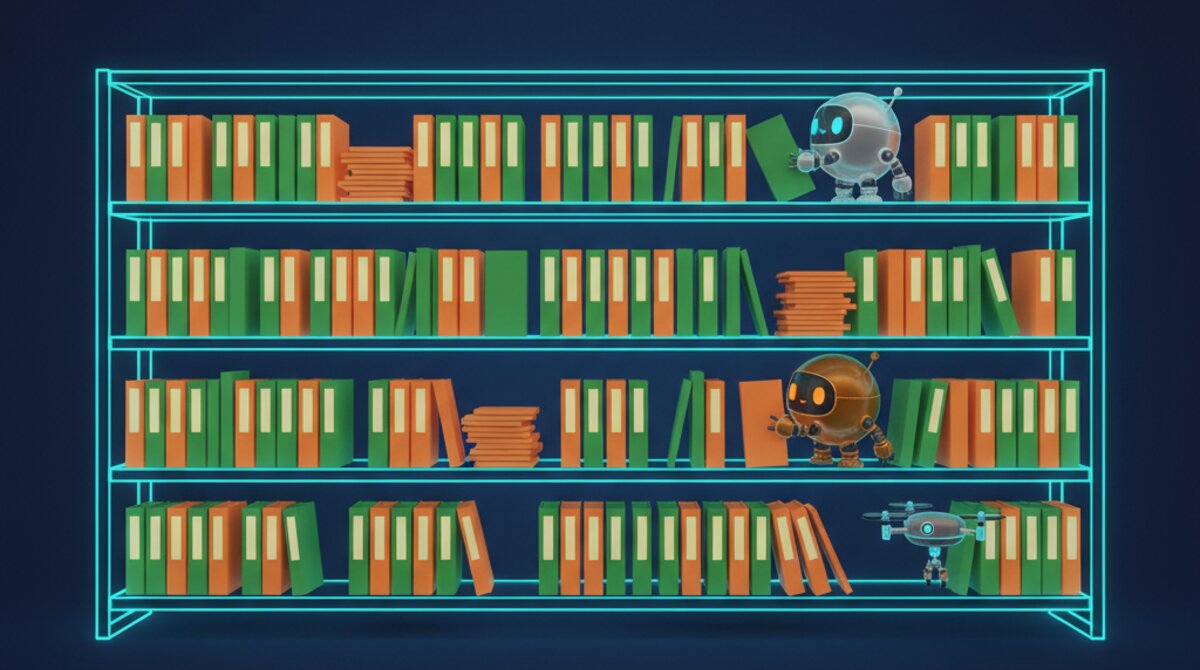
Here’s what surprised me most about deploying this system. It doesn’t just document what exists. It finds what’s broken.
In one engagement, the AI flagged 15 processes that had zero documentation and no consistent execution pattern — meaning different people did them differently every time. These weren’t obscure edge cases. They included things like “how we respond to a support escalation” and “how we approve vendor invoices.” Critical processes that everyone assumed were standardised but weren’t.
It found a client onboarding SOP that was 18 months out of date. The documented process still referenced a tool the company had stopped using a year ago. Three team members had each developed their own workarounds, and none of them matched. New hires were being trained on a process that hadn’t existed for over a year.
It identified a sales-to-operations handoff that had three conflicting versions. Sales had one process, ops had another, and the CRM workflow enforced a third. Deals were falling through the cracks not because anyone was careless, but because nobody agreed on the process.
This diagnostic capability is arguably more valuable than the documentation itself. You can’t fix a process you don’t know is broken. And interview-based SOP creation almost never catches these problems because people describe the idealised version of what they do, not the messy reality.
The Living SOP Library
Traditional SOPs are dead documents. They’re written once, filed away, and never touched again. AI-generated SOPs are different because the system that created them can also maintain them.
Here’s how. The AI continuously monitors the tools it’s connected to. When it detects that actual behaviour has drifted from the documented process — say, someone starts skipping a step, or a new tool gets introduced into a workflow — it flags the discrepancy. Your operations team gets a notification: “The client onboarding SOP was last updated 90 days ago, and three steps no longer match current practice. Here’s what changed.”
The system doesn’t just flag problems. It drafts the update. It shows you the old version, the new version, and what changed. Your ops lead reviews it, approves it, and the SOP library stays current. No re-interviews. No documentation sprints. No consultants.
This is what I mean when I say SOPs should be a living system, not a project. The documentation evolves as your business evolves, automatically, with human oversight at the approval layer.
What Your SOP Library Actually Contains
Let me break down what gets delivered, because this isn’t a generic document dump.
The Process Inventory is the master index. Every documented process, organised by department, with owners assigned, last-updated dates, and links to the full SOP. Think of it as the table of contents for your entire operations manual. At a glance, you can see which departments have strong documentation and which have gaps.
Each Step-by-Step Procedure follows a consistent template: purpose, prerequisites, detailed instructions with decision trees, quality checkpoints, and exception handling. The AI writes these in plain language, not consultant-speak. A new hire should be able to follow any SOP on day one without asking for help.
The Role and Responsibility Matrix maps every process to the people involved — who initiates, who executes, who approves, who gets informed. This is the RACI chart that every operations consultant promises and few actually deliver. The AI builds it automatically by analysing who actually touches each process, not who’s supposed to.
The Tool and System Requirements section catalogues every piece of software, every integration, every login credential needed for each process. When you’re onboarding a new employee, you don’t need to guess which tools they need access to. The SOP tells you.
The Compliance and Quality Standards section documents the checkpoints, approval gates, and quality metrics for each process. This is critical for industries with regulatory requirements, but it’s valuable for any business that wants consistent output.
Finally, the Maintenance Schedule lays out when each SOP is due for review, who’s responsible, and what the review criteria are. This is the mechanism that keeps the library alive instead of letting it rot.
The Real Cost of Undocumented Processes
Let me put numbers on this because abstract arguments don’t move anyone.
Onboarding time. Companies with documented SOPs onboard new hires 40 to 60 percent faster than those without. For a 20-person company hiring 5 people a year, that’s the difference between a one-month ramp and a three-month ramp. At an average salary of $60,000, that’s $25,000 a year in lost productivity during onboarding alone.
Error rates. Without standardised processes, error rates on repetitive tasks run 15 to 25 percent higher. These aren’t catastrophic errors — they’re the wrong file getting sent, the client getting the old pricing sheet, the invoice going out with a typo. Each one costs 30 minutes to an hour to fix, and they erode client confidence over time.
Key person dependency. If your best accounts manager leaves and takes 15 undocumented processes with them, the replacement cost isn’t just their salary. It’s the six months of reduced team output while everyone figures out what that person actually did. I’ve seen companies lose $100,000 or more in a single key-person departure because the processes lived in someone’s head.
Scale ceiling. This is the big one. You cannot scale a business that runs on tribal knowledge. Every new hire adds complexity. Every new client adds edge cases. Without SOPs, growth creates chaos, and eventually you hit a ceiling where adding people makes things worse, not better. I’ve watched companies stall at 15 to 20 employees for years because they can’t operationalise past the tribal knowledge stage.
AI vs. Traditional: An Honest Comparison
I want to be fair about this, because I’m not claiming AI solves everything.
A skilled operations consultant brings judgment, context, and the ability to redesign processes, not just document them. They can sit in a room with your team and facilitate conversations about how things should work, not just how they do work. That’s valuable.
What a consultant can’t do is scan 10 tools simultaneously, process three years of Slack history, track every file modification in your Drive, and produce 47 formatted SOPs in a matter of days. They can’t monitor for process drift in real time. They can’t auto-flag when a documented procedure no longer matches actual behaviour. And they definitely can’t do all of this for a fraction of what a single documentation sprint costs.
The AI produces first-draft SOPs in 15 to 30 minutes per process. A consultant takes 4 to 12 weeks for a comparable library. The AI captures actual behaviour from digital traces. The consultant captures recalled behaviour from interviews. The AI maintains the library automatically. The consultant hands you a binder and moves on to the next client.
The ideal approach, honestly, is both. Let the AI do the heavy lifting — the scanning, the extraction, the formatting, the monitoring — and use human judgment for process improvement and strategic decisions about how things should change. That’s the model we use, and it produces the best results.
What This Means for Your Business
If you’re a 15 to 50 person company, here’s what changes when you have a living SOP library.
New hires become productive in weeks instead of months. They don’t need to shadow someone for six weeks to learn the ropes. They read the relevant SOPs, follow the steps, and start contributing. When they hit an edge case, the SOP covers it. When they’re unsure about a decision point, the SOP has a decision tree.
Quality becomes consistent across your team. It doesn’t matter whether Sarah or James handles the client onboarding — they follow the same 14-step process, hit the same checkpoints, and deliver the same experience. Your clients stop getting inconsistent service depending on who picks up the phone.
You can actually scale. Adding people no longer adds chaos. Each new hire has a playbook. Each new process gets documented automatically. Your operations manual grows with your business instead of falling further behind.
And when someone leaves — because people always leave — their knowledge stays. The processes they built, the workarounds they discovered, the edge cases they learned to handle are all captured, formatted, and ready for their replacement.
Stop Treating SOPs Like a Project
The businesses that get this right are the ones that stop thinking of SOPs as a project with a start and end date. They start thinking of them as a living system that evolves with the business.
AI makes that possible for the first time. Not by replacing human judgment, but by handling the work that humans are terrible at: scanning thousands of data points, maintaining consistency across hundreds of documents, and monitoring for changes 24 hours a day.
If you’re running a business on tribal knowledge and hoping for the best, you’re sitting on a time bomb. Every key person who leaves takes a chunk of your operations manual with them. Every process that changes without documentation creates a gap that someone will eventually fall through.
Book a consultation and we’ll show you what your SOP library would look like. We’ll connect to your existing tools, scan for undocumented processes, and give you a preview of what the AI finds. No obligation. Just a clear picture of what’s documented and what isn’t.
Because the businesses that scale aren’t the ones with the best people. They’re the ones with the best systems.
See the SOP Generation Automation in Action
Watch how Ai1 discovers and documents your processes automatically with our SOP generation automation workflow.
Explore the Automation →