The Silent Killer of Client Relationships
I have started and run multiple agencies over 26 years. And I can tell you with absolute certainty that I have lost more clients from bad onboarding than from bad work. It is not even close.
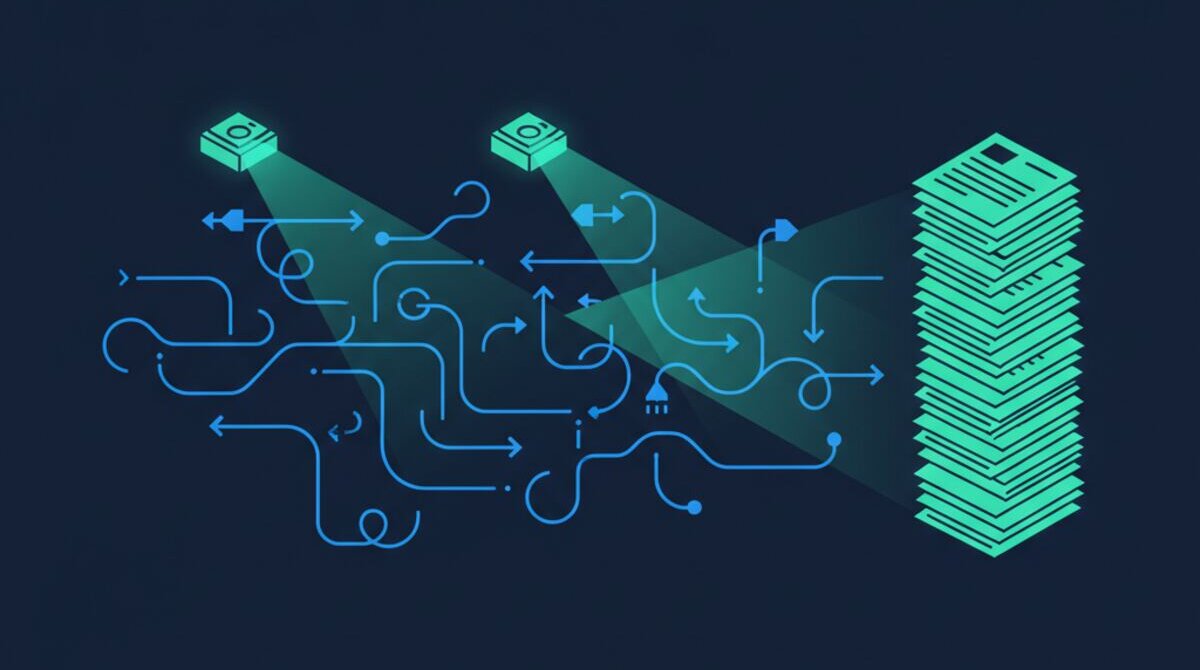
The pattern is always the same. You close a deal. Everyone celebrates. Then the handoff begins. The account manager gets a forwarded email with half the context. Someone creates a project in your PM tool — maybe. The welcome email goes out a day late, or never. The client sits in silence wondering if they made the right decision.
By the time the kick-off call happens, the relationship is already on shaky ground. And you probably do not even know it.
Why the First 48 Hours Matter More Than Anything
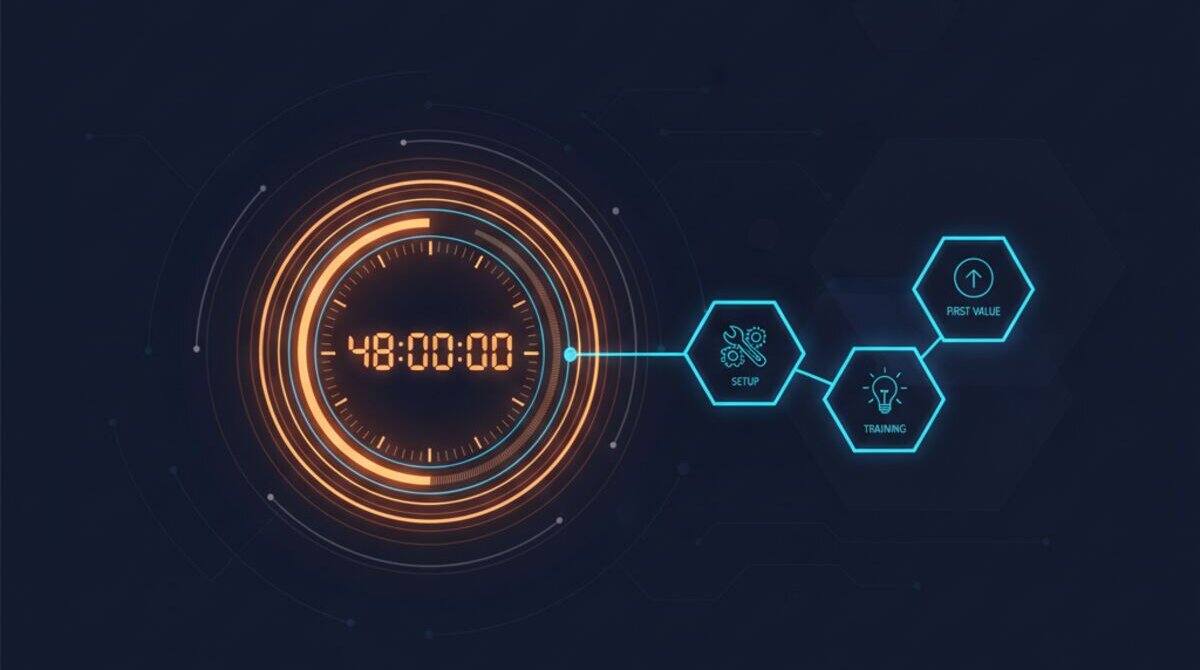
Research consistently shows that a client's confidence peaks at the moment they sign the contract. Every hour after that, if they do not hear from you, that confidence erodes. After 48 hours of silence, buyer's remorse sets in hard.
This is not theory. I have watched it happen hundreds of times. The client starts second-guessing. They mention it to a colleague. The colleague says they heard mixed things. Suddenly you are starting the engagement from a deficit you did not even create — your work has not even begun yet.
The fix is absurdly simple: respond instantly, set up everything immediately, and make the client feel like they are your only priority. The problem is that humans cannot do this consistently when you have multiple clients closing at different times.
The Manual Onboarding Death Spiral
Here is what manual onboarding actually looks like at most agencies and service businesses. A sales rep closes the deal. They send an internal message — sometimes email, sometimes Slack, sometimes a verbal handoff in the hallway. The operations person creates a project in Asana or Monday. They copy tasks from the last client's project, updating names manually.
Meanwhile, someone needs to set up billing. Someone else needs to send the welcome email. Another person needs to create a Slack channel or Teams group. The account manager needs a brief on what was promised during the sales process. The kick-off call needs to be scheduled.
Every one of those steps depends on a human remembering to do it. And every one of those humans has fifteen other things on their plate. The result is predictable: tasks get missed, details fall through cracks, and 15 to 25 percent of onboardings go sideways before they even start.
What to Automate First (And What to Keep Human)
Not everything in your onboarding needs automation. In fact, trying to automate the wrong things can make the experience feel cold and transactional. The trick is knowing which steps benefit from speed and consistency, and which ones benefit from a human touch.
Automate immediately: welcome emails, project setup, billing provisioning, internal team notifications, document collection requests, and calendar scheduling. These are pure logistics. Nobody feels special because a human remembered to create their Slack channel. They feel special when it already exists before they ask.
Keep human: the kick-off call itself, the initial strategy conversation, and any moment where the client needs to feel heard rather than processed. The goal of automation is not to remove humans from onboarding — it is to free them up so they can show up fully present for the moments that actually matter.
One of our agency clients automated seven of their eleven onboarding steps and saw their average time-to-first-value drop from 12 days to 3. But the real win was subtler: their account managers stopped spending 40 percent of their week on administrative setup and started spending it on relationship building. Client satisfaction scores jumped 28 percent in the first quarter after the switch.
What Automated Onboarding Actually Looks Like
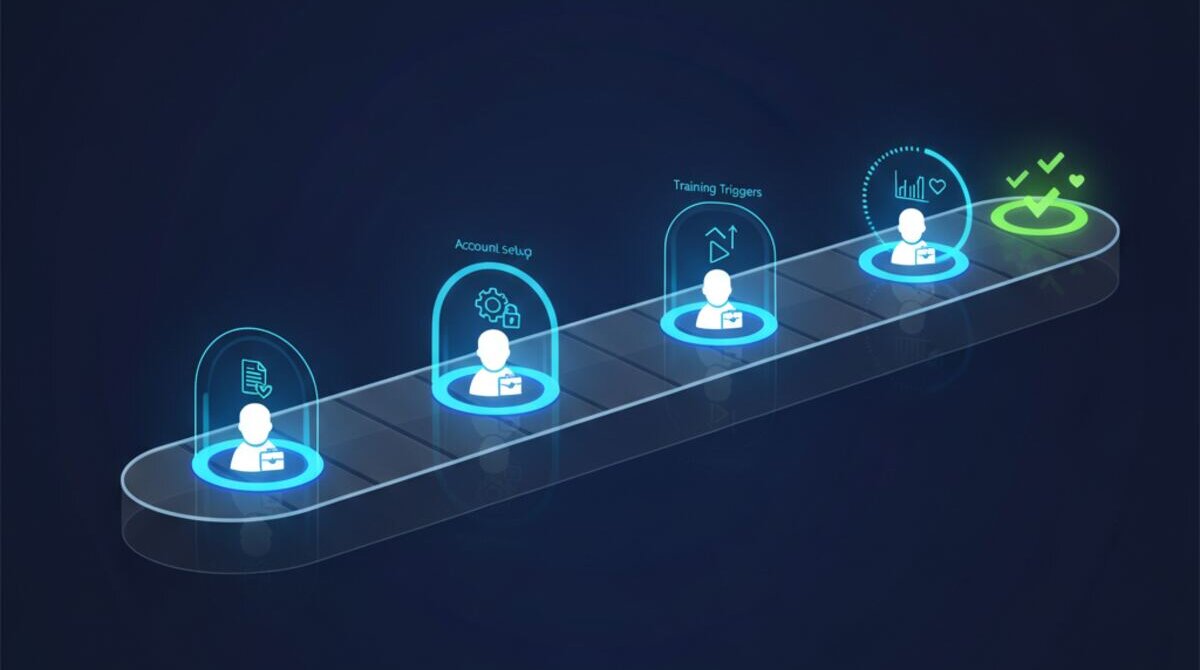
Here is the alternative. A deal moves to "Closed Won" in your CRM. Within 30 seconds, AI detects the trigger. Within 4 minutes, the client receives a personalised welcome email with their specific project details, next steps, and a calendar link for the kick-off call.
Simultaneously, 24 onboarding tasks are generated from your template and assigned to the right team members with appropriate deadlines. A dedicated Slack channel is created with the client's name, and a context brief — pulled from CRM notes, the proposal, and the signed contract — is pinned at the top.
Billing is provisioned automatically from the deal data. The account manager gets a notification with everything they need to know. The kick-off call is scheduled for the earliest mutual availability. By the time the client finishes reading the welcome email, their entire engagement infrastructure is already built.

The Health Score That Prevents Churn Before It Starts
But the real power is not in the initial setup. It is in what happens after. Most companies have no visibility into whether an onboarding is going well or poorly until a client complains — or worse, quietly disengages.
AI monitoring changes this completely. Every onboarding gets a real-time health score tracked across five dimensions: task completion rate, client engagement signals, timeline adherence, tool adoption, and satisfaction indicators. When any dimension drops below threshold, the account manager gets an alert with specific recommended actions.
This means you catch problems at day three instead of month three. A client who has not responded to the welcome email gets a follow-up before the silence becomes awkward. A team member who is behind on setup tasks gets a nudge before the kick-off call is compromised.
The Compounding Effect on Retention
Companies that nail onboarding see dramatically higher retention rates. This is not a marginal improvement. Clients who have a great first experience are three to four times more likely to stay beyond the first year. They refer more. They expand their contracts. They become advocates.
And the economics are staggering. Acquiring a new client costs five to seven times more than retaining an existing one. Every client you lose because of a fumbled onboarding is not just lost revenue — it is wasted acquisition cost plus the opportunity cost of the referrals that client would have generated.
When you automate onboarding, you are not just saving time. You are building a retention engine that compounds over years.
The Numbers You Should Be Tracking
Most businesses have no idea how their onboarding actually performs because they have never measured it. If you want to improve client retention, start tracking these five metrics from day one.
Time to first contact: How many minutes between "Closed Won" and the client hearing from you? If this number is measured in hours or days, you are already behind. Best-in-class companies land under 5 minutes.
Time to first value: How many days until the client sees tangible progress on their project? For most service businesses, this should be under 7 days. Every day beyond that increases churn risk by roughly 3 percent.
Onboarding completion rate: What percentage of your onboarding steps actually get completed within the target timeframe? Manual processes typically hit 70 to 80 percent. Automated ones consistently reach 95 percent or higher.
Client engagement score: Are clients opening your emails, attending scheduled calls, and submitting requested materials on time? Low engagement in the first two weeks is the single strongest predictor of churn within 90 days.
Internal handoff accuracy: How often does the account manager have complete, accurate context from the sales process on day one? If your team regularly starts kick-off calls by re-asking questions the client already answered during sales, you have a handoff problem that is costing you trust.
Track these five numbers for a quarter. You will be surprised how clearly they reveal where clients are slipping through the cracks — and how quickly automation can close those gaps.
See It in Action
We built this automation because we lived the problem. After losing clients to sloppy handoffs one too many times, we decided that no client should ever again sit in silence wondering if they made the right choice.
If you want to see how Ai1 transforms your onboarding process — from signed contract to fully activated client in hours, not weeks — watch the interactive demo or book a walkthrough.
See the Client Onboarding Automation in Action
Watch how Ai1 streamlines new client onboarding end-to-end with our client onboarding automation workflow.
Explore the Automation →