
I used to spend 20 minutes before every prospect call googling their name, scrolling LinkedIn, searching my inbox. It was the same routine every time. Open a new tab. Type their name. Skim their profile. Search Gmail for past threads. Try to remember if we had talked before. Check their company website for recent news.
Twenty minutes. Per call. And that was on the days I actually did it.
Most days, I didn’t. I’d look at my calendar five minutes before the call, realize I hadn’t prepped, and wing it. I’d spend the first three minutes of the meeting asking questions I should have already known the answers to. The prospect could tell. You can always tell.
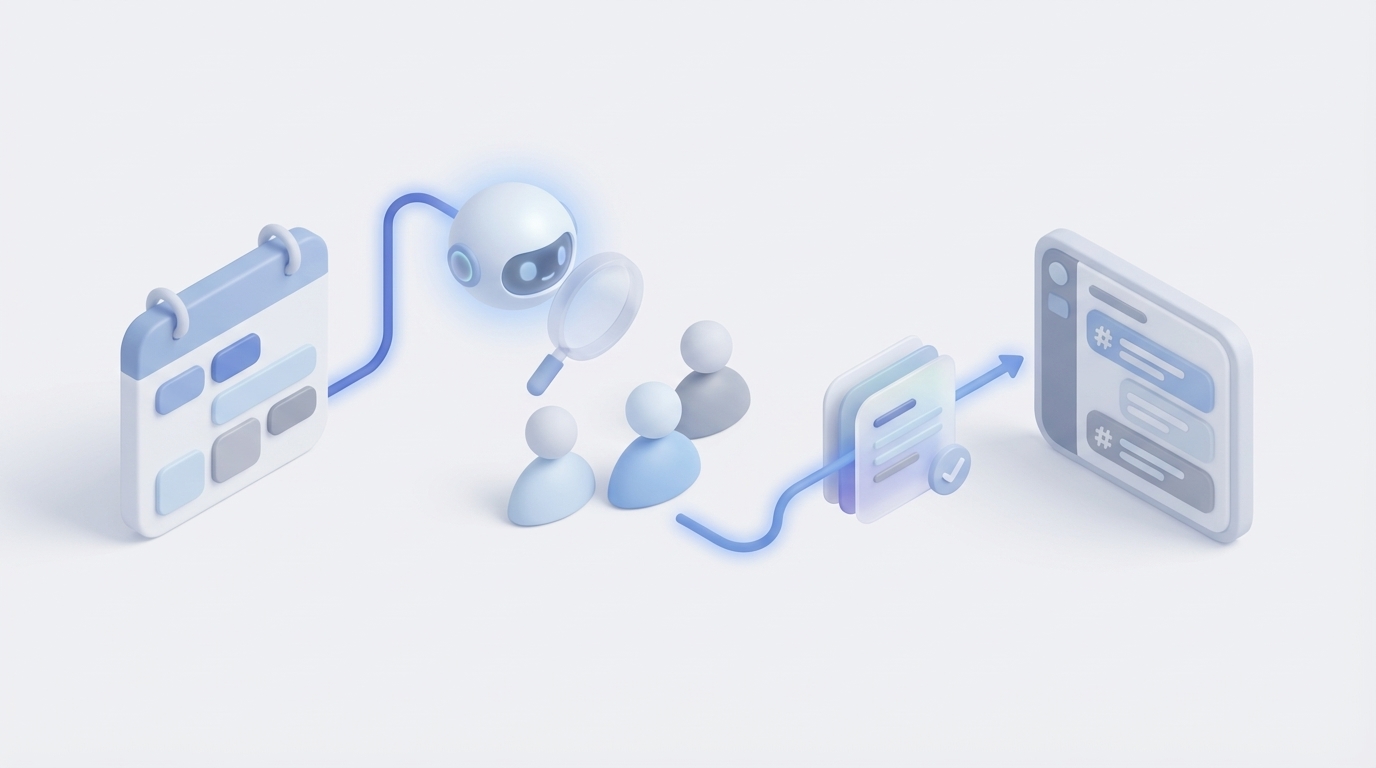
Now I wake up and the briefing is already in Slack. Every meeting. Every attendee. Every relevant piece of context. Before I’ve had my coffee.
Here’s the thing nobody talks about: meeting prep is the highest-leverage activity most founders skip. And it’s costing you deals.
The hidden cost of winging it
Think about your last five prospect calls. How many did you actually prepare for? Not glance-at-the-calendar prepare. Real preparation. Reviewing their LinkedIn. Reading past email threads. Checking if anyone on your team had worked with them before. Understanding their company’s recent moves.
If you’re honest, the answer is probably one. Maybe two.
The math is brutal. If you have three external meetings a day and each one needs 20 minutes of proper research, that’s an hour of prep work. Nobody has an extra hour. So you skip it. And when you skip it, you walk into meetings cold.
Cold meetings have predictable outcomes. You ask questions the prospect already answered in a previous email. You miss the connection point that would have built instant rapport. You don’t mention the industry trend that would have positioned you as an expert. You forget that your colleague already sent them a proposal six months ago.
Every one of those misses erodes trust. Not dramatically. Subtly. The prospect doesn’t think “this person is unprepared.” They think “this person doesn’t really know my situation.” And they go with the competitor who does.
The irony that keeps founders stuck
Here’s the paradox. Every founder knows that preparation wins deals. Every sales book ever written says the same thing: do your homework. Know the prospect. Understand their pain. Come with specific insights.
And every founder agrees with that advice. Then ignores it because there’s no time.
The irony is that the activity most likely to increase your close rate is the one you’re most likely to skip. Not because you don’t value it. Because the 20 minutes it takes per meeting doesn’t feel productive when you have 47 other things demanding your attention.
So you tell yourself you’ll remember. You tell yourself you know the prospect well enough. You tell yourself that being “authentic” means you don’t need a script.
But authentic and unprepared are not the same thing. The best conversations happen when you already have context and can skip straight to the substance.
What if someone did the research while you slept?
That was the question that started this automation. Not “how do I prep faster?” but “how do I remove myself from the prep entirely?”
The answer turned out to be straightforward once we mapped the workflow. Meeting prep is just research. Research follows patterns. Patterns can be automated.
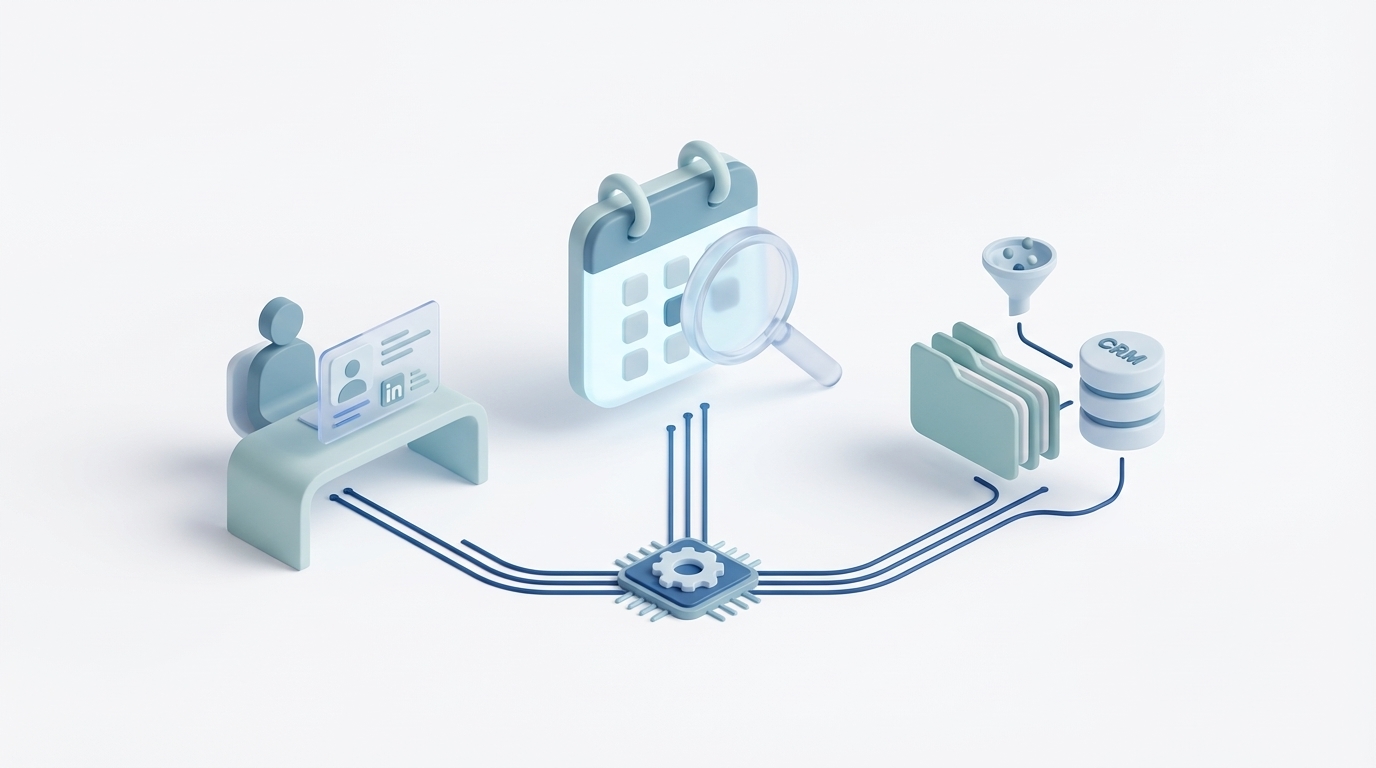
So we built it. Every morning at 5 AM, an AI agent wakes up and does exactly what I used to do manually. Except it can run this preparation for the meetings classified for research on my calendar. And it does it better than I ever did, because it checks sources I would never have time to check.
“I used to spend 20 minutes before every prospect call googling their name, scrolling LinkedIn, searching my inbox. Now I wake up and the briefing is already in Slack.”
By the time I open Slack in the morning, there’s a structured briefing waiting for me. Not a wall of text. A clean, organized document with exactly the context I need for each meeting. I scan it over coffee. Five minutes covers my entire day.
How it actually works
The system runs as a four-step pipeline. No human intervention. No prompts to write. No buttons to click. Anthropic's workflow guidance describes breaking tasks into sequential steps.
Step 1: Calendar scan
At 5 AM, the agent pulls every event from Google Calendar for the day. It reads the meeting title, the attendee list, and any notes or links attached to the invite. This is the raw input. Google's Calendar API provides the event-list endpoint behind this kind of calendar scan.
Step 2: Classification
Not every meeting needs a briefing. A daily standup doesn’t need one. A blocked focus-time slot doesn’t need one. The agent classifies each meeting into one of four categories:
- Calendly: inbound prospect bookings, full research
- External: people outside your organization, full research
- Internal: team meetings, lighter context
- Skip: recurring standups, lunch blocks and focus time, ignored
Calendly — Inbound prospect bookings. These get the full research treatment because you’re meeting someone who chose to talk to you. High intent. High stakes.
External — Meetings with people outside your organization. These also get full research. Could be prospects, partners, vendors, or referral sources.
Internal — Team meetings. These get lighter context: relevant project status, recent decisions, open items. No need to research your own colleagues.
Skip — Recurring standups, lunch blocks, focus time, one-on-ones that don’t need prep. The agent ignores these entirely.
Step 3: Research
For every Calendly and External meeting, the agent runs a multi-source research pipeline. This is where it goes deeper than any human would.
- Company Brain
- Gmail history
- LinkedIn profiles
- Web research
Company Brain: Your internal knowledge base. Past proposals, meeting notes, project histories, SOWs. If your company has worked with this person or their organization before, the agent finds it.
Gmail history: Every email thread with every attendee. The agent reads through past conversations to understand the relationship, prior discussions, and open threads.
LinkedIn profiles: Current role, career history, shared connections, recent posts. The agent surfaces the professional context that would take you 10 minutes to find manually.
Web research: Recent news about the attendee’s company. Funding announcements, product launches, leadership changes, press coverage. The kind of context that makes you sound like you pay attention.
Step 4: Synthesize and deliver
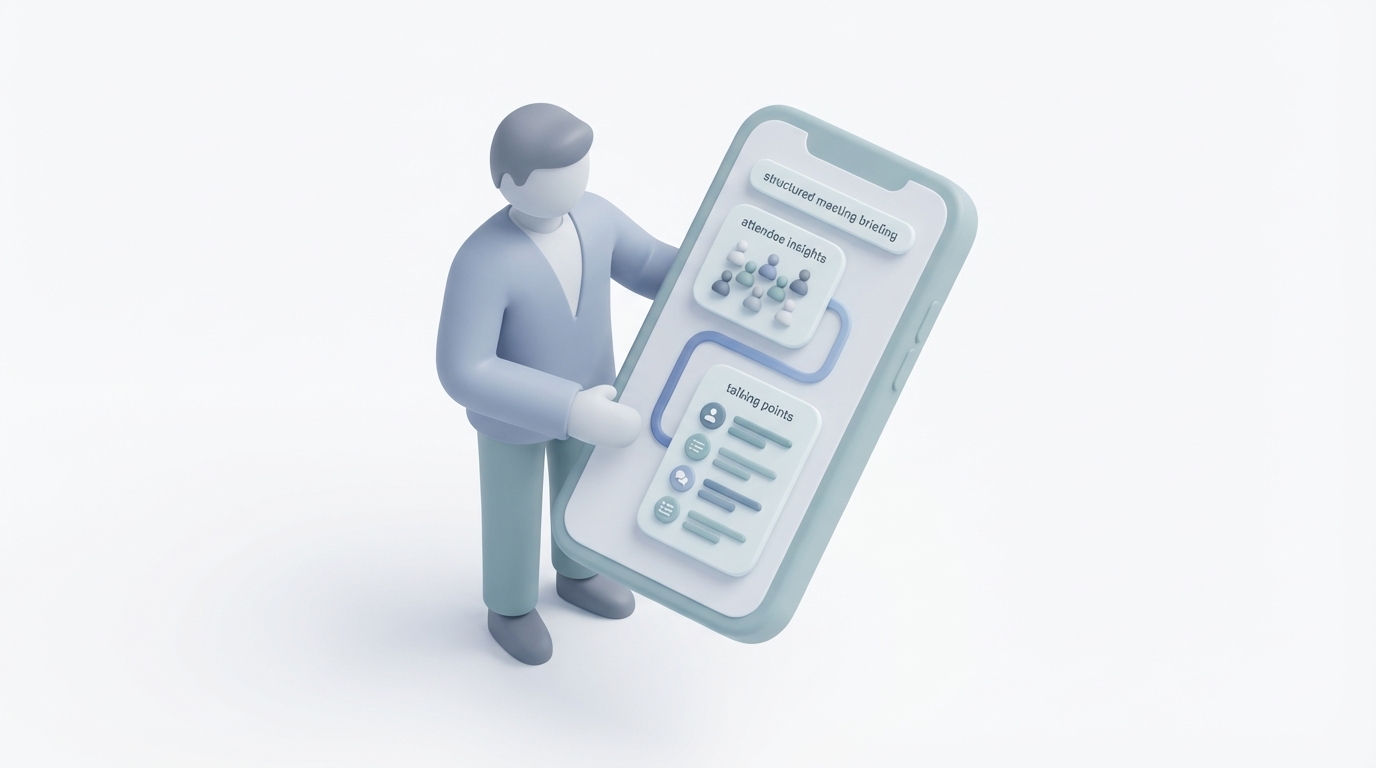
Claude takes all that raw research and produces a structured briefing. Not a data dump. A document designed to be scanned in 60 seconds.
Each briefing includes:
- Meeting overview
- Attendee profiles
- Company intel
- Relationship history
- Project context
- Talking points
Meeting overview: What this meeting is about, who requested it, and why it matters.
Attendee profiles: One paragraph per person. Current role, relevant background, and anything notable from their LinkedIn or web presence.
Company intel: What their company does, recent news, size, funding stage, and any competitive dynamics you should know about.
Relationship history: Every prior touchpoint your company has had with this person or their organization. Past emails, proposals, meetings, projects. If your colleague sent them a quote eight months ago, it shows up here.
Project context: If there’s an active engagement or open proposal, the briefing pulls in the current status so you’re not asking “where did we leave off?”
Talking points: Three to five specific conversation starters based on the research. Not generic icebreakers. Specific points like “They just raised a Series B — ask about scaling plans” or “Their VP of Ops posted about workflow automation last week.”
The finished briefing lands in a dedicated Slack channel before your first meeting of the day. Slack documents incoming webhooks for posting app-generated messages into Slack.
What changes when you’re always prepared
The first thing that changes is the first 90 seconds of every call. Instead of “So, tell me about your company,” you open with “I saw you just expanded into the healthcare vertical. How’s that going?”
That single shift changes the entire dynamic. The prospect goes from explaining themselves to having a conversation. They lean in. They share more. They trust you faster because you clearly did the work.
The second thing that changes is follow-up quality. When you know the relationship history, you don’t send generic follow-ups. You reference specific points from prior conversations. You connect dots between what they said and what your team has done before. It feels personal because it is personal. The AI just made it possible to scale that personalization.
The third thing is confidence. Walking into a meeting knowing you have the full picture changes how you carry yourself. You ask better questions. You make sharper recommendations. You don’t hedge because you’re not guessing.
The math that makes this obvious
Let’s run the numbers on a typical week.
Without automation: 3 external meetings per day, 20 minutes of prep each, 5 days a week. That’s 5 hours of research time. Except you don’t actually spend 5 hours. You spend maybe 1 hour and wing the rest. So you’re properly prepared for roughly 20% of your meetings.
With automation: the agent runs at 5 AM. MyZone’s own API-fee estimate for this workflow: $0.03 to $0.07 per day; actual usage and provider prices vary. Time investment from you: 5 minutes scanning the briefings over coffee. You receive briefings for qualifying meetings, subject to available data and successful processing; skipped events do not receive full research.
Receiving more briefings does not guarantee complete preparation or a particular close-rate gain. But moving from winging it to walking in with full context? By my own estimate from MyZone’s experience, that has been worth a 15-25% improvement in conversion on prospect calls, though we have not tested it in a controlled study.
For illustration only, assuming a 20% relative increase in $500K of annual prospect-meeting revenue gives $100K in additional revenue before costs. The assumed gain is not a measured result or a forecast. My own estimate for this workflow was about $1.50 per month in API fees, not an all-in service price.
Why most “meeting prep” tools miss the point
There are plenty of tools that claim to help with meeting prep. Most of them are glorified calendar add-ons that show you a LinkedIn summary and maybe a recent tweet. That’s not preparation. That’s a notification.
Real preparation means cross-referencing external research with your internal data. It means knowing that this prospect emailed your colleague three months ago about a specific problem. It means understanding the relationship history, not just the prospect’s bio.
The Company Brain integration is what makes this different. External tools can scrape LinkedIn. Only a system connected to your email, your CRM, and your internal knowledge base can tell you the full story. That’s the difference between “Jane Smith, VP of Operations at Acme Corp” and “Jane Smith, VP of Operations at Acme Corp, who your team sent a proposal to in October, discussed workflow automation challenges in three email threads, and whose company just posted a job listing for an AI integration lead.”
The second version gives you more context for the conversation; it does not guarantee the outcome.
What it costs (and why that matters)
I get asked about cost every time I mention this. People expect it to be expensive because it sounds sophisticated.
In MyZone’s own estimate for the workflow described here, daily API fees were $0.03 to $0.07; a day with two prospect calls was estimated at about a nickel. These are author estimates, not current provider quotes or all-in operating costs. Skipping research on days without external meetings reduces usage.
By our own estimate, API fees for this example were under $2 per month. Actual costs depend on meeting volume, model, research usage and provider pricing.
Compare that to the alternative: hiring a research assistant at $25/hour to do manual prep. Using an illustrative four-week month at 5 hours per week, that is $500/month. Our under-$2 API-only estimate is less than 0.4% of that labour figure; it is not a like-for-like total-cost or quality comparison.
The cost is so low it’s effectively invisible in your operating budget. Which means the only reason not to do it is if you genuinely prefer being unprepared.
Getting started
Setup takes about two hours. You connect Google Calendar, Gmail, and Slack. You point the system at your Company Brain (internal docs, past proposals, project notes). You set your classification rules so it knows which meetings to research and which to skip.
The next morning, you wake up to your first briefing. Most people spend the first week tweaking the output. Maybe you want longer attendee profiles. Maybe you want fewer talking points. Maybe you want the briefing delivered to a different Slack channel. All of that is configurable.
By the end of the first week, you stop thinking about it. The briefings just appear. You scan them over coffee. You walk into every meeting knowing more than the person across the table expects you to know.
That’s the whole point. The best automation is the kind you forget is running.
See the Meeting Prep Automation in Action
Watch how Ai1 prepares briefings for qualifying meetings on your calendar with our meeting prep automation workflow.
Meet the Chief of Staff →