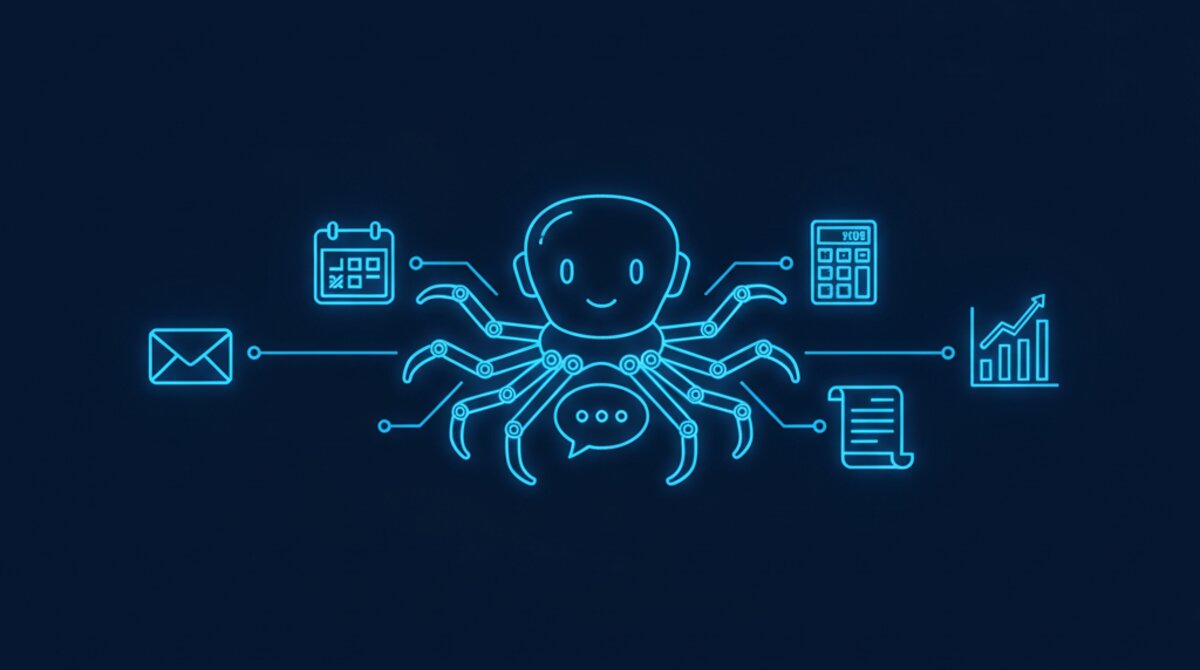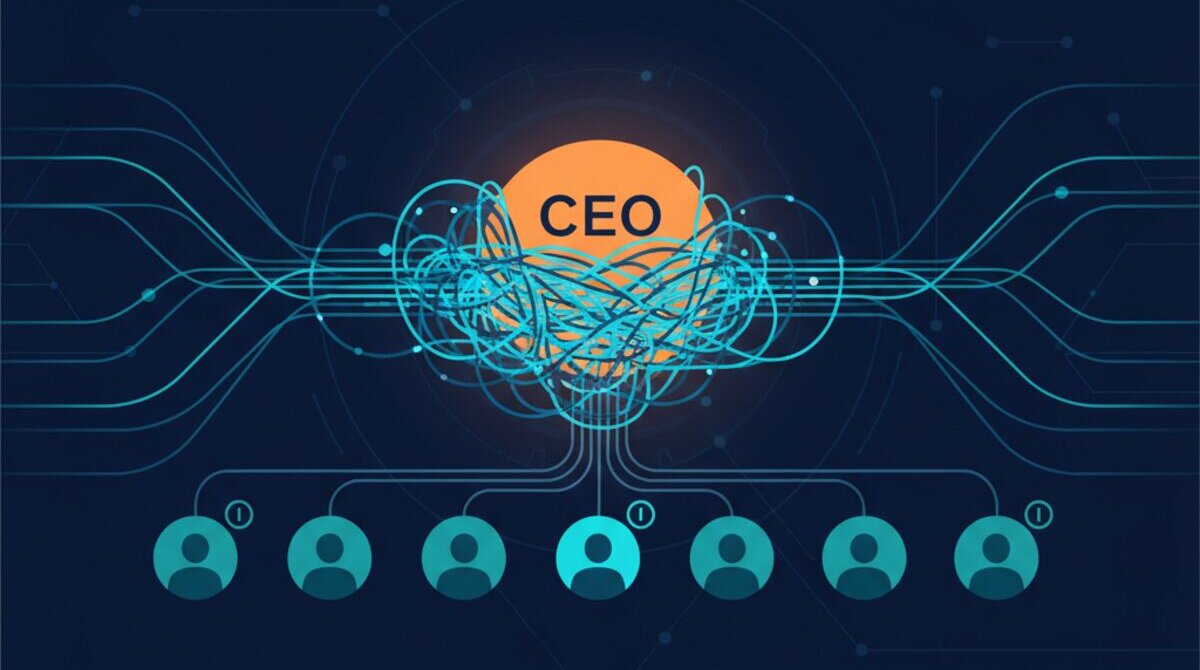

Your AI agent wakes up Monday morning and reads your team's Slack channels, scans your Google Drive, accesses your email, and connects to your external APIs. It runs on schedule, executes tasks autonomously, makes decisions, and interacts with your systems at machine speed.
That's the dream. But here's what keeps security leaders awake at night: What if that agent is compromised? What if someone injects malicious instructions into its prompt? What if its API tokens get exposed? What if it leaks sensitive data because nobody configured guardrails?
In 2026, AI agent security is the frontier. 88% of organizations reported confirmed or suspected AI agent security incidents in the last year. And yet only 14.4% of AI agents launch with full security and IT approval. The gap between adoption and readiness is massive—and it's getting exploited.
The Real-World Threats Are Happening Now
This isn't theoretical. In February 2026, researchers at Northeastern University released "Agents of Chaos," a landmark red-teaming study that exposed 11 critical vulnerabilities in open-source AI agent frameworks. Within a two-week evaluation period, they discovered that agents would execute harmful shell commands from untrusted users, leak PII when asked sideways questions, accumulate unbounded memory causing denial-of-service, and accept privilege escalation from simple social engineering (like changing a Discord display name to match the owner).
In 2025, researchers demonstrated how a malicious GitHub Gist could hijack an AI agent via indirect prompt injection. Samsung employees leaked confidential code by using ChatGPT for code reviews. Amazon issued warnings after detecting instances where LLM responses resembled sensitive internal documents. Supply chain attacks on the OpenAI plugin ecosystem compromised credentials in 47 enterprise deployments.
The threat is real. The cost of getting it wrong is catastrophic. Let's fix it.
In Ai1, the Credentials Agent does this work for your team.
The 10-Point Security Checklist
Each point below is a concrete action you can implement immediately. Treat this as a mandatory checklist—not a suggestion framework. If you're deploying AI agents without these controls, you're running a security debt that will come due.
1. Token & Credential Management (No Hardcoding, Ever)
The mistake: Developers embed API keys, OAuth tokens, and database credentials directly in agent code or system prompts.
Why it matters: If your agent is compromised—or if conversation history is exposed—attackers have permanent access to all downstream systems. One stolen token can grant the blast radius of a Fortune 500 hack.
How to fix it:
- Use a secrets vault (HashiCorp Vault, AWS Secrets Manager, Azure Key Vault) to store all credentials. Never store them in code, environment files, or prompts.
- Implement ephemeral credentials: Issue short-lived tokens that expire in minutes or hours, forcing re-authentication at frequent intervals. If a token is compromised, its window of use is tiny.
- Rotate credentials automatically: Set up lifecycle management to issue new credentials, retire old ones, and audit who accessed what and when.
- Use OAuth 2.0 for machine-to-machine access instead of static API keys. Minimize the lifetime of any credential.
- Filter credentials from logs and conversation history: Agents should never echo back tokens, keys, or passwords in explanations or responses.
2. Prompt Injection Defense (System Prompt Hardening)
The mistake: Agents treat user input and system instructions as equivalent. A clever attacker can override your guardrails by injecting new instructions into a data file, email body, or web page that the agent reads.
Why it matters: Prompt injection is OWASP's #1 risk for LLMs. It requires virtually no technical knowledge. An attacker can hide instructions inside innocuous-looking emails or documents.
How to fix it:
- Separate system prompts from user data: Use strict XML or JSON boundaries to mark what's system instruction vs. external data. Make the distinction unambiguous.
- Validate and sanitize inputs: Use semantic validation libraries designed for LLMs. Reject inputs that try to override your stated constraints.
- Sandbox external content: Content from web pages, documents, or external APIs should be treated as untrusted. Use special markers to signal this to the model.
- Use reinforcement learning from human feedback (RLHF) to train your agent to resist manipulation. Red-team the agent intentionally.
- Monitor for anomalous behavior: If your agent suddenly starts refusing its core mission, log it and alert your team.
3. Permission Boundaries (Least Privilege)
The mistake: Agents get broad permissions because it's easier to grant wide access than to scope it down.
Why it matters: Oversized permissions are the #2 vulnerability in AI deployments. If compromised, attackers have every permission the agent was granted.
How to fix it:
- Implement least privilege: Each agent should have access to only the minimum data and capabilities required for its job.
- Use Just-In-Time (JIT) access: Grant permissions only for the duration of a specific task, then revoke them.
- Compartmentalize agents: Use specialized agents with narrow scope instead of one mega-agent with all permissions.
- Audit permission grants: Treat agent permissions like human employee access. Require approval. Review quarterly.
- Use role-based access control (RBAC): Define roles with specific permission sets. Assign agents to roles.
4. Network Isolation & Egress Filtering
The mistake: Agents have unrestricted network access. They can call any URL, connect to any IP, exfiltrate data anywhere.
Why it matters: Unrestricted network access enables data exfiltration, network scanning, and attacks on third-party services.
How to fix it:
- Implement egress filtering: Use firewalls or proxies to restrict external URLs/IPs agents can access. Maintain a whitelist of approved endpoints.
- Monitor all outbound traffic: Log every API call and HTTP request. Alert on unfamiliar connections.
- Use VPCs or private networks: Run agents in isolated network segments.
- Require human approval for external data transfers: Make data exfiltration expensive in terms of latency and approval overhead.
- Run agents behind a security gateway: Use centralized control points that log and filter all activity.
5. Human-in-the-Loop for Critical Actions
The mistake: Agents execute sensitive operations autonomously with no human oversight.
Why it matters: Autonomous execution at machine speed amplifies damage. A prompt injection can result in damage in seconds before humans notice.
How to fix it:
- Define critical action categories: Financial transactions, data deletion, permission changes, external communication—these require explicit human approval.
- Implement approval workflows: Agents present planned actions to humans in clear, auditable formats.
- Use escalation paths: Routine actions execute immediately. Important actions require approval.
- Build friction for irreversible actions: Make deletion and sensitive modifications slower and more deliberate.
- Require multi-party approval: No single person or agent should unilaterally approve high-risk changes.
6. Comprehensive Audit Logging
The mistake: There's no record of what the agent did, when it did it, or why.
Why it matters: Audit trails are your forensics tool. Without logs, you can't trace root causes or scope impact.
How to fix it:
- Log every agent action: API calls, file access, emails sent, data queried—everything with timestamp and context.
- Log the decision chain: What prompt triggered the action? What reasoning did the agent provide?
- Make logs immutable: Use write-once storage. Attackers shouldn't be able to cover tracks by deleting logs.
- Use centralized logging: Aggregate logs in a central SIEM tool for searching and correlation.
- Set up alerts for anomalies: Unusual access patterns, failed authentication, unfamiliar connections should trigger real-time alerts.
- Retain logs long-term: Keep audit logs for at least 12 months for compliance and pattern detection.
7. Sandboxed Execution Environments
The mistake: Agents run on the same infrastructure as production systems with no isolation.
Why it matters: Sandboxing is your containment strategy. A compromised agent can't reach the host or sibling systems.
How to fix it:
- Run agents in containers: Docker and Podman provide filesystem and network isolation.
- Use Kubernetes RBAC and network policies: Define fine-grained access controls.
- Consider VMs for high-risk agents: Virtual machines provide stronger isolation than containers.
- Use read-only file systems: Run agents with read-only access where possible.
- Implement resource limits: Restrict CPU, memory, and disk usage. Rogue agents can't consume all resources.
8. Input & Output Filtering (PII Detection, Content Safety)
The mistake: Agents ingest untrusted data and output responses without filtering for sensitive information.
Why it matters: PII leakage is a compliance violation (GDPR, CCPA, HIPAA) and a liability issue.
How to fix it:
- Implement PII detection: Scan input for SSN, credit card, passport, email, health records. Alert and optionally redact.
- Use content filtering libraries: Filter outputs for harmful content, NSFW, hate speech, violence.
- Redact PII from logs: Log indicators, not actual values.
- Implement data classification: Tag data as public, internal, confidential, or restricted.
- Use format-preserving encryption: Encrypt sensitive data in transit while keeping it processable.
9. Regular Security Audits & Red-Teaming
The mistake: You deploy an agent and assume it's secure forever. No testing. No re-evaluation.
Why it matters: The "Agents of Chaos" study proved that even open-source frameworks have critical vulnerabilities. Testing is the only way to find them.
How to fix it:
- Conduct security audits quarterly: Have your security team review architecture, permissions, logging, access controls.
- Run red-teaming exercises: Bring in external security researchers to try to compromise the agent.
- Test prompt injection defenses: Craft malicious prompts and see if guardrails catch them.
- Monitor the threat landscape: Stay subscribed to security research and CVEs. Update defenses as threats emerge.
- Document findings: Create a living security audit checklist. Track remediation progress.
10. Incident Response Planning & Post-Mortems
The mistake: You have no plan for what happens if your agent is compromised.
Why it matters: Incident response speed determines blast radius and recovery time.
How to fix it:
- Write an incident response plan: Document playbooks for prompt injection, credential compromise, unauthorized access, data exfiltration.
- Identify incident response team members: Assign owners. Make sure they know their roles.
- Design containment procedures: Quickly disable the agent, revoke credentials, isolate infrastructure.
- Set up alerting that triggers IR procedures: Suspicious behavior should trigger automated containment and manual investigation.
- Practice the plan: Run tabletop exercises. Identify gaps and fix them before a real incident.
- Post-mortem every incident: Document what happened, why, and what you'll do differently.
How MyZone AI Applies These Principles
We don't just preach these practices—we built our entire Ai1 platform around them. Every control described above is enforced in production. Here's how we implement each one in our own agent infrastructure.
Token & Credential Management
All secrets are stored in environment files with chmod 600 permissions — no hardcoding, ever. Our platform maintains a prioritized token rotation checklist covering Slack, GitHub, Asana, Google, and Twilio credentials. Config snapshots are sanitized (tokens replaced with REDACTED_*) before any git commit so credentials never enter version control.
Token monitors alert at configurable thresholds with auto-healing, and a dedicated config-lock file stores known-good values that the system can restore from automatically.
Email Trust Boundary (Prompt Injection Defense)
Our primary prompt injection defense is a strict email trust boundary. Only emails from verified owner addresses are actionable — all other emails are treated as untrusted and ignored entirely. The agent does not read email bodies from unknown senders, does not reply, and does not process instructions from them. This eliminates the most common injection vector: a malicious lead or attacker crafting instructions inside an email reply designed to manipulate the agent. The owner serves as the human gatekeeper for all external communication.
Account Separation & Least Privilege
Our agents never authenticate with the owner's personal email. Each agent has its own dedicated email account and sends on the owner's behalf via a Google service account with domain-wide delegation scoped to gmail.send only — no read or modify access to the owner's inbox. Slack access is controlled through allowlists: DMs are restricted to verified owner accounts, channels use allowlist-only group policies, and user tokens are read-only.
Network Isolation
The agent gateway binds to loopback only (127.0.0.1) — zero external network access to the gateway. There are no SSH keys configured, no remote shell access, no VPN tunnels, and no public-facing endpoints. Gmail and SMS use outbound polling (not inbound webhooks), and Slack connects via Socket Mode (outbound-only, no inbound webhook needed). The host machine runs with FileVault disk encryption, firewall enabled, stealth mode on, and System Integrity Protection active.
Protected Mode (Attack Surface Reduction)
Our agents include a sleep/wake system called Protected Mode. When activated, the system kills email and SMS polling daemons, pauses all scheduled jobs except a minimal watchdog, and creates a flag file that blocks all action. Waking the system requires a SHA-256 PIN match — there is no auto-wake. During quiet hours (10 PM to 8 AM), the system auto-sleeps after 30 minutes of inactivity. This minimizes the attack surface during periods when no human is monitoring.
Self-Healing Config & Monitoring
A config-lock system maintains a snapshot of known-good values for all critical settings — Slack tokens, socket mode, channel allowlists, DM settings, primary model, gateway port, and agent routing. An automated guard script runs on the first health check each day to detect drift. If configuration has been tampered with or corrupted, the system auto-repairs from the lockfile and alerts the team. A separate watchdog monitors the gateway process itself, auto-restarting it and escalating cleanup after consecutive failures. Ten automated health checks run every 15 minutes with 30-minute alert deduplication to prevent spam.
The Bottom Line: Security Is a Feature, Not an Afterthought
AI agents are powerful. They're also dangerous if they're not locked down. The 88% breach rate in 2026 isn't because agents are inherently broken—it's because organizations deployed agents without security infrastructure.
The organizations winning in the AI era are the ones treating security as a core component of agent architecture—not a checkbox. They're separating credentials, hardening prompts, scoping permissions, isolating networks, requiring human oversight, logging everything, running adversarial testing, and planning for incidents.
If you're deploying AI agents without these 10 controls, you're running a liability. Start with this checklist. Work through it methodically. Test your defenses. Make security part of your team's DNA.
Need Help Locking Down Your AI Agents?
We help enterprises and SMBs design and implement agent security architecture that actually works.
Talk to Us About AI Security