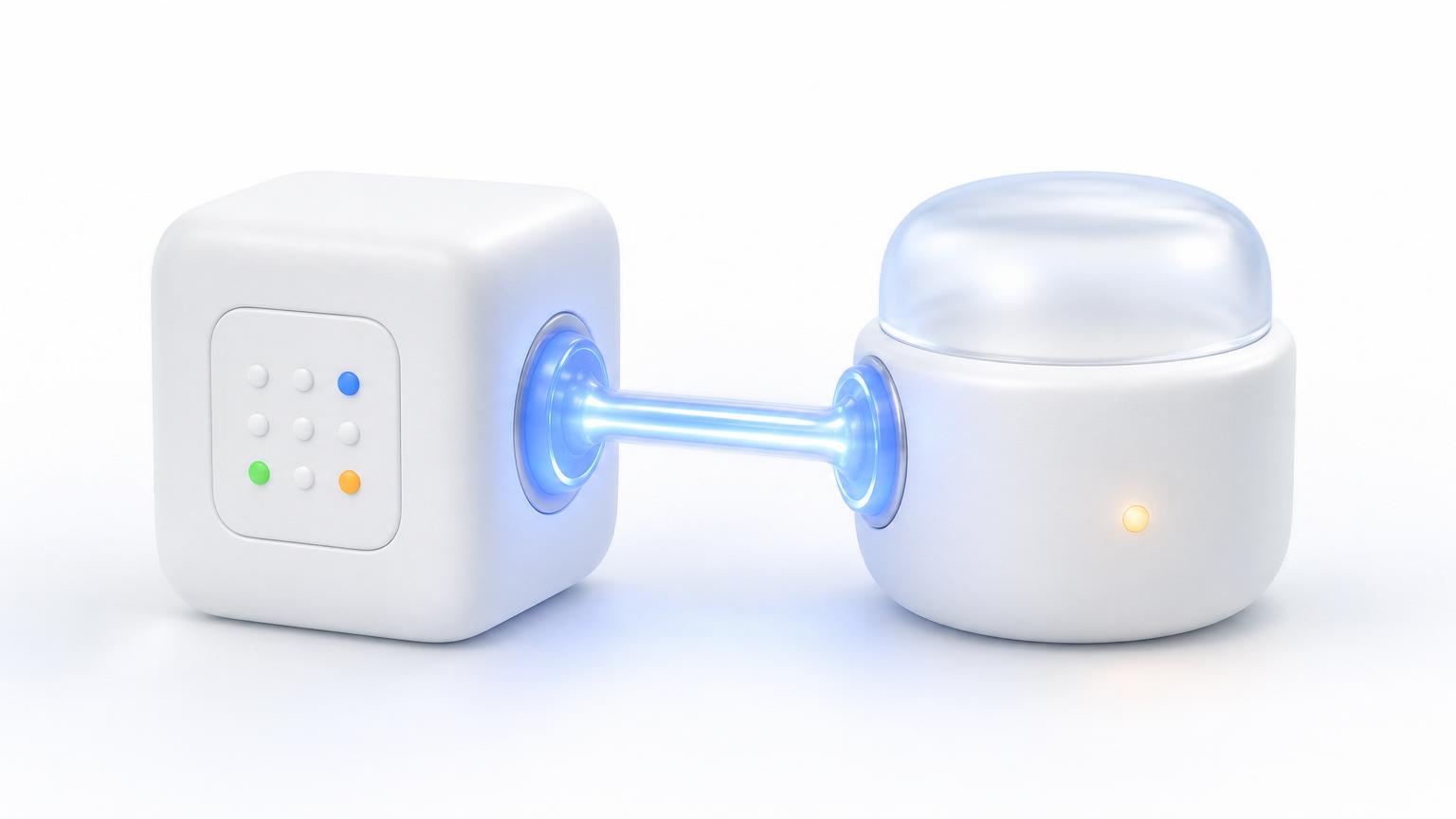

One platform, many tools
What does Ai1 connect to?
Each tile is a real integration. The set below is what we connect to most often, and it grows every week. Hover, tap, or focus any tile to see its name. On a phone, the same set becomes a tappable grid.

Which tools are in the Ai1 connector catalog?
Roughly 90 tools across about 20 categories. Named tools are illustrative, not exhaustive. Anything with an API or an MCP server can be added.
Intelligence (bring your own model)
 Claude
 OpenAI / ChatGPT
 Google Gemini
 Grok
Grok DeepSeek
 Perplexity
 Cursor
 ElevenLabs
Communication & productivity
 Slack
Slack Microsoft Teams
 WhatsApp
 TwilioGoogle Workspace
 Microsoft 365
CRM
 HubSpot
 Salesforce
 Pipedrive
 Zoho
Zoho Monday CRM
 GoHighLevel
 Jobber
Project & task management
 AsanaMonday
 Trello
 ClickUp
 Jira
Jira Basecamp
 Notion
Video meetings
 ZoomMicrosoft Teams
 Google Meet
AI notetakers
 Fireflies
 Otter
Otter FathomZoom AI Companion
 Plaud
PlaudPhone & VoIP
 RingCentral
 8x8
8x8 Vonage
 Grasshopper
 Dialpad
 AircallZoom PhoneGoogle Voice
 CallTrackingMetrics
Social
 Meta
Meta Facebook
 Instagram
 LinkedIn
 X
X TikTok
 YouTube
 Pinterest
Paid ads
 Google AdsMeta AdsLinkedIn Ads
 Microsoft AdsTikTok Ads
Email marketing
 Mailchimp
 ActiveCampaign
 Klaviyo
 ConvertKit / Kit
 Constant Contact
 Brevo
Brevo Benchmark
Analytics & SEO
 Google Analytics 4
 Search Console
 Ahrefs
 SEMrush
 Moz Pro
 SpyFu
SpyFu SimilarWeb
 BuzzSumo
Scheduling & booking
 Calendly
 Acuity
 Cal.com
 Square Appointments
 SimplyBook.me
 Google Calendar
Helpdesk & support
 Zendesk
 Freshdesk
 Intercom
 Help Scout
 LiveChat
 TidioMyZone Chatbots
Accounting
 QuickBooks
 Xero
Xero FreshBooks
 Wave
Wave Sage
SageE-commerce & payments
 Shopify
 WooCommerce
 BigCommerce
 StripeSquare
 PayPal
Forms & surveys
 Typeform
 JotForm
 Google Forms
 SurveyMonkey
 Tally
Tally Gravity Forms
 Fillout
CMS & website
 WordPressShopify
 Squarespace
 Wix
Wix WebflowCustom
Hosting & infrastructure
 GoDaddy
 SiteGround
 WP Engine
 Cloudways
 AWS
AWS DigitalOcean
 Firebase
 Vercel
 Netlify
 Linode
Code & DevOps
 GitHub
 GitLab
 Bitbucket
 Azure DevOps
Domains & DNS
 CloudflareGoDaddy
 Namecheap
 Google DomainsRoute 53
Advanced / on request
 DocuSign
 PandaDoc
 Adobe Sign
 Apify
Apify fal.ai
 Sentry
 Figma
Figma Lighthouse
The catch-all rule: if it exposes an API or an MCP server, your agents can connect to it. The list above is what we connect to most often, and it grows every week.
Under the hood
How does an Ai1 connection work?
Three standard paths, your credentials, no lock-in. You connect a tool once and your agents can use it from then on.
REST APIs
Most tools expose a REST API. Your agents read and write through it directly, using a token you supply, so data flows straight between your tools and your deployment.
MCP servers
A growing standard for giving agents safe, structured access to a tool. If a tool ships an MCP server, Ai1 can speak to it natively, with clear, auditable actions.
How do I authorize a tool, and can I revoke access?
You authorize with OAuth or paste a token during onboarding. Credentials are encrypted at rest, and you can revoke access at any time. You stay in control of what is connected.
Connecting a tool does not move your data into a shared system. Your integrations run inside your dedicated single-tenant deployment, with your keys, on your server.
| Path | How it works | What you provide |
|---|---|---|
| REST APIs | Your agents read and write through the tool's REST API directly, so data flows straight between your tools and your deployment. | A token you supply |
| MCP servers | If a tool ships an MCP server, Ai1 speaks to it natively, with clear, auditable actions. | Access to the tool's MCP server |
| OAuth & your tokens | You authorize with OAuth or paste a token during onboarding. Credentials are encrypted at rest and can be revoked at any time. | OAuth approval or a token |