
Writing follow-up emails, posting summaries and creating tasks takes time after each meeting. When calls run back to back, that work can crowd out other priorities.
But the time isn't even the worst part. The worst part is what happens when you don't do it. When meetings run back to back and the follow-ups never go out. When the action items from Tuesday's sales call are still sitting in your notebook on Friday. When a warm prospect goes cold because nobody sent the recap.
I've watched this pattern repeat across hundreds of businesses since 2000. And I've lived it myself. We built the Call Transcript Intelligence automation on the Ai1 platform because I got tired of watching deals die in the gap between a great conversation and a missing follow-up.
The follow-up gap is where deals go to die
I used to spend 15 to 30 minutes after every meeting generating custom email replies, posting summaries to Slack, and creating tasks in Asana. All from notes scribbled on a notepad. We graduated to transcription services — Fireflies, Otter, then Zoom's native transcripts — but we were still copying raw text into ChatGPT and spending 15 to 20 minutes per call formatting it into something useful.
When you have meetings back to back to back, you run out of time. It's the end of the day and you didn't send that summary email. If that's a sales process, your conversion rates drop like crazy.
Sound familiar? Back-to-back meetings can leave follow-up actions unfinished. That can affect both productivity and customer relationships.
What businesses get wrong about meeting follow-ups
From what I've seen working with hundreds of companies, there are three common failure modes. Businesses either do it too slow, they forget to send out the follow-ups entirely because they're too busy, or they send out something generic that doesn't reference the actual conversation.
That third one is the silent killer. A templated "Thanks for your time, here are the next steps" email tells your prospect exactly nothing about whether you were paying attention. It signals that you send the same thing to everyone.
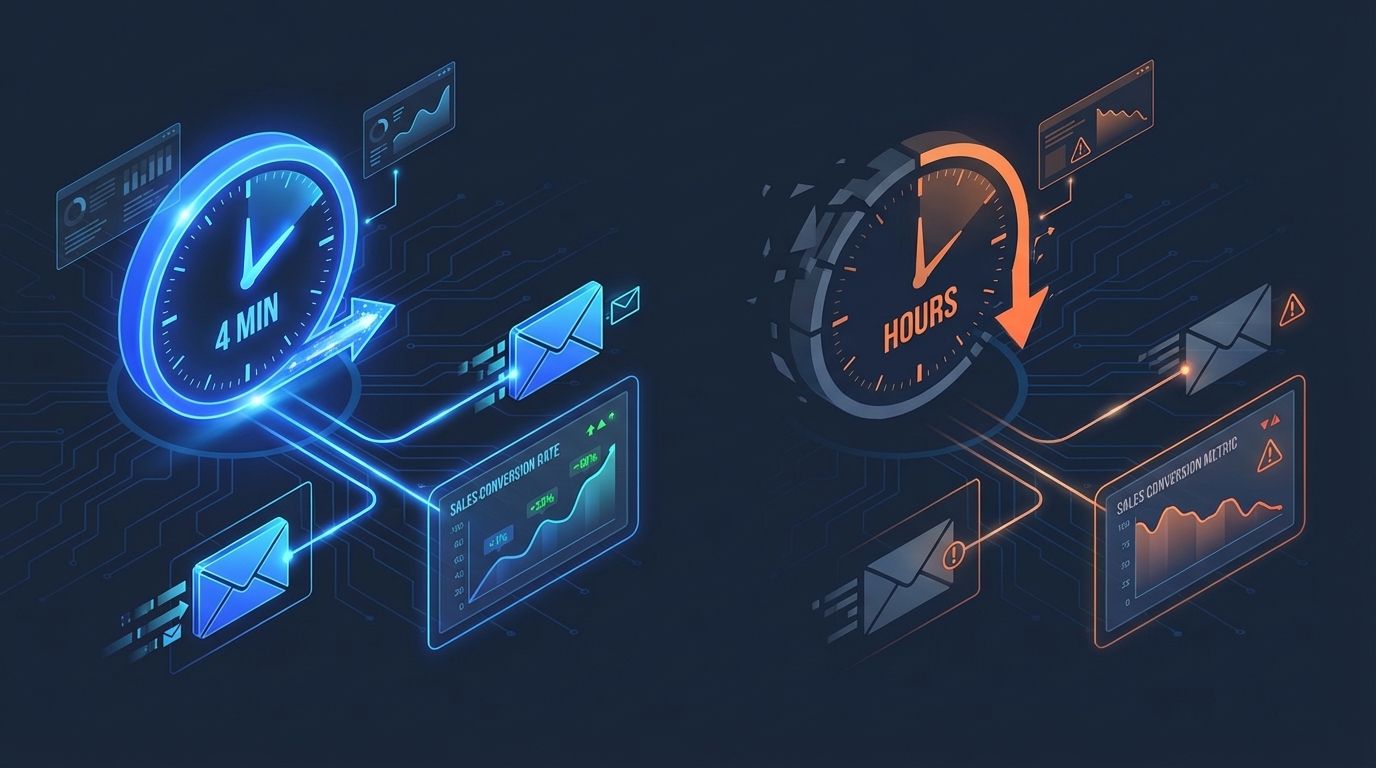
Hyper-personalization of the follow-ups is key. When someone gets off a call and four minutes later receives a detailed, well-thought-out email that references specific things they said, specific decisions that were made, and specific next steps tailored to their situation — that changes the entire dynamic of the relationship.
How the automation actually works
The process is surprisingly simple from the user's perspective. The call ends. That's it. That's the trigger.
After your meeting platform (Zoom, Teams, or Meet) finishes processing, the transcript can become available if transcription is enabled and the integration has the necessary access. The AI agent picks it up automatically and runs it through the full analysis pipeline:
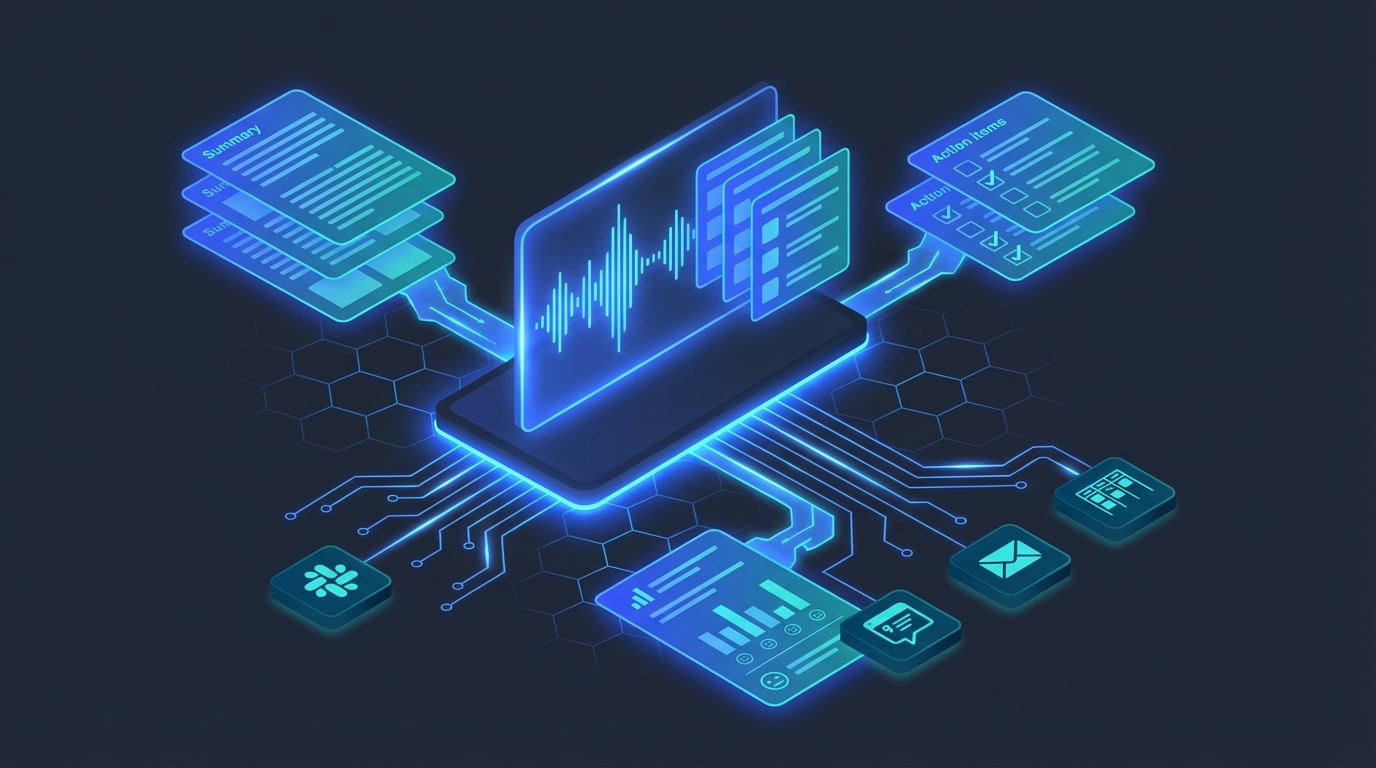
- Structured summary — not a transcript rehash, but a concise breakdown of what was discussed, what was decided, and what's still open.
- Action items — extracted with assigned owners and suggested deadlines, based on the conversation context.
- Sentiment analysis — scored per participant, so you know if the prospect was enthusiastic, hesitant, or disengaged.
- Personalized follow-up email — drafted and ready to send, referencing the specific discussion points from the call.
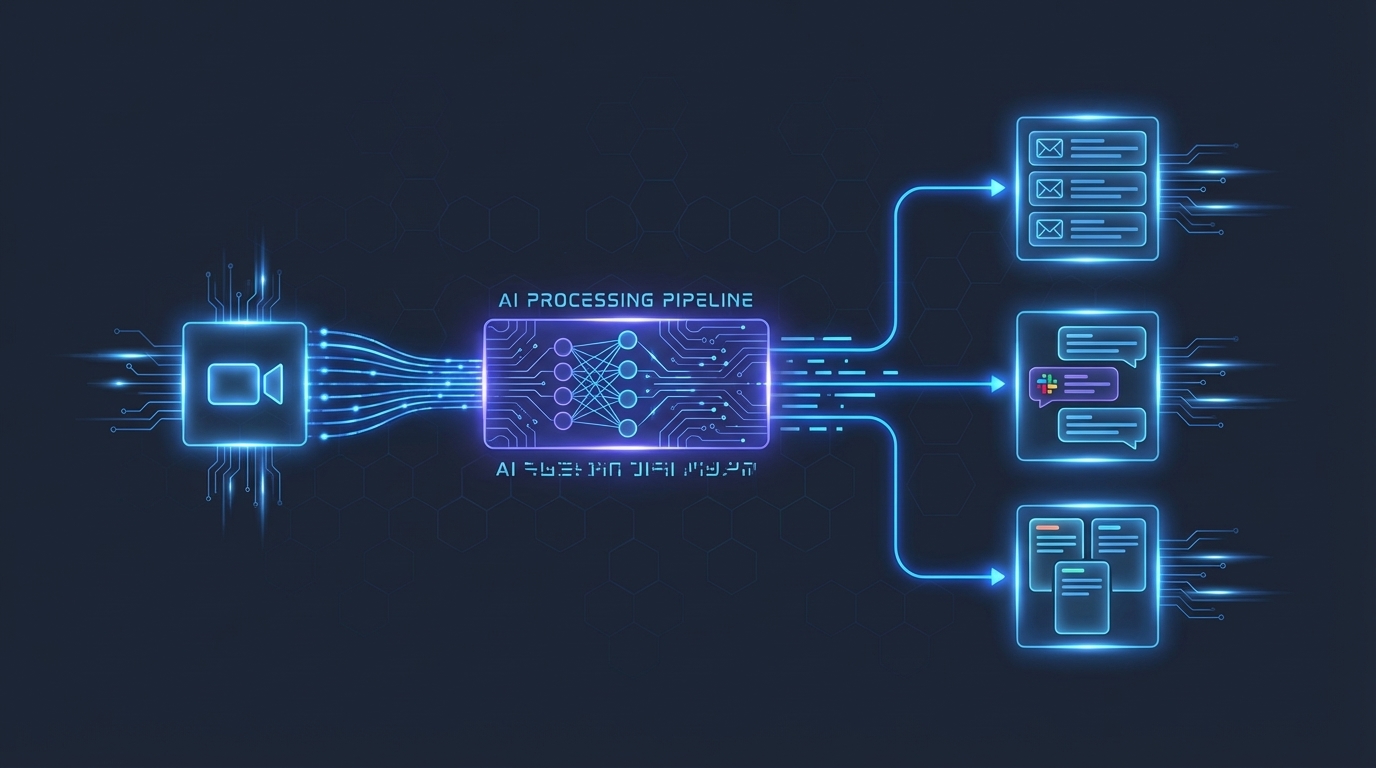
Then the routing kicks in. The summary posts to the relevant Slack channel. Action items create Asana tasks with full context. The complete analysis archives to Google Drive. Google’s Meet documentation also explains that meeting transcripts are saved in the organiser’s Google Drive. And the follow-up email lands in your drafts (or sends automatically, depending on your configuration).
If someone's in a rush, there's a fast-track option: copy the transcript from Zoom or Teams, paste it into a dedicated Slack channel, and it processes immediately. No waiting for the automatic pickup.
The speed advantage is a competitive weapon
I've had clients that are shocked — they get off a call with me and four minutes later they got a beautiful, long, well-thought-out email and everything all set up. The look on their face when they check their inbox and see a detailed recap of everything we just discussed, with clear next steps, is priceless.
That reaction tells you everything about how rare good follow-up is. Most businesses take hours. Many take until the next day. Some never send anything at all.
InsideSales reported a lead-qualification result, not a post-meeting email conversion result. The InsideSales write-up (2015) describes this as the odds of qualifying a lead by calling at five minutes versus 30 minutes. That research concerns calls to new leads after an enquiry, not follow-up emails after a meeting. It does not establish a conversion lift for this workflow. My view is that prompt follow-up helps keep the conversation and agreed next steps clear.
"I've had clients that are shocked — they get off a call with me and four minutes later they got a beautiful, long, well-thought-out email and everything all set up."
— Mike Schwarz, Founder & CEO, MyZone AIWhy transcription alone isn't enough
Here's where I see most people get stuck. They adopt a transcription tool — Otter, Fireflies, Zoom's native feature — and think the problem is solved. It's not. Transcription is the raw material, not the finished product.
A sales call can produce a long transcript. Nobody is going to read that. Nobody is going to scan through it looking for the three action items buried on page four. And nobody is going to take that raw text and manually write a personalized email, a Slack summary, an Asana task, and a Drive archive for every single meeting.
The real value isn't in recording what was said. It's in what happens with that information after the call. Analysis, extraction, routing, and action. That's where the AI agent layer makes the difference.
What the output actually looks like
People are surprised when they actually see it working. Here's what lands in your channels after a typical 30-minute client call:
Slack message — A clean, structured summary posted to your team's project channel. Meeting type, key participants, discussion topics, decisions made, and a list of action items with owners. Takes about 30 seconds to read.
Follow-up email — A draft (or auto-sent) email to the external attendees. Not a generic template. It references specific things discussed, acknowledges their concerns, and lays out clear next steps with timelines. The tone matches your communication style because the AI learned it from your previous correspondence.
Asana tasks — Individual tasks created with the action item as the title, full context from the discussion in the description, assigned to the right team member, and tagged to the relevant project. Nothing gets lost.
Google Drive archive — The complete analysis stored in an organized folder structure. Summary, action items, sentiment scores, and the original transcript. Searchable, referenceable, and permanent.
The compound effect
Over time, this archive becomes a searchable knowledge base of every conversation your team has ever had. Onboarding a new team member? They can search three months of client call summaries in minutes. Disputed scope? Pull up the original call analysis. The value compounds with every meeting.
The back-to-back meeting problem
This is the scenario where the automation pays for itself immediately. You have three client calls in a row — 10am, 11am, noon. By the time you finish the third call, you can barely remember what happened in the first one.
In the old world, you'd try to carve out 45 minutes after lunch to write three separate follow-up emails, post three summaries, and create a dozen tasks. Realistically? You'd do one. Maybe two. The third would slip to tomorrow, and by then the details would be fuzzy.
With the automation, all three are processed in parallel. By the time you sit down after lunch, every follow-up is sent, every task is created, every summary is posted. You just scan the output for accuracy (which takes two minutes per call) and move on.
That's not a small improvement. That's getting 45 minutes back and doing a better job than you would have done manually.
What this means for your conversion rates
I keep coming back to the sales angle because it's where the ROI is most obvious. But this applies to every type of call — internal team meetings, vendor calls, partnership discussions, onboarding sessions.
For sales, consistent follow-up can help prospects keep track of agreed next steps. Measure conversion against your own baseline; there is no established close-rate or revenue lift for this workflow.
This really helps boost conversion rates and makes sure nothing slips through the cracks. When every prospect gets a personalized, detailed, rapid response — not some of them, not most of them, all of them — the consistency compounds.
How to put this into action
- Audit your current process. Track how long you actually spend on post-meeting tasks this week. Include the emails you meant to send but didn't. Use what you actually record rather than relying on memory.
- Ensure your meeting platform generates transcripts. Zoom, Teams, and Meet all offer this natively now. Microsoft documents native meeting transcription in Teams. Turn it on if it's not already active.
- Define your routing rules. Which Slack channels should receive summaries? Which Asana projects should tasks flow into? Who gets the follow-up emails? Map this out before you configure anything.
- Set your personalization preferences. The AI can match your tone, include your email signature, and follow your company's communication guidelines. Feed it a few examples of your best follow-up emails as training data.
- Start with one meeting type. Pick your sales calls or your client check-ins. Run the automation for two weeks and compare the output to what you were doing manually. Then expand.
See the Call Transcript Intelligence Automation in Action
Watch how Ai1 turns every call into structured follow-ups with our call transcript intelligence automation workflow.
Meet the Sales Call Coach →The bottom line
Every meeting generates information. Right now, most of that information dies the moment the call ends. It lives in someone's memory for a few hours, then fades. The action items get partially captured. The follow-ups go out late or not at all. And the business pays for it in lost deals, missed deadlines, and repeated conversations.
AI transcript intelligence doesn't just speed up your existing process. It makes a consistently excellent post-meeting workflow the default, for every call, with zero manual effort. The question worth asking yourself: how many deals have you lost because a follow-up showed up a day late, or never showed up at all?