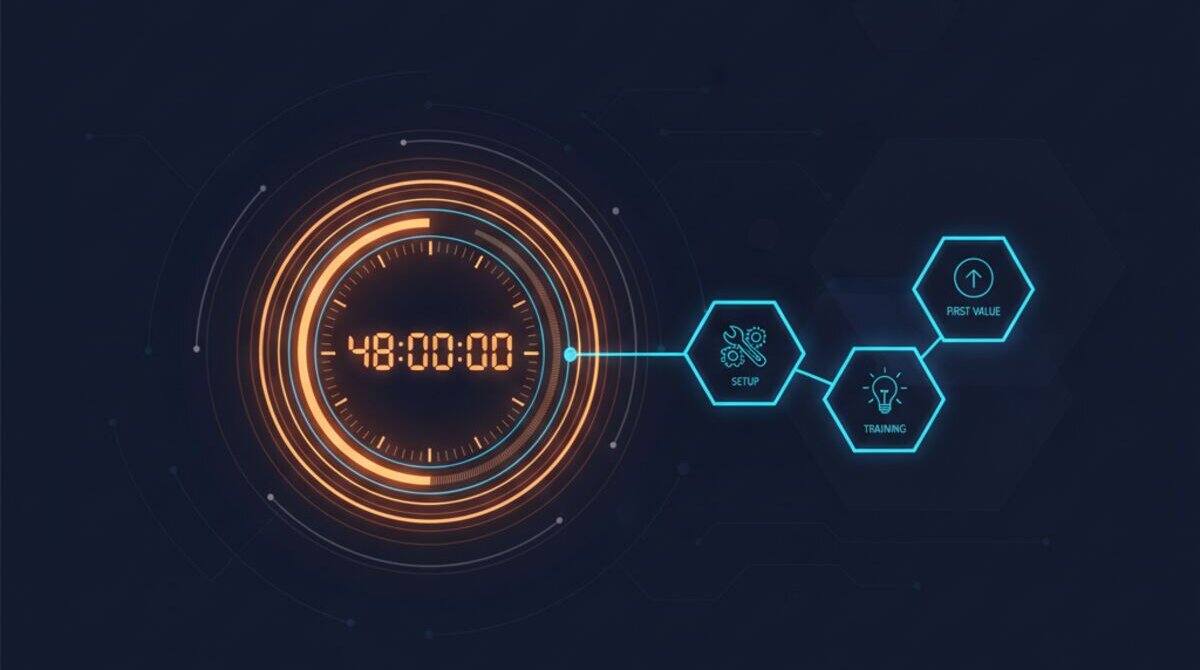

A lead hits your contact form at 10:14 AM. You're in a client meeting. Your sales rep is on a discovery call. The office manager is at lunch. By the time someone sees the notification, it's 3 PM. Five hours have passed.
A delayed response gives prospects time to contact other suppliers. That 10:14 AM lead may already be talking to a competitor by the time your team replies.
This is the problem we solved at MyZone, and the results changed how I think about inbound sales entirely.
The 5-hour problem nobody admits to
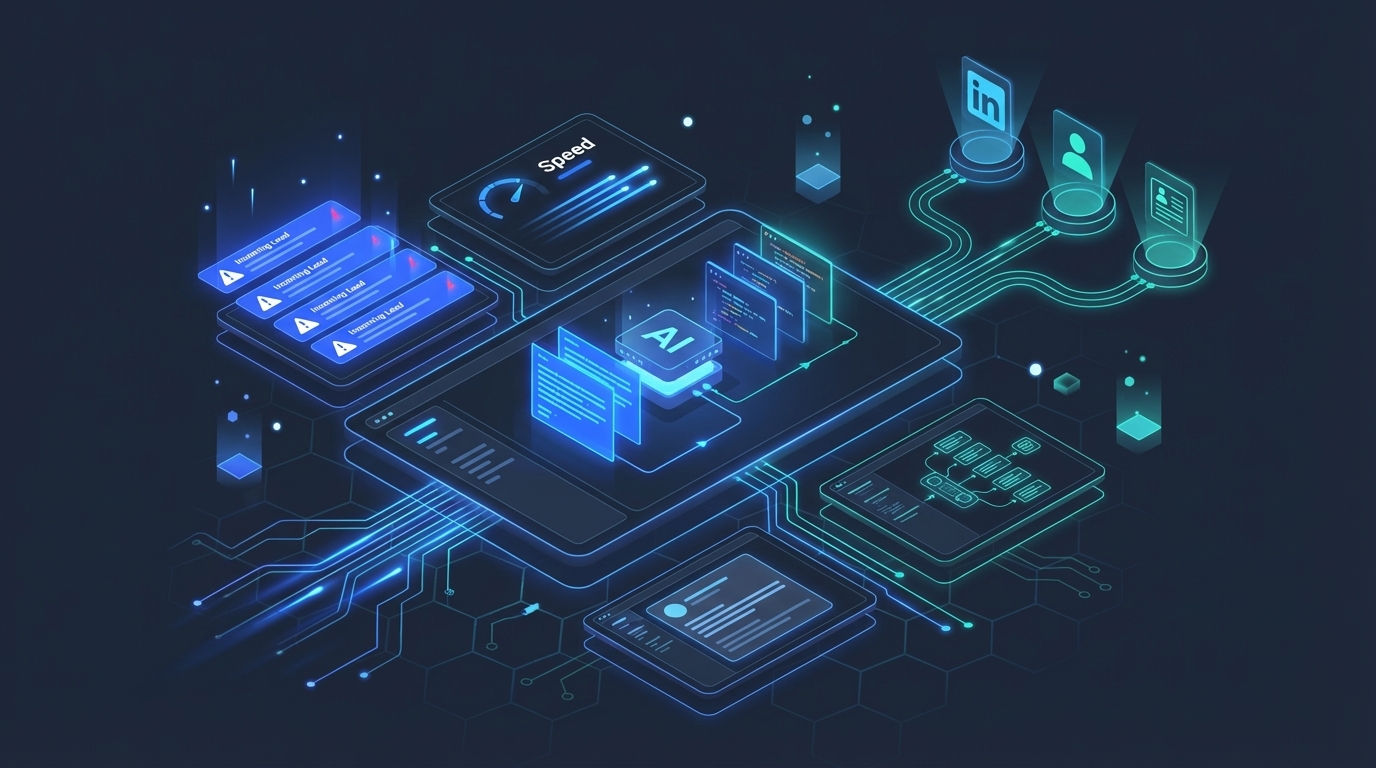
A lead can wait in an inbox while the team handles meetings and existing customers. The example above shows how easily that delay can stretch into hours.
Why? Because lead response is nobody's primary job. Sales reps are selling. Managers are managing. And the form submission sits in an inbox, waiting.
"Before, I was often stuck in sales meetings throughout the day and wouldn't even see that leads came in until later."
— Mike Schwarz, Founder & CEO, MyZone AI
Sound familiar? If you're running a business and also doing sales, you know this feeling. The lead came in three hours ago and you just now noticed. You send a quick email, but the momentum is gone.
In Ai1, the Twilio Expert does this work for your team.
Speed is the only competitive advantage that matters here
I used to think the quality of my response mattered most. A thoughtful, well-researched reply would win over a fast, generic one. Right?
Speed and relevance both matter. A useful prompt reply lets the prospect continue the conversation while their inquiry is still fresh.
Unanswered inquiries can lose momentum, but a delayed lead can still become a useful sales conversation.
The speed paradox
Most businesses know response speed matters. They've read the stats. But they still take hours because fast response and personalized response used to be mutually exclusive. You could send a generic auto-reply in seconds or a thoughtful email in hours. AI eliminates that tradeoff. IBM's 2025 overview describes using real-time data analytics to tailor customer experiences.
What happens when AI handles your inbound leads
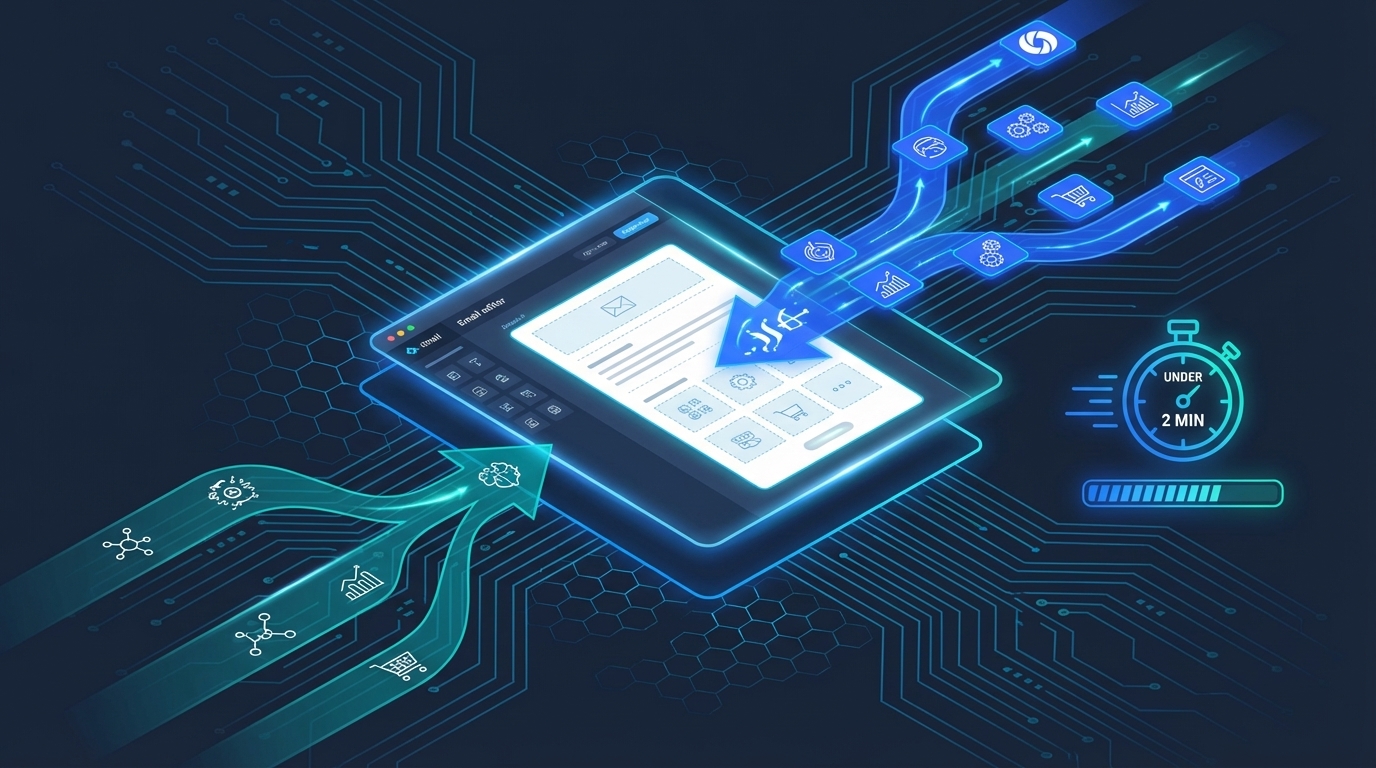
Here's what happens in the two minutes after a lead submits a form on our site. I still find it surprising how natural the whole process feels.
- Detection. The system monitors Unbounce form submissions and email inboxes. New lead arrives, the agent wakes up.
- Classification. It reads the form data and figures out what the lead is asking about. Product inquiry? Service question? Partnership request?
- Enrichment. This is where it gets interesting. The agent goes out and researches the prospect's company. It analyzes their website, checks their LinkedIn, understands their strengths and weaknesses.
- Personalized response. Using the enrichment data and the lead's specific inquiry, it writes a natural email from a trained template. Not a mail merge. A real, contextual reply.
- Task creation. An Asana task gets created with all the enriched data. A private Slack channel opens for the sales team to coordinate follow-up. Asana documents automating actions across Slack and Gmail.
Total elapsed time? Under two minutes. And it runs 24/7.
The hyper-personalization part surprised me
When I first set this up, I expected the emails to read like chatbot output. Stiff. Generic. Obvious AI.
They don't. And the reason is the enrichment layer.
"What surprised me was how natural the hyper-personalization could work. Somebody inquires about a specific product or service. You train your agent on your products and services and the features and benefits. Then it goes out and enriches the data on the client -- analyzes their website, checks out their LinkedIn, understands their strengths and weaknesses, and takes any contacts submitted from the form. Then it uses it to write a very natural email from a specific template."
— Mike Schwarz, Founder & CEO, MyZone AI
Think about what that means in practice. A marketing agency fills out your contact form asking about AI automation. Within 90 seconds, they get an email that references their specific services, mentions a relevant case study, and suggests how your solution maps to their business model.
That's not a template with the company name swapped in. That's a genuinely personalized response that took zero human time to produce.
Why a prompt reply matters
There's a moment right after someone fills out a contact form where their intent is at its peak. They're sitting at their computer. They're thinking about their problem. They're ready to talk.
As time passes, they may move on to other work or start talking to another supplier. There is no universal cutoff after which a lead loses value.
The booking rate difference is real. When that response goes out in under five minutes, people actually reply. They book calls. The conversion rate improves because you're catching them at peak interest.
What businesses get wrong about lead response
Most companies focus on the wrong thing. They optimize their landing pages, run A/B tests on form fields, and spend thousands on ad campaigns. Then the lead comes in and sits in someone's inbox for half a day.
It's like building a high-performance race car and then leaving it in the parking lot with the keys on the dash. All that investment in lead generation gets wasted at the last mile.
The common "solutions" don't actually solve it either:
- Auto-reply emails confirm receipt but don't personalize. The prospect knows it's automated and their expectations drop. Google's Gmail API documentation shows how to create and send email messages programmatically.
- CRM notifications ping your phone but still need a human to act on them. If you're in a meeting, you're in a meeting.
- Dedicated SDRs work during business hours. Leads don't care about your business hours.
- Chatbots handle the initial conversation but rarely deliver the research-backed follow-up email that actually converts.
The enrichment layer is the real differentiator
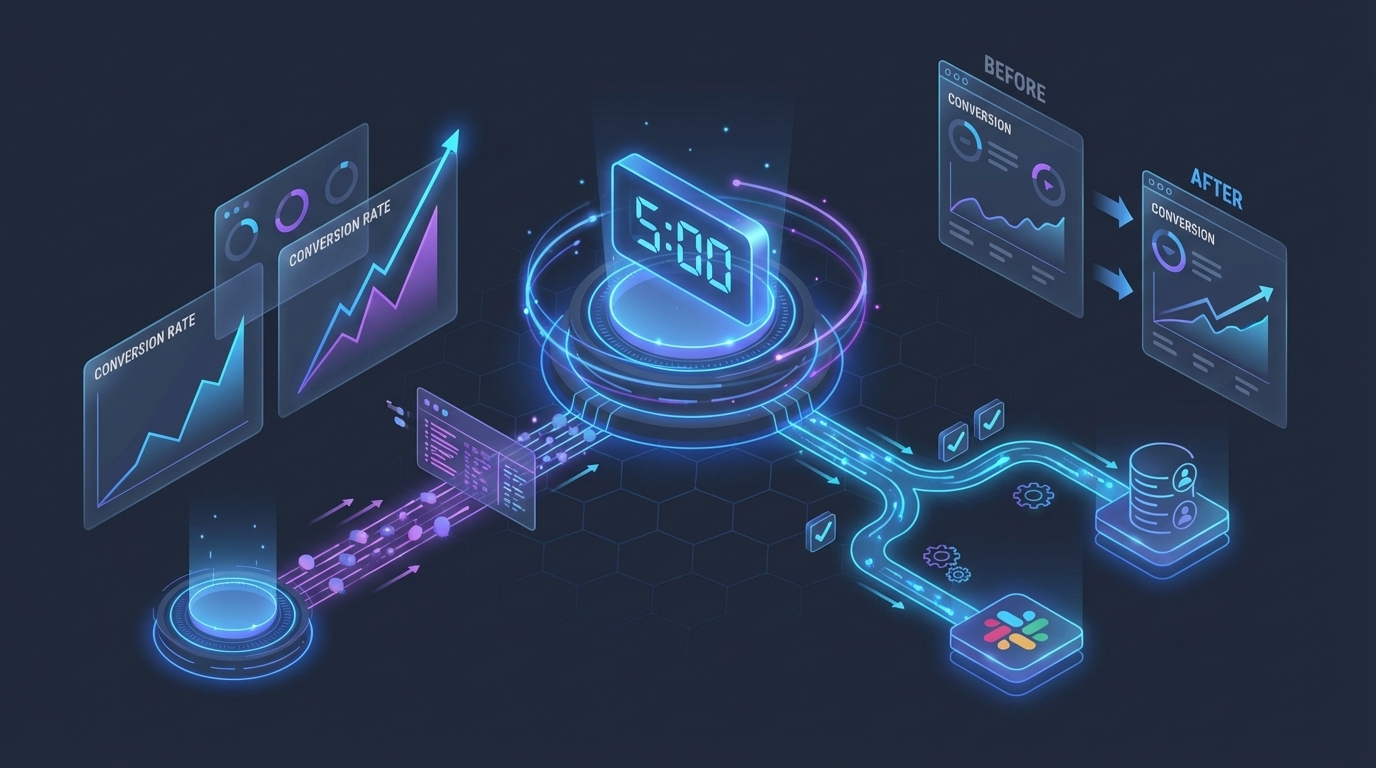
Fast responses are good. Fast personalized responses are what close deals. The enrichment pipeline is what separates this from a fancy auto-responder.
When a lead comes in, the AI agent runs a parallel research process:
- Website analysis: Scans the prospect's site for company size, industry, services, and tech stack
- LinkedIn intelligence: Pulls key contact profiles, role context, and company positioning
- Form data mapping: Matches the prospect's stated needs to your specific products and service offerings
- Duplicate detection: Checks your CRM to see if this person or company has interacted with you before
All of this feeds into the email generation. The prospect gets a reply that sounds like someone spent 20 minutes researching their company. In reality, it took 90 seconds.
What your team actually sees
The AI handles the initial response, but your sales team isn't cut out of the loop. Here's what happens on the human side:
- A new Slack channel opens with the lead's name, enrichment data, and the email that was sent
- An Asana task gets created with custom fields for lead type, company info, and next steps
- Your rep picks up the thread with full context, ready for a warm conversation
Your team doesn't have to do the research. They don't have to write the first email. They don't have to create the CRM entry. They just step into a conversation that's already warm.
"The response rates from the leads is great. You actually get a much better booking rate if that response goes out in five minutes or less. It's a great time saver but great for conversion rates."
— Mike SchwarzWho this works best for
AI lead response automation has the biggest impact on businesses where:
- The founder or CEO is also doing sales (and constantly in meetings)
- You're running paid campaigns that generate form submissions
- Your services require some discovery before quoting (consultative sales)
- You compete against larger companies with dedicated SDR teams
- Leads arrive outside business hours (international clients, after-hours browsing)
If you've ever lost a deal and later realized you just took too long to respond, this is the fix.
How to put this into action
Setting up AI lead response for your business is simpler than you'd think. Here's the process:
- Connect your lead sources. Unbounce forms, contact page submissions, email inboxes. The system monitors whatever channels you're already using.
- Train on your products and services. Upload your product catalog, service descriptions, pricing tiers, and ideal customer profiles. This takes about an hour.
- Set your email template and voice. Provide sample emails in your founder's or sales team's writing style. The AI learns the tone and adapts it for each lead.
- Configure your workflow tools. Connect Asana for task creation and Slack for team notifications. Map out which team members get assigned to which lead types.
- Run test leads. Submit a few test inquiries and review the AI's responses. Adjust tone, depth, and call-to-action language as needed.
- Go live. Turn it on and start measuring response times, reply rates, and booking conversions.
Most teams are fully operational within a day. The biggest time investment is the initial product and voice training, and that's a one-time setup.
The bottom line
Leaving leads unanswered risks losing momentum. Respond promptly, but judge the opportunity on the prospect's needs and engagement rather than a fixed deadline.
AI lead response automation makes speed and personalization stop being opposites. Your leads get a thoughtful, research-backed reply before they've even closed the browser tab. Your sales team picks up warm conversations instead of cold follow-ups. And you stop losing deals you should have won.
How many leads came in last month while you were in meetings?
See the Lead Response Automation in Action
Watch how Ai1 handles inbound leads end-to-end with our lead response automation workflow.
Meet the Sales Reply agent →