
Feb 28, 2026 · Development

Everything I Learned About Agentic Development on a 6-Week Hyper-Focused Bender

Within 6 weeks, I can now do enterprise-level software development as fast as 100 developers one year ago. By literally having conversations at a microphone with a computer. What a bizarre time.

Mike Schwarz

Mike Schwarz

Founder & CEO, MyZone AI · 14 min read

I need to tell you something that sounds insane. Six weeks ago, I couldn't write a single line of code. Not Python, not JavaScript, not HTML — nothing. I'm a business guy. I've been running digital companies for 26 years, building teams, managing products, selling solutions. But I have never been a developer. Not even close.

Today, I am personally shipping enterprise-grade software — full-stack applications, dynamically adaptive websites, multi-agent coordination systems — at a pace that would have required a team of a hundred developers just twelve months ago. And I'm doing it by talking into a microphone.

I know how that sounds. I wouldn't have believed it either. But here's the thing: this isn't hype. This is what I'm actually doing, every single day, right now. And I want to share everything I've learned — because I think it's going to change how every business builds software within the next year.

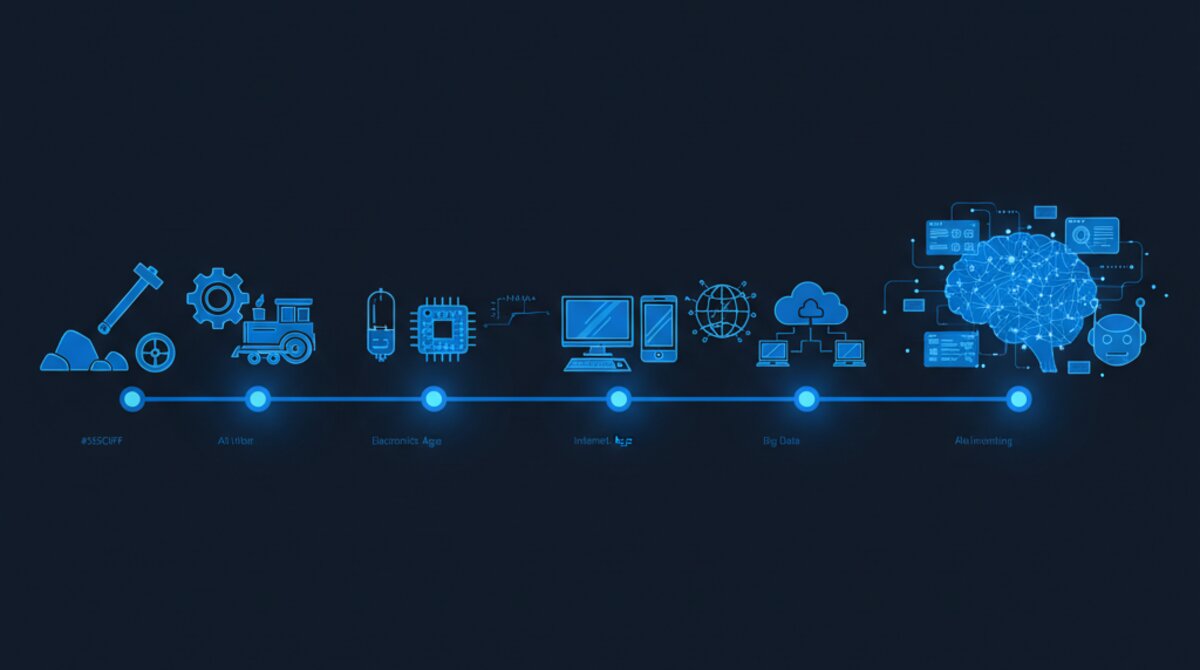
Computer screen displaying AI-powered code development

The Bender

Let me set the scene. In mid-January 2026, I decided to go all in on what I'm calling "agentic development" — the practice of directing AI agents to build software for you. Not using AI as an autocomplete for code. Not asking ChatGPT to write a function. I mean sitting in a chair, opening a voice-to-text tool called Wispr Flow, and having full-blown conversations with AI agents who then go and build, test, deploy, and iterate on real production software.

I put my head down and just hyper-focused. Four to six hours a day minimum, sometimes twelve. Every single day. Weekends included. I was obsessed. My wife thought I'd lost it. My team thought I was on some kind of Silicon Valley bender. They weren't wrong.

But here's what I can tell you after coming out the other side: if you want to learn anything in this world, just do it every day for four hours until you collapse. You will very quickly get good at it. This one has a really deep learning curve — but layer by layer, it gets more and more powerful. And it is just a freaking game changer.

"I'm probably four times faster than I was two weeks ago. And two weeks before that, I couldn't do this at all. The acceleration is exponential."

— Mike Schwarz, Founder & CEO, MyZone AI
AI technology concept — neural networks and machine learning visualization

How It Actually Works: Voice to Production Code

Let me walk you through what a typical session looks like, because it's genuinely bizarre when you see it for the first time.

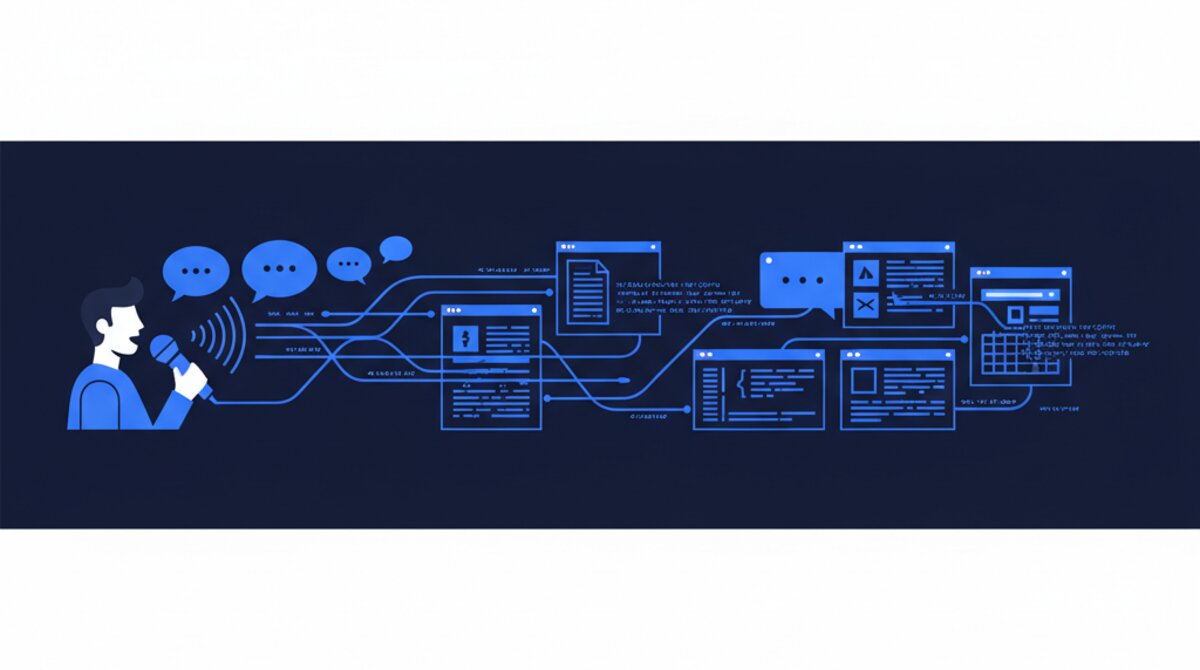
I open Claude — Anthropic's desktop app — and I start a session. I give the agent a name, a personality, a specialisation. Sometimes it's a front-end developer. Sometimes it's a security auditor. Sometimes it's an architect who's going to plan a complex feature before any code gets written. I use Wispr Flow, which is a voice-to-text tool that runs on my Mac, and I just... talk. I describe what I want built. I describe how it should work. I ask it questions. It asks me questions back. We go back and forth like two colleagues at a whiteboard.

And then I hit enter, and the agent goes and does it. It writes the code. It creates the files. It runs the tests. It commits to GitHub. It coordinates with other agents through Slack. It updates the project board in Asana. And twenty minutes later, there's a live feature on a production website that I just described out loud in my office.

I am building dynamically adaptive websites and full-stack software applications by literally having conversations at a microphone with a computer. Read that sentence again. That's where we are.
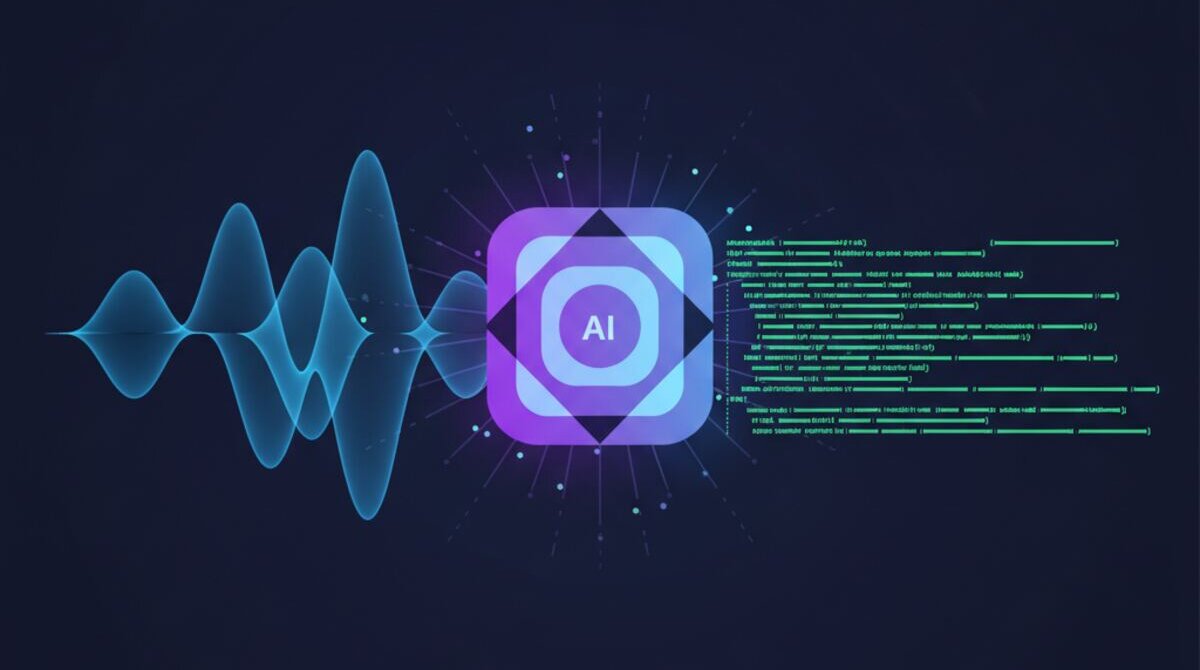
Wispr Flow — Write 3x faster across all your apps with AI voice dictation
Wispr Flow — the voice-to-text tool that makes talking to AI agents feel natural
AI agent development and coding workflow

The Four Rules That Changed Everything

Through a lot of trial and error — and I mean a lot — I distilled everything I've learned down to four rules. These aren't theoretical. These are hard-won lessons from six weeks in the trenches, and they apply whether you're building a landing page or an enterprise SaaS platform.

Rule One: Build small. This is the single most important lesson. AI agents are brilliant, but they lose coherence when you give them too much at once. Every task should be a single, well-defined deliverable. Not "build me a CRM" — that's a project. More like "build the contact form component with validation and error handling." Small, atomic, testable. When I started breaking everything into bite-sized pieces, my success rate went through the roof.

Rule Two: Use plans, not API tokens. Before you write a single line of code, have the agent create a plan. I literally tell the agent: "Before you do anything, interview me about what I want. Ask me questions. Then write up a plan and get my approval before you touch a file." This interview pattern is everything. It forces clarity. It catches misunderstandings before they become broken code. And it creates a document that other agents can reference later.

Rule Three: Challenge your agents. AI agents are confident. Annoyingly confident. They'll tell you they've completed something perfectly when they've actually hallucinated half the implementation. So I challenge them constantly. "Show me proof." "Run the test." "Take a screenshot." "Read back what you just wrote." The agents that get challenged produce dramatically better work than the ones you just trust blindly.

Rule Four: Always create handoffs. Every agent session should end with a handoff document — a clear summary of what was done, what's left, and what the next agent needs to know. Think of it like a shift change at a hospital. The incoming doctor doesn't re-diagnose the patient from scratch. They read the chart. Same principle. Without handoffs, you lose continuity and agents start repeating work or contradicting each other.

"Build small. Plan first. Challenge everything. Hand off cleanly. Those four rules took me from chaos to shipping production software daily."

— Mike Schwarz

The Persona Technique: Bringing in the Experts

One of the most powerful things I discovered is what I call the persona technique. Instead of just saying "write me some code," I create a fully fleshed-out expert persona for the agent. I'll say something like: "You are Bob, a senior front-end developer with 15 years of experience specialising in accessible, responsive design systems. You are meticulous about semantic HTML and you always test at four breakpoints." And then Bob goes and does his thing — and the quality is dramatically different from a generic prompt.

I have different personas for different jobs. A security auditor. A QA tester. A documentation writer. An architect. A DevOps engineer. Each one has a name, a specialisation, and a personality. And here's the wild part: they coordinate. One agent builds a feature. Another agent reviews it. A third agent writes the tests. A fourth runs a security scan. It's like managing a team — except the team works 24 hours a day and never calls in sick.

Code displayed on a developer's screen — the output of agentic development

Free Ebook: The AI-First Developer

Everything in this article — plus the full framework, 16 chapters of hard-won lessons, and a 30-day progression path. Written by Mike Schwarz.

Download Free PDF ↓
Software engineering with AI assistance

The Recursive QA Loop

Quality assurance was the thing that almost broke me in the first couple of weeks. Agents would write code that looked perfect — clean syntax, good structure, passed linting — and then it just wouldn't work. Or it would work on desktop and completely fall apart on mobile. Or it would look right visually but have accessibility issues you'd never catch by reading the code.

So I developed what I call the recursive QA loop. After every build, a separate QA agent runs a battery of tests against a predefined rubric. It checks rendering at multiple breakpoints. It validates against the design system. It checks for accessibility compliance, broken links, console errors, performance metrics — the works. If anything fails, it generates a fix list, and the build agent goes back and addresses each item. Then QA runs again. And again. Until everything passes.

This loop was the turning point. Once I had recursive QA in place, the quality of the output went from "decent first draft" to "ready for production." It's the difference between an agent that writes code and a development system that ships software.

Late Night Mode: When the Agents Work While You Sleep

This is the part that really blows people's minds. Once you've got your coordination system dialed in — GitHub for code, Slack for communication, Asana for project management — you can set agents running on autonomous tasks and go to bed. I'm not kidding.

I'll set up what I call a "heartbeat" — a Slack channel where the agent posts progress updates every few minutes. I'll define the scope clearly, set guard rails, and let it run. I've woken up to find completed features, fully tested and committed, that I assigned at midnight. The agent hit a snag at 2 a.m., reasoned through it, found a solution, and kept going.

Now, I'll be honest — this doesn't always go perfectly. Sometimes I wake up and the agent has gone down a rabbit hole. That's why the guard rails and scope documents are so important. But when it works? It's like having a team that never sleeps. And it works more often than it doesn't.

"I've woken up to find completed features, fully tested and committed, that I assigned at midnight. The agent hit a snag at 2 a.m., reasoned through it, and kept going."

— Mike Schwarz

What I Learned About Learning

Here's something unexpected: I've learned more about software development in six weeks than most people learn in a computer science degree. Not because I'm some genius — I'm absolutely not. It's because of how the learning happens.

When you direct AI agents to build software, you're watching the entire development process unfold in real time. You see the agent reason about architecture decisions. You watch it evaluate trade-offs between performance and readability. You listen to a security agent do a code review and explain exactly why a particular pattern is vulnerable. I've learned so much about development just by watching these agents talk and listening to their reasoning.

It's like having the world's most patient mentor sitting next to you all day, every day. And unlike a human mentor, this one never gets annoyed when you ask the same question three different ways. It just explains it again, from a different angle, with a different example, until it clicks.

When to Put the Agent Down

Not everything was sunshine and breakthroughs. I also learned, the hard way, when to stop and walk away from a session. AI agents have context windows — a limited amount of information they can hold in their "memory" at any given time. When the conversation gets too long, or you pile on too many conflicting requirements, the agent starts to degrade. It forgets earlier instructions. It contradicts itself. It introduces bugs while trying to fix other bugs.

The trick is knowing when to kill the session and start fresh. If you've given three corrections in a row and the agent still isn't getting it, don't keep pushing. Close it out. Write a clear handoff. Open a new session with a fresh context and a clean prompt. It's counterintuitive — it feels like you're losing progress — but you'll get to the finish line faster with a fresh start than by fighting a confused agent.

The Prompting Breakthrough

The single biggest unlock wasn't a tool or a workflow — it was learning how to communicate with agents effectively. I call it the "interview pattern." Instead of writing a massive prompt with every requirement up front, I start a conversation. I tell the agent what I'm trying to accomplish at a high level, and then I say: "Interview me. Ask me questions until you have a complete understanding of what needs to be built."

The agent then asks me questions I wouldn't have thought to address. "What should happen on mobile?" "Is there an existing design system I should follow?" "What authentication method are we using?" "Should this support multiple languages?" Questions that would have become bugs if I'd just thrown a prompt over the wall and hoped for the best.

There are also certain phrases that just work. Telling an agent "Before you write code, explain your approach and wait for my approval" saves an unbelievable amount of rework. Saying "Challenge your own solution — what could go wrong?" forces the agent to stress-test its own thinking. And my personal favourite: "Show me proof that this works" — because agents will absolutely tell you something works when it doesn't, unless you demand evidence.

The Coordination System

Once you move beyond a single agent and start running multiple agents on the same project — which you will, very quickly — coordination becomes everything. I spent a solid week just figuring out how to prevent agents from stepping on each other's work.

What I landed on is a three-pillar system. GitHub handles all the code — every agent works on branches, creates pull requests, and never pushes directly to main. Slack handles all the communication — agents post updates, flag blockers, and coordinate in dedicated channels. And Asana handles the task management — what's assigned, what's in progress, what's done, what's blocked.

The beautiful thing about this setup is that it's the same tooling every development team already uses. The agents just plug into it. There's no special AI infrastructure needed. You're literally just adding AI agents as team members on existing tools.

Technology workspace with glowing screens — the modern AI-powered development environment

The Scale of What's Possible

Let me put this in perspective. In the last six weeks, I have personally directed the development of: a full marketing website with 59 pages and a complete design system. A multi-agent coordination platform. An AI readiness assessment application. Multiple automation workflows. A training system for onboarding new developers into this methodology. And I'm writing this blog post while an agent works on the next feature in the background.

A year ago, that body of work would have required a product manager, a project manager, a design team, a front-end team, a back-end team, a QA team, and a DevOps engineer. Conservatively, fifteen to twenty people working full-time for three to four months. Realistically, given coordination overhead and the inevitable miscommunications, probably six months and closer to a hundred contributor-months of effort.

I did it in six weeks. One person. Talking into a microphone.

"A year ago, this would have required a hundred developers. I did it in six weeks. One person. Talking into a microphone."

— Mike Schwarz

The Honest Truth About the Learning Curve

I'm not going to pretend this was easy. The first two weeks were brutal. I was slow, frustrated, and breaking things constantly. Agents would hallucinate entire features that didn't exist. I'd spend an hour directing a build only to realise the agent had been working in the wrong directory the whole time. I nearly gave up twice.

But around week three, something clicked. I started recognising the patterns. I could feel when an agent was about to go off the rails. I knew which prompts would get clean results and which would create chaos. My speed started compounding. By week four, I was probably four times faster than I'd been in week two. By week six, I was operating at a level that genuinely surprised me.

The acceleration is exponential, not linear. You put in the hours, you sweat it out, and one day you look up and realise you're building things you couldn't have imagined a month earlier. That's the nature of this technology. The learning curve is steep, but the payoff on the other side is absurd.

Circuit board close-up — the infrastructure powering AI agent systems

What This Means for Every Business

If a 48-year-old entrepreneur with zero coding experience can ship enterprise-grade software in six weeks by talking to AI agents, what does that mean for the business world? I'll tell you what it means: the barrier to building software just collapsed. Not lowered — collapsed.

Every business owner who's ever had an idea for a tool, an app, a workflow, a product — and shelved it because they couldn't afford a development team or didn't have the technical skills — those excuses are gone. The tools are available right now. Claude's desktop app costs $125 to $200 a month. Wispr Flow is $10 a month. GitHub, Slack, and Asana all have free tiers. You can be up and running for less than the cost of a single hour with a freelance developer.

And the companies that figure this out first? They're going to have an advantage that's nearly impossible to overcome. Because they won't just be building faster — they'll be building things that weren't economically viable before. Custom internal tools. Bespoke automations. Purpose-built applications tuned exactly to their business. At marginal cost.

It is an absolutely incredible time to be alive. And also, I'll be honest, a little bit terrifying — because the window of first-mover advantage is closing fast. The people who put in the hours now, who grind through that learning curve, are going to be the ones who define the next decade of business technology. I'm convinced of that.

So here's my challenge to you: pick a project. Any project. Something you've been putting off because you don't have the team or the budget. Open Claude. Start talking. Give yourself six weeks. Put your head down and hyper-focus. You'll be amazed at what comes out the other side.

Mike Schwarz

Mike Schwarz

Founder & CEO, MyZone AI

Serial entrepreneur and technologist with 26 years building digital products and leading teams through transformative change. Mike founded MyZone in 2000 and today architects the Ai1 Framework — a vision for 55+ autonomous AI agents across 7 business divisions.

Get the Full Playbook — Free

The AI-First Developer — 16 chapters covering everything from your first session to running autonomous agents overnight. The guide I wish I'd had on day one.

By Mike Schwarz · Free Download · PDF

Download the Free Ebook ↓

Want Hands-On Help Getting Started?

Book a 1:1 coaching session and learn the exact framework Mike uses every day.

Book a Coaching Session →

Ready to Build With AI Agents?

Whether you want to learn agentic development yourself or have us build it for you — we can help.